Here’s the honest framing: 24/7 IT support is worth it if downtime at 2am would actually cost your business money, and it’s overkill if it wouldn’t. True round-the-clock support is two things working together, a help desk you can reach any hour, and constant monitoring that catches and fixes problems before you even notice them. The real magic is in that second part. Most overnight issues get resolved automatically, so your team walks in to working systems instead of a smoking crater. Let’s figure out whether your business needs it.
What “24/7 IT support” actually means
The phrase gets thrown around loosely, so let’s be precise. Real 24/7 support has two distinct layers, and the difference matters.
The help desk. A team you can actually reach at any hour, on any day, when something goes wrong. Your server hiccups at midnight, your point-of-sale freezes on a holiday weekend, someone gets locked out at 5am, there’s a human to call.
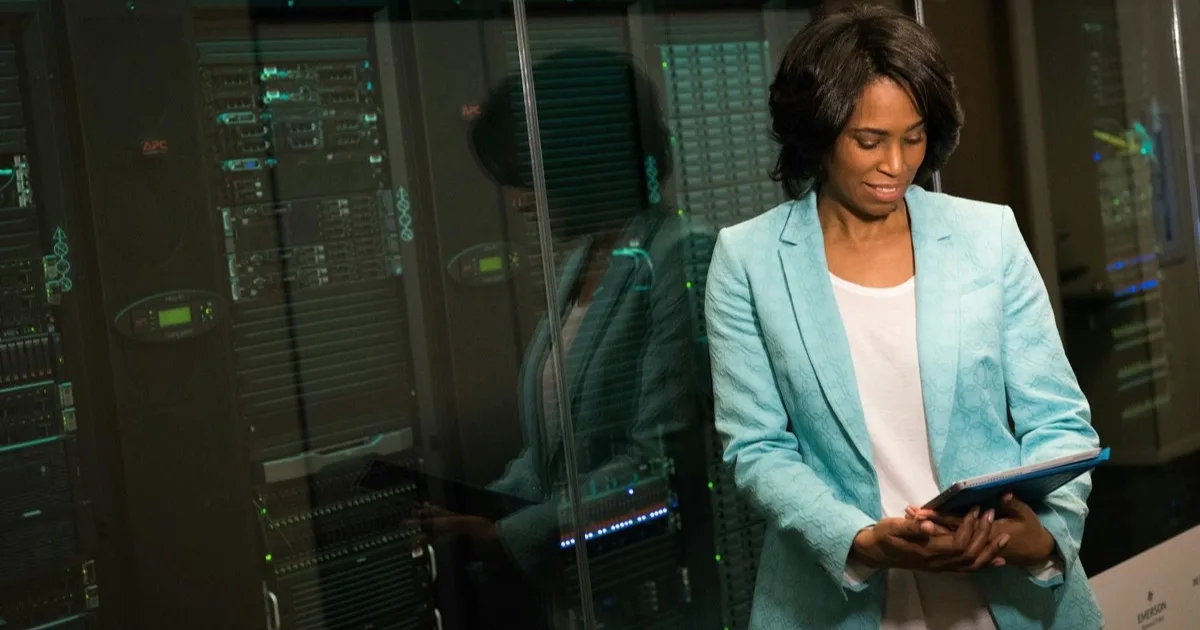
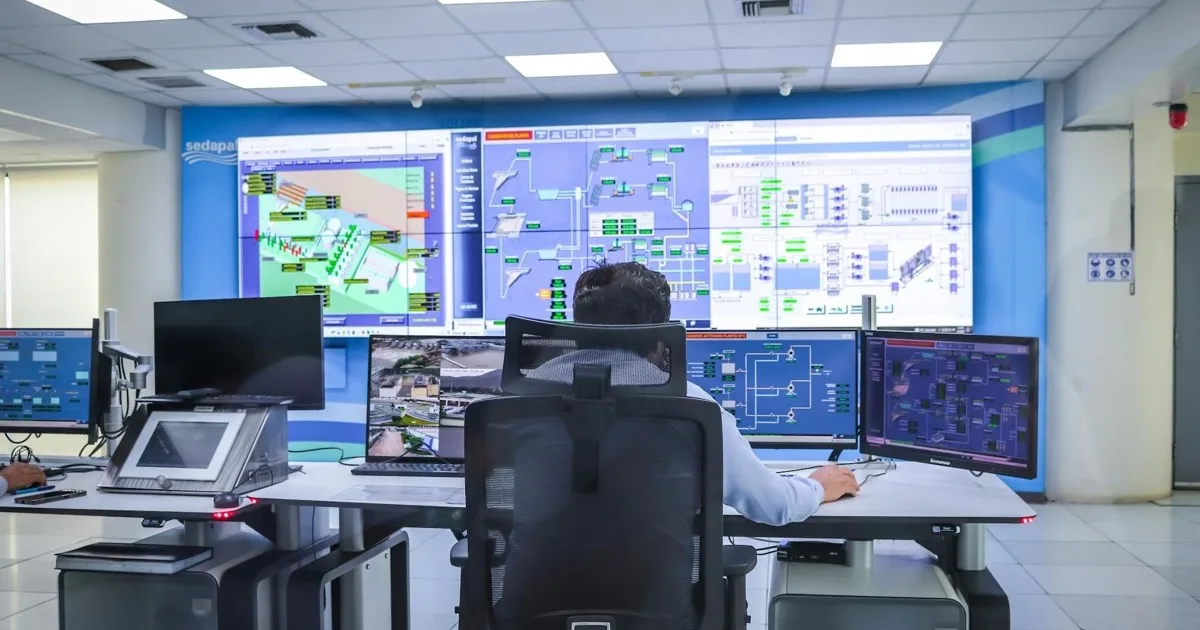
The monitoring. This is the part people underrate. Around-the-clock automated monitoring watches your systems constantly and catches problems as they emerge, often resolving them before anyone’s awake to notice. A disk filling up, a service crashing, a security alarm, many of these get handled in the small hours so they never become your morning emergency.
Together they form a safety net that never sleeps. The monitoring prevents most fires. The help desk puts out the ones that need hands. You want both, and a strong managed help desk delivers them as one service. For a project record of standing that desk up when the office manager was still the after-hours number, see managed help desk coverage when the office manager was IT.

The real cost of overnight downtime
The case for 24/7 support comes down to a single question: what does it cost you when systems are down and no one’s watching?
Picture a problem that starts at 11pm. With business-hours-only support, nobody knows until staff arrive the next morning, by which point a small issue has had eight hours to grow into a full outage. Now your team can’t work, the fix takes longer because the problem festered, and you’re losing money before you’ve had coffee. Industry estimates from firms like Gartner put the average cost of IT downtime in the thousands of dollars per minute, so even a few overnight hours add up fast.
With 24/7 support, that same problem gets caught at 11:05pm and quietly resolved overnight. Your team arrives to systems that simply work. The difference between those two mornings is the entire value proposition, and for many businesses, a single avoided overnight outage covers the cost difference many times over.
Downtime doesn’t keep office hours. Problems happen whenever they happen, and the ones that strike after everyone goes home are exactly the ones that do the most damage when no one’s watching.
Why attackers love the hours you’re asleep
There’s a reason so many of the worst breaches unfold overnight and over long weekends, and it isn’t coincidence — it’s strategy. Attackers deliberately time their moves for when no one is watching, because every hour they go undetected is an hour to spread further, dig deeper, and do more damage. Ransomware crews are especially fond of Friday nights and holiday weekends; they want the encryption to finish and the damage to be done before anyone walks in on Monday. Picture the difference. In a business with only daytime coverage, an attack that begins at 1am on Saturday has until Monday morning — well over fifty hours — to run completely unchecked. By the time someone notices, the files are encrypted, the backups may be gone, and the business is in crisis. In a business with 24/7 monitoring, that same attack trips an alarm at 1:05am, an analyst isolates the affected machine within minutes, and what would have been a company-ending weekend becomes a contained incident and a story nobody outside the IT team ever hears. The threats that do the most harm are precisely the ones that count on you not watching — which is exactly what round-the-clock coverage takes away from them.
Who genuinely needs 24/7 support
Let’s be honest, not every business needs round-the-clock coverage. Here’s who genuinely does:
- Businesses that operate outside 9-to-5. Retail, hospitality, manufacturing, anyone running evenings, nights, or weekends needs support during the hours they actually work.
- Companies spanning time zones. If your team or customers are spread across regions, someone’s always working, so someone always needs support.
- Operations that can’t tolerate downtime. E-commerce that sells around the clock, healthcare that runs at all hours, any business where systems being down means real harm or lost revenue.
- Anyone holding sensitive data. Cyberattacks love the off-hours precisely because that’s when no one’s watching. Round-the-clock security monitoring means threats get caught at 3am instead of discovered at 9am after the damage is done.
- Growing businesses. As you scale, more systems and more staff mean more that can go wrong, at any hour.
If you see your business in that list, business-hours support is leaving you exposed for two-thirds of every day.
| Your situation | 24/7 support? |
|---|---|
| You operate evenings, nights, or weekends | Yes |
| Your team or customers span multiple time zones | Yes |
| Downtime means lost revenue or real harm | Yes |
| You hold sensitive or regulated data | Yes |
| Strictly 9-to-5 with non-critical systems | Business-hours is usually fine |
When business-hours support is enough
On the flip side, you might not need 24/7 if:
- You operate strictly during normal business hours
- A few hours of downtime overnight would be annoying but not costly
- You don’t hold particularly sensitive data
- Your systems aren’t mission-critical to round-the-clock operations
There’s no point paying for coverage you’ll never use. A good provider will tell you honestly if business-hours support fits your situation rather than upselling you into 24/7 you don’t need. The goal is matching the coverage to your actual risk, not buying the biggest plan.

Why this is hard to do in-house
Here’s where 24/7 connects to a bigger truth about IT staffing. Providing genuine round-the-clock coverage with your own employees is brutally expensive and impractical. You’d need people working nights, weekends, and holidays, multiple staff to cover shifts, sick days, and vacations, all to handle hours when problems may be rare but costly.
This is one of the strongest arguments for outsourcing your IT. A managed provider spreads that around-the-clock coverage across many clients, making 24/7 support affordable in a way a single business staffing its own night shift never could. You get coverage that would be wildly impractical to build internally, for a predictable monthly fee.
What round-the-clock monitoring actually catches
“Monitoring” sounds abstract until you see the concrete list of things it quietly handles while everyone sleeps. A disk silently filling toward capacity, caught and cleared before it crashes the database at 4am. A backup job that failed two nights running, flagged and rerun before anyone needed to restore from it. A server running hot because a cooling fan is dying, spotted before the hardware fails. A burst of failed login attempts from an unfamiliar country, investigated before it becomes a breach. A critical service that crashed and needs restarting, often restarted automatically before a single user notices. Each of these is the kind of small, boring problem that, left alone overnight, becomes the morning emergency that costs you a day. Good monitoring doesn’t just watch — it acts, resolving the routine stuff automatically and escalating the rest to a human who’s awake and ready. The product you’re really buying isn’t a dashboard; it’s the long list of crises that never happened.
How to tell if a provider’s 24/7 is the real thing
Not all “24/7 support” is created equal, and the phrase is easy to slap on a brochure. Before you trust it, dig in with a few questions. Is the overnight help desk staffed by actual people, or just an answering service that takes a message and calls someone in the morning? Does monitoring genuinely run around the clock, and who responds when it alerts at 3am? What’s the guaranteed response time for a critical issue outside business hours? Will the same provider handle both the monitoring and the response, so nothing falls through a gap between vendors? And can they show you, in plain terms, what gets resolved automatically versus what reaches a human? A provider offering real round-the-clock coverage answers these confidently and specifically. One offering 24/7 in name only gets vague fast — and vague is exactly what you don’t want at two in the morning.
What good 24/7 support feels like
When it’s working, you barely notice it, and that’s the point. Problems get caught and fixed before they reach you. Your team arrives to working systems. When something does need a human, help is one call away no matter the hour. Security threats get intercepted in the dead of night. And you stop lying awake wondering what’s happening to your systems while you sleep.
That peace of mind, knowing someone’s always watching, is worth a surprising amount on its own.
The bottom line
24/7 IT support is two layers, an always-available help desk and constant monitoring, that together make sure problems get caught and fixed whenever they happen, not just during office hours. For businesses that operate around the clock, can’t afford downtime, or hold sensitive data, it’s essential protection against the outages and attacks that love the off-hours. For strictly nine-to-five, low-risk operations, business-hours support may be plenty.
The deciding question is simple: what would it cost you if something broke at 2am and no one knew until morning? Answer that honestly and you’ll know which coverage you need.
Not sure whether round-the-clock coverage makes sense for your business? Reach out for a free consultation and we’ll look at how you operate, what your downtime risk really is, and give you a straight recommendation, even if that’s “you don’t need 24/7 yet.”
Frequently Asked Questions