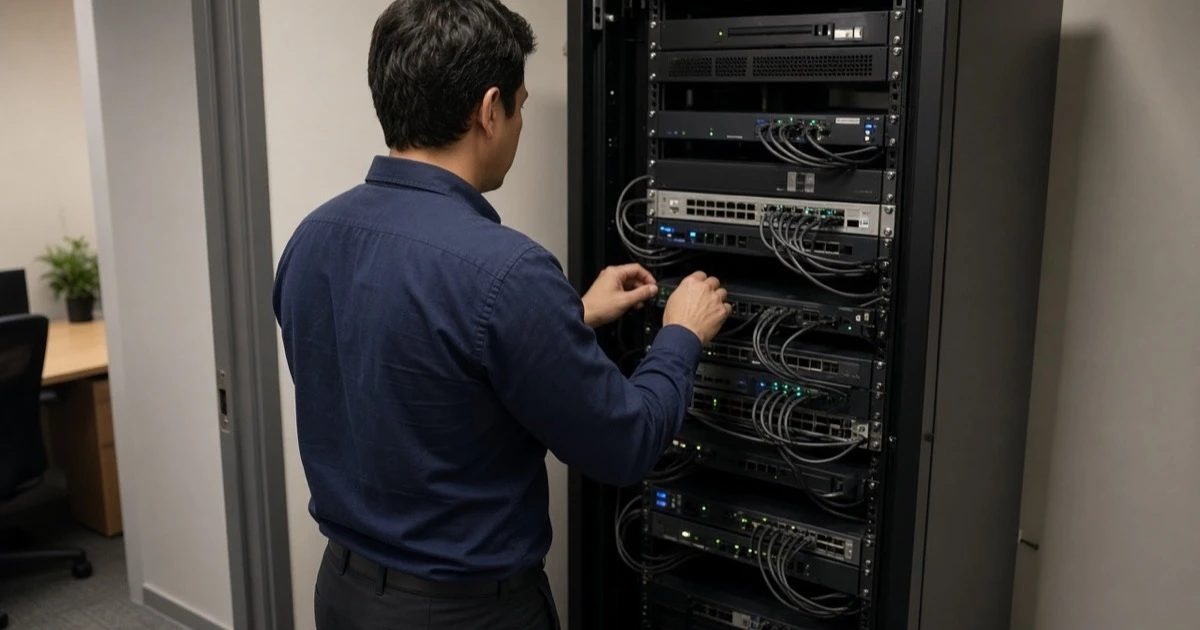
Here’s the short version: choosing a managed IT provider is a documentation problem. The right firm can name what is in scope, who owns the passwords, how fast urgent work is answered, and how you leave. Price matters. It is not the first filter.
This is the buying checklist. If you are still deciding whether to hire someone or outsource at all, read in-house IT versus an outsourced department first. That article is the cost and control comparison. This one is what to verify before you sign, and what to test in the first 30 days.
What you are actually buying
A managed IT provider is not “a guy who is good with computers” on a retainer. You are buying a queue, a set of admin rights, and a promise that those rights are used on a schedule. The schedule is monitoring, patching, backup checks, and a human when a user is stuck.
If the proposal does not name the systems, you do not have a proposal. “Your whole environment” is not a system. Microsoft 365 is a system. The file server is a system. The firewall is a system. The line-of-business vendor who will not share a password is a system you may not fully control, and the contract should say so.
For the service shapes we actually sell, compare managed help desk, server support, and co-managed IT. Co-managed is only honest if someone internal is staying.

Questions to ask before the proposal
Ask these on the first call. Write down the answers. Compare them to the contract later. If the story changes, believe the contract.
- Who answers at 8 p.m. on a Sunday, a person on a rota or a voicemail that pages someone?
- What is the written target for a business-stopping outage, and what is the target for a routine request? One number for both is usually fiction.
- Which systems are in the monthly fee, and which are projects?
- Do we keep Global Admin, domain admin, firewall admin, and the backup login in a place we can open without you?
- When was the last restore you did for a client of our size, and can we watch one in the first month?
- What do you refuse? A provider with no out-of-scope list will either do dangerous work or bill it later as a surprise.
- If we leave in month six, what do you hand over, in how many days, and what do you turn off?
The FTC’s small-business cybersecurity guidance is a plain list of the basics a provider should already be doing. If the sales call cannot map onto that list, keep looking.
What the contract should say in writing
| Term | What “good” looks like | What to push back on |
|---|---|---|
| Scope | Named tenants, sites, and device types | “All IT” with no inventory |
| Urgent response | A clock for mail, identity, or a down office | “As soon as we can” |
| Routine response | A separate, slower target | The urgent clock reused for password resets so the urgent clock means nothing |
| After hours | Named coverage, not a cellphone in someone’s car as the only plan | An extra fee you hear about during the outage |
| Documentation | You receive admin roles, diagrams, and vendor list | “We keep that in our system for security” |
| Exit | A handover window and a list of what is revoked | Auto-renewal with a long notice and no export |
| Projects | Separate quote before the work | “We’ll just take care of it” inside a flat fee that then is not flat |
A service-level sentence that cannot be measured is decoration. “Priority response” is decoration. “First response on help desk tickets is typically under 8 minutes, and business-stopping work is a two-hour class” is the kind of sentence you can test. That is how we describe our own help desk. Steal the shape of it when you judge anyone, including us.
Security scope that should not be an upsell after a breach
Cybersecurity is not a second company you meet after the monthly IT fee is signed. At a minimum, the managed plan should say who watches identity, who gets phishing reports, and who can isolate a laptop.
Use a public framework so the conversation has nouns. The NIST Cybersecurity Framework is the one we align assessments to. The CIS Controls are a practical list of the technical work. You do not need to implement every control in month one. You do need the provider to say which ones are in the monthly fee and which are a project.
CISA’s cybersecurity best-practices topic is written for defenders, not for MSP marketing. If your provider’s security slide cannot be translated into those practices, the slide is the product.
Our own security service is cybersecurity. If a provider treats it as a logo pack you can add later, assume the monthly plan is break-fix with a portal.
Who owns the passwords and the diagram
This is the item companies skip because the demo was friendly.
You should be able to sign into Microsoft 365 as a Global Admin that your company controls. The provider can have their own admin accounts. They should not have the only ones. Microsoft’s own zero trust identity guidance starts from the idea that identity is the control plane. If you do not hold a key to that plane, you do not hold the company.
Same rule for the firewall, the domain, the backup console, and the registrar where the website and email DNS live. We have taken over environments where the previous provider, a copier portal, and a freelancer all still had logins after the “IT guy” left. Offboarding the person did not offboard the access. A clean provider shows you the admin list in month one.
The SBA page on strengthening cybersecurity says there is no substitute for dedicated IT support, whether that is an employee or an outside firm, and that the work starts with a written plan. A plan that leaves every admin password with the vendor is not a plan you can run the week they leave.
How to test them in the first 30 days
Do not wait a year to find out the contract was a brochure. Three tests are enough.
A ticket when it is inconvenient
Open a real request outside office hours. Not a fake “test ticket” that everyone knows is a drill if you can avoid the theater. A locked account or a mailbox question is enough. You are checking that a person answers and that the answer matches the contract, not that the portal sends an email to itself.
A restore you can see
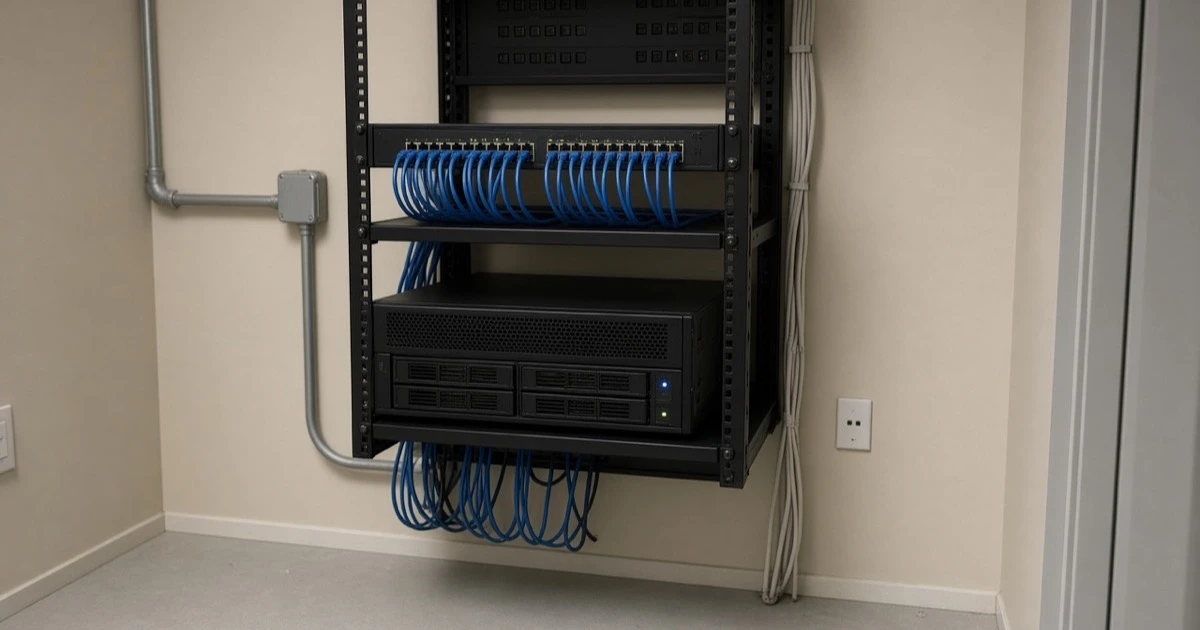
Pick one mailbox or one folder. Have them restore it somewhere that is not production. Time it. If they say a restore would “disrupt the business” and offer a screenshot of a green job instead, you do not have backups. You have a job history. Backup and disaster recovery exists because this test is the product.
An admin list with names
Export Global Admins, domain admins, and firewall admins. Every name should be a current employee or a current provider account you recognize. Departed staff, old MSPs, and unknown personal Gmail addresses come off before you add more projects.
A San Fernando Valley contractor we moved off another provider used a five-week parallel handoff: inventory, a restore test, then the old contract ended. The record is switching IT providers without a weekend outage. Copy the order even if you never hire us. Inventory and a restore before you cancel.
Red flags in the sales call
- They will not name a response target.
- They badmouth your current provider for twenty minutes and have not asked what the business cannot afford to lose.
- Security is a separate conversation “once we get the basics in.”
- The only way to reach them is a specific person’s cell phone.
- They want to change everything in week one, including the line-of-business app, before they have an inventory.
- They cannot describe an exit.
- The quote is far below everyone else and the scope is one sentence.
Cheap is allowed. Vague and cheap is how you buy a second project to fix the first.
When the honest answer is not to switch
Stay if your current provider can pass the 30-day tests and the contract already gives you the admin roles. Switching has a cost. Mail flow, VPN, and the person at your front desk who knows who to call all reset.
Hire in-house instead if you need someone on payroll who lives inside one messy operation every day, and you can cover vacations without the company stopping. One hire with no bench is the failure mode our co-managed work is built for. The manufacturing example is co-managed IT after the admin left: a coordinator stayed, we took the office IT, and the plant controls stayed with the controls vendor.
Stay independent for now if the company is three people, the stack is Microsoft 365 only, and a competent owner can still see every admin. A managed plan earns its fee when the stack, the headcount, or the risk outgrows that.
A short list you can take into the meeting
- Systems in the monthly fee, written.
- Urgent target and routine target, written separately.
- After-hours coverage, named.
- Your own admin access to Microsoft 365, firewall, domain, backup, and DNS.
- A restore test in the first month.
- An exit handover.
- A refusal list.
- A local path for hardware. Ours is the Canoga Park office at 21515 Vanowen St, Suite 1110, and the phone is (818) 220-4014. Ask any Valley provider where the technician actually starts the drive.
If you want that list applied to your office, contact Secure Techies. We will tell you when the answer is to keep the provider you have.
Frequently Asked Questions