
Here’s the short version: immutable backups are copies you can still read after the accounts that run the business have lost the right to change or delete them. A retention clock or a hold has to enforce that, including against an administrator. A job that says Success is not the same thing.
The phrase shows up on insurance forms, in ransomware notes, and in sales decks. The firms we sit with in the west Valley usually have a nightly copy already. What they do not have is a straight answer to a simpler question: if someone signs in as the backup admin this afternoon, can they wipe Tuesday? If the answer is yes, you have a backup. You do not yet have immutable backups.
What an immutable backup actually is
Microsoft’s immutable storage overview is the clearest public description of the mechanism, whether or not your copies sit in that one product. Immutable storage keeps data in a write once, read many state. While that state is on, the data cannot be modified or deleted for an interval you set. Clients can create and read. They cannot overwrite or delete the protected objects.
Microsoft lists two policies. A time-based retention policy stores the data for a specified interval. After the interval expires, the objects can be deleted, and they still cannot be overwritten. A legal hold stores the data until someone explicitly clears the hold. You use the hold when the period is not known yet. The same page says this kind of storage can stop modification or deletion by any user, including users with account administrative privileges. That sentence is the control. If the Global Admin, the backup operator, and the person who stole either login can all delete the copy, the word was a label.
The National Cyber Security Centre says the same thing for on-premises copies. Its principles for ransomware-resistant backups say backup data should be protected from malicious editing, overwriting, or deleting, and that write once, read many media is one way to do it. On backup and disaster recovery work, that behavior is the requirement: a copy an attacker cannot encrypt or delete, kept off the live systems, with a restore someone has actually run.
Time-based retention versus a legal hold
Pick the policy from the question you are answering. Time-based retention answers “how long do we keep each restore point?” Thirty days, ninety days, or a year are business choices. A legal hold answers “counsel has not told us when this set can go.” Mixing them up causes two failures. A short retention on the only copy lets an attacker who has been inside for three weeks expire the clean points. A hold that nobody owns turns into storage you are afraid to touch and nobody tests.
Azure’s documented minimum for a time-based policy is one day. The maximum is 146,000 days, which the page states as 400 years. A small firm does not need 400 years. It needs a window longer than a quiet intrusion, and short enough that the bill is planned. The page says there is no extra capacity charge for the immutability feature itself. Version-level write once storage can still cost more, because versioning keeps extra copies.
An unlocked policy is a test, not a lock
Azure starts a time-based policy in an unlocked state so you can test. Both the locked and the unlocked policy block deletes and overwrites. The difference is what an admin can do to the policy. An unlocked policy can be shortened, and it can be deleted. A locked policy cannot be deleted. You can extend the retention. You cannot decrease it. Microsoft says a policy has to be locked before the blob is in the compliant immutable state used for SEC Rule 17a-4(f) and similar rules, and it recommends locking in a short window, typically less than 24 hours. The unlocked state is for short-term testing.
A screenshot of an unlocked policy is a test, not a finished control. We do not tell a law firm or a financial firm that the toggle satisfies a regulator. The same Microsoft page says Cohasset Associates reviewed this feature against SEC Rule 17a-4(f), CFTC Rule 1.31(c)-(d), and FINRA Rule 4511 when it is configured as that report describes. The review is not a letter that your firm is compliant because a menu contains the feature.
A recycle bin is not an immutable backup
Microsoft’s Microsoft 365 Backup FAQ, updated in November 2026, says its stance on shared responsibility for data protection has not changed. The service keeps running. Getting a mailbox or a library back to a point you choose is still the customer’s job. Disaster recovery copies exist so a data center failure does not take the service down. They are not a backup you control.
The timers inside the tenant are short. Exchange keeps items in the Recoverable Items folder after they leave Deleted Items. The default is 14 days. An administrator can raise it to a maximum of 30 days. A litigation hold ignores that limit for the mailbox it covers. It is still not a copy of the file server, and it does not roll a SharePoint library back. SharePoint and OneDrive recycle bins are a holding area in the same tenant. We walk through those limits in Microsoft 365 backup. Retention stops a purge. It does not hand you a separate point in time.
| What people point at | What it actually is |
|---|---|
| Recycle bin or Deleted Items | A timer inside the same system |
| Retention label or litigation hold | A block on purge, not a restore point for the firm |
| Sync folder (OneDrive, Drive, Dropbox) | A mirror, including of encrypted files |
| Nightly job an admin can delete | A backup, until that login removes it |
| Write once copy with a locked period | An immutable backup for that period |
| Drive in a drawer, unplugged | An offline copy, if it is recent and actually unplugged |
The drive on the desk is still online
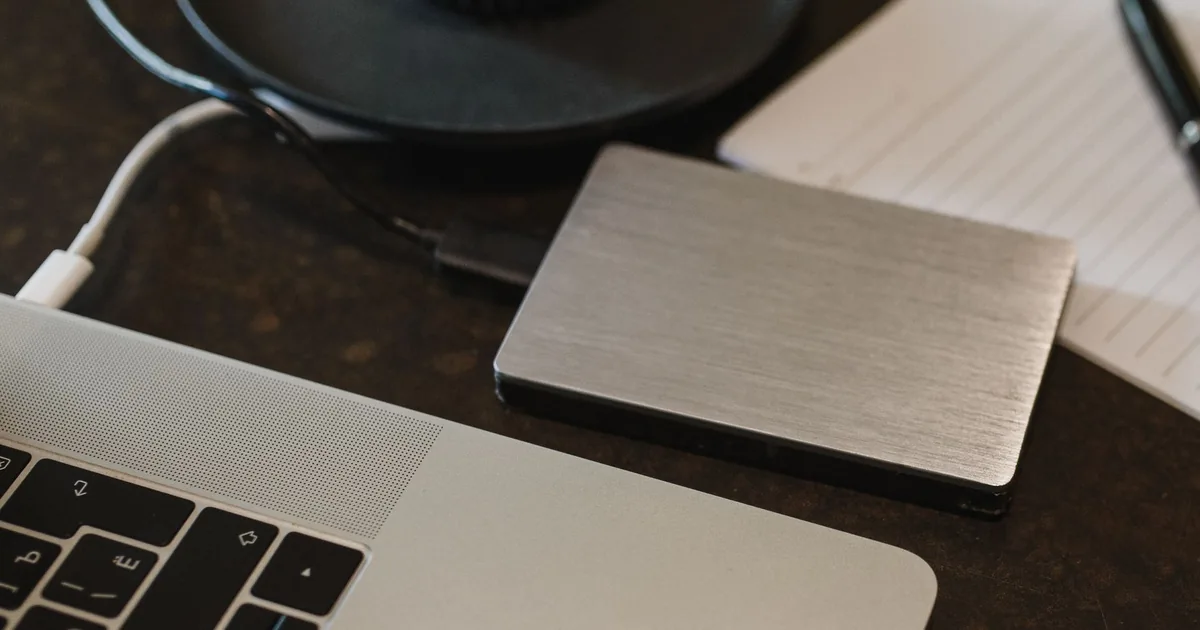
The NCSC has described incidents where ransomware encrypted the computer and the USB and network drives connected at the time. Its guidance on mitigating malware and ransomware says to keep backup devices, including external hard drives and USB sticks, off the network when they are not in use. Attackers look for connected copies. A drive in the laptop bag with the cable in the port is online for every minute that cable is in.
Cloud storage can be the separate building. You cannot make it offline by pulling a cable. The NCSC’s cloud backup principles say to block deletion and alteration once a backup exists, and to forbid destructive requests from the accounts that run the business, including administrators and the backup agent. An exceptional delete goes through a separate, out-of-band approval: a second person, a delay, or a call to the provider. An “empty bucket” button on the same login that reads email is not that control.
One offline copy, not three names for one disk
The 3-2-1 pattern is three copies, two kinds of media or platform, and one copy that is offsite or otherwise isolated. Three folders on the same server are one copy with two aliases. The NCSC malware guidance also says not to rely on two copies on a single removable drive, and not to rely on multiple copies inside a single cloud service. If that one service, or that one drive, is the thing the attacker reaches, the count was never three.
The backup server is part of the target
The November 13, 2025 update to CISA’s Akira advisory says the group primarily targets small and medium-sized businesses, and that initial access has included vulnerabilities in edge devices and backup servers. Patch the backup server. Do not leave it on the same flat network as every workstation, signed in with a password that also opens the file server. The advisory’s actions include offline backups of critical data, a tested restore, and backup data that is encrypted and immutable, which it defines as cannot be altered or deleted.
Locked retention is not a compliance certificate
CISA’s #StopRansomware guide, written with the FBI, the NSA, and the MS-ISAC, says to maintain offline, encrypted backups of critical data and to test them. Many ransomware variants try to find accessible backups and then delete or encrypt them. The guide also says some cloud vendors offer immutable storage that can protect data without a separate environment, and to use it with caution: it does not meet the compliance criteria for certain regulations, and a misconfiguration can impose significant cost. In the cloud section it says to enable delete protection or object lock on storage ransomware tends to wipe, including object storage, databases, file storage, and block storage.
Object lock on the wrong disk gets expensive
Object lock on the backup copy is the control that guide is pointing at. Object lock on every daily full, for seven years, with versioning saving each overwrite, is how a modest bucket becomes an unplanned bill. The caution about cost is a reason to set the period on purpose and to test it before you lock it.
Azure’s overview says the feature is incompatible with point-in-time restore and with last access tracking. It discourages an immutability policy on a page blob that holds the live disk of a running virtual machine, because writes are blocked or, with versioning, each write becomes another version. The lock belongs on the backup copy, not on the disk the server is using this afternoon. If the bill is not paid, Microsoft says the normal data retention terms in the contract still apply. A cloud lock is not a promise that a lapsed subscription keeps history forever. Keep a copy whose fate does not depend on one invoice.
The restore is the only proof

The NCSC malware guidance says up-to-date backups are the most effective way to recover, and that you should know how to restore and test that it works. Restore only when you are confident the backup and the destination are clean. An infection can sit in the network and land in the backups before anyone notices. CISA’s guide says to bring systems back from offline, encrypted backups and to avoid re-infecting clean machines. The ransomware protection playbook is the wider response. The copy decides whether you are restoring or negotiating.
A green check means the job finished. It does not mean a spreadsheet opens. Restore a file the firm would miss, somewhere that is not production, and write down the time. Once a quarter, restore something larger: a database, a mailbox, or a test virtual machine. One published drill is a backup restore test before tax season. The backup and disaster recovery guide is how a firm decides what “recovered” means in hours. An incident response plan should name who may start that restore, and who may not delete the copy while the incident is open.
What we will and will not call an immutable backup
We will use the phrase when all of these are true:
- A retention period or a hold stops overwrite and delete, including by an administrator, until the period ends or a separate process clears the hold.
- At least one copy is offline, or the accounts that run production cannot delete it.
- The copies are encrypted, and the key is not sitting on the server that just got encrypted.
- Someone has restored from the copy recently and written down how long it took.
- The backup system is patched, and it does not share a password with the file server.
We will not use the phrase for a recycle bin, a retention label, a litigation hold, a sync folder, a USB drive that stays plugged in, or a checkbox an admin can clear in one click with no second person and no delay. We also will not treat a photo of a rack as evidence. Lights on a panel do not tell you whether Tuesday’s copy can be deleted.
If the copies, the lock, and a restore drill should be one project instead of three half-finished ones, start with backup and disaster recovery and contact Secure Techies. The job that says Success is the easy part. The copy you can still open in week three is the work.
Frequently Asked Questions