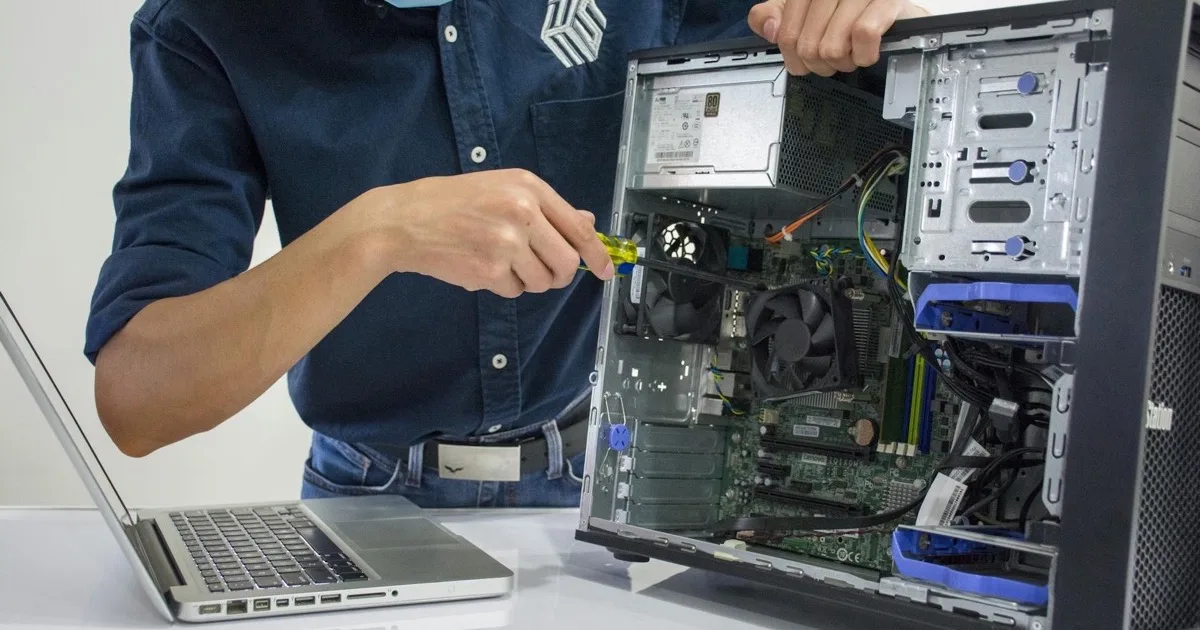
Here’s the short version: great IT support in Los Angeles means fast response, real people who know your business, on-site help when hardware fails, and proactive monitoring that prevents problems instead of just reacting to them. The best local providers deliver all of that for a predictable monthly fee rather than surprise hourly bills.
When technology breaks, every minute costs your Los Angeles business money and momentum. A frozen point-of-sale system, an email server that’s down, a network outage during your busiest hour — each one stops work cold and quietly drains revenue while everyone stands around waiting. The right IT support partner keeps those minutes rare and short. This guide explains what good IT support actually looks like, what it should cost, the local advantage that national help desks can’t match, and exactly how to pick a reliable company in a market crowded with options that all sound the same on their websites.
What good IT support looks like

Strong IT support is more than someone who answers the phone. It is a layered service designed to keep your people working.
| Layer | What it delivers |
|---|---|
| Help desk | Fast remote fixes for everyday problems by phone, email, or chat. |
| On-site support | A technician dispatched when hardware or network issues need hands-on work. |
| Monitoring | Systems watched 24/7 so issues are caught before users notice. |
| Cybersecurity | Protection against the threats that cause the worst outages. |
| Documentation | A clear record of your systems so support is fast and consistent. |
The goal is simple: keep your team productive and your downtime near zero. That’s why most Los Angeles businesses now get IT support as part of a complete managed IT services plan rather than calling a contractor only after something fails.
Reactive support versus proactive support
The most important distinction in IT support isn’t price or location — it’s mindset. Reactive support waits for the phone to ring. Something breaks, you call, someone fixes it, you pay. It feels normal because it’s how IT worked for decades, but it has a fatal flaw: by the time you’re calling, the damage is already done. The server has already crashed. The ransomware has already encrypted your files. The outage is already costing you money.
Proactive support flips the model. Instead of waiting for failures, the provider watches your systems continuously, installs updates before vulnerabilities are exploited, replaces hardware before it dies, and catches the small warning signs that precede big outages. The best measure of proactive support is counterintuitive: you call less, not more, because fewer things break. When people ask why managed IT costs more than calling a guy when something dies, this is the answer — you’re paying to prevent the expensive day rather than to clean up after it.
Response time is everything
The single biggest difference between good and bad IT support is how fast you get help. Slow support turns a five-minute fix into a half-day of lost productivity across your office. Multiply one stalled hour by every employee who can’t work, add the customers who couldn’t be served, and a “minor” delay becomes a real number on your P&L.
Look for a provider that commits to a written service level agreement (SLA):
- Urgent issues: acknowledged within 15 to 30 minutes.
- Routine tickets: resolved the same business day.
- Critical outages: fastest-tier response with on-site dispatch if needed.
Around-the-clock coverage matters too. Problems don’t only happen during business hours, which is why 24/7 monitoring and support is now a baseline expectation, not a premium add-on.
What an SLA should actually spell out
“We respond fast” is marketing. An SLA is a contract. When you read one, look for specifics: How quickly will they acknowledge a ticket versus actually resolve it? How are issues prioritized — is a single user’s printer treated the same as a company-wide outage? What are the support hours, and what happens after them? Is there a guaranteed path to a real human, or does everything start with a web form? And critically, what happens if they miss the targets they promised? A provider confident in their service puts these answers in writing without flinching. A provider who gets vague when you ask is telling you something important.
On-site support: the local advantage
Most IT problems are solved remotely in minutes. But some — a failed server, network wiring, a new office buildout — require someone physically present. This is where a local Los Angeles provider beats a distant national help desk.
A local team can put a technician in front of your hardware the same day, anywhere from Canoga Park to Downtown to the South Bay. National providers often route everything through remote call centers and bill extra for the on-site visits LA businesses regularly need. Secure Techies is based in Canoga Park and serves businesses across Los Angeles and Southern California.
There’s also a subtler benefit to working with a local team: they understand the context your business operates in. They know the building managers in the major office parks, the internet providers that serve your area and which ones to avoid, the traffic realities that determine whether “we’ll be there this afternoon” is true, and the kinds of businesses that fill the LA market. When a technician already knows the landscape, problems get solved faster and with fewer surprises. A faceless national queue, by contrast, treats your San Fernando Valley office the same as a warehouse in another time zone — and routes your “urgent” ticket accordingly.

How IT support is priced
| Model | Typical cost | Best for |
|---|---|---|
| Managed (flat monthly) | $100 to $250 per user/month | Businesses that want predictable costs and prevention |
| Break-fix (hourly) | $125 to $200 per hour | Rare, one-off issues only |
The flat monthly model almost always wins over a year because it prevents the expensive emergencies that hourly support only reacts to. See our full breakdown of IT support costs for small businesses and our comparison of managed IT versus break-fix.
There’s a hidden incentive worth understanding here, too. With hourly break-fix support, the provider only makes money when something is broken — which quietly rewards a slow, recurring stream of problems. With a flat monthly plan, the incentive flips: the provider makes the most money when your systems run smoothly and you rarely need them, so they’re motivated to prevent issues rather than bill for them. That alignment is one of the strongest arguments for the managed model, beyond the predictable budgeting it gives you.
How to choose an IT support company in Los Angeles
- Check the SLA. Are response times guaranteed in writing?
- Confirm on-site coverage. Can they reach your office quickly without surprise fees?
- Ask about security. Good support includes cybersecurity, not just repairs.
- Look for proactivity. The best providers prevent problems through monitoring and patching.
- Read reviews. A reliable local company has a track record other LA businesses can vouch for.
- Meet the people. You’ll be trusting this team with your business. Talk to them before signing and make sure they explain things in plain language, not jargon meant to keep you dependent.
- Ask who owns your data and systems. A good provider documents everything and hands it over without drama if you ever leave. Be wary of anyone who makes your environment a black box only they understand.
Questions that separate the pros from the rest
When you’re interviewing providers, a few pointed questions cut through the sales polish quickly. Ask how they handle the moment an employee leaves the company — proper offboarding is a security basic that surprisingly many skip. Ask what their average resolution time was last quarter, not just their promised target. Ask how they keep your software patched (timely patching is a core control in NIST’s patch management guidance) and who’s accountable if a missed update leads to a breach. Ask how onboarding works and how long it takes before they truly understand your environment. The answers reveal whether you’re dealing with a mature, organized team or someone improvising. The right partner makes IT something you stop thinking about — not because you’re ignoring it, but because it quietly works.
The everyday problems good support quietly prevents
When IT support is working well, you stop noticing it — and that’s exactly the point. Behind that quiet are dozens of small problems being headed off before they ever reach your team. Software updates and security patches get installed on schedule, closing the holes attackers look for. Hardware that’s starting to fail gets flagged and replaced before it dies mid-workday. Backups run and get tested, so a deleted file or a ransomware scare is an inconvenience, not a catastrophe. New employees get set up correctly on day one, and departing employees get their access revoked the moment they leave. Email security keeps the worst of the phishing out of inboxes.
None of this is glamorous, and none of it generates a dramatic “we saved the day” story — which is the whole idea. The drama of IT is the outage, the breach, the lost data. Good support trades that drama for boring reliability. The businesses that switch from reactive break-fix to proactive managed support often describe the change the same way: things just stopped breaking, and they stopped thinking about IT. That quiet is the product you’re actually buying.
Onboarding: how a good provider gets started
One underrated sign of a strong IT support company is how seriously they take onboarding. A provider who shows up, glances around, and starts taking tickets doesn’t really understand your environment — which means they’ll be slow and error-prone when it counts. A mature provider begins with a structured onboarding: documenting every device, user, server, and cloud service; mapping your network; reviewing your security posture and backups; and identifying the urgent risks to fix first. This is unglamorous groundwork, but it’s what lets them support you quickly and confidently later. When you evaluate providers, ask what their first 30 days look like. The thorough answer tells you you’re dealing with professionals.
Tired of waiting on hold while your team sits idle? Contact Secure Techies for responsive, local IT support built for Los Angeles businesses, with guaranteed response times and a flat monthly fee.
Frequently Asked Questions