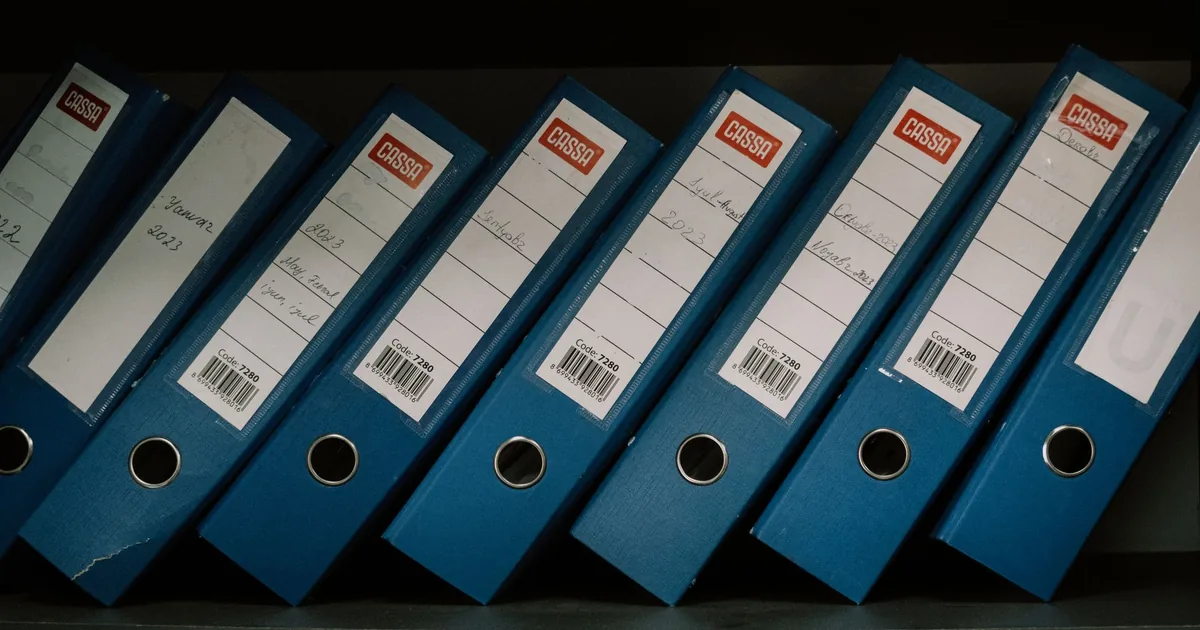
Here’s the short version: Microsoft 365 sensitivity labels classify a file or a container, and they protect it only when you turn protection on. A label name is not a permission. A label on a SharePoint site does not label the files inside it, and it does not hide those files from Copilot.
People ask for labels the week they buy Copilot. The Copilot security guide already says labels are not a license prerequisite. This page is the other half: what the label does, which four names are enough, and which settings are theater.
What a Microsoft 365 sensitivity label actually does
Microsoft’s sensitivity labels article describes a label as a stamp stored in clear text in the file or email metadata. It stays with the content when someone saves a copy. Each item gets one sensitivity label from your organization. It can also carry a retention label. A litigation hold is a separate mailbox control. Those are different stamps. Retention decides how long the item is kept. Sensitivity decides how you classify it and, if you configure it, how it is protected.
You can use a label to do several different jobs. The useful ones for a small firm are these:
- Mark the content with a header, footer, or watermark so a person can see the category.
- Encrypt documents, emails, and meeting invites, and choose who may view, edit, print, or copy.
- Label a container, meaning a team, a Microsoft 365 group, or a SharePoint site, so the container’s sharing rules change.
- Apply no protection at all, and use the name only so you can see where confidential files are.
A label does not have to encrypt. Microsoft says you can label content with no protection settings, get a visual category, and add protection later. That is a legitimate first month. It is not the same outcome as “finance files cannot leave the firm.”

Users apply a label only when they are signed in with a work or school account. Guests and people in other organizations do not see your label names inside the Office apps. Do not write a policy that assumes a client will spot “Confidential” in Word on their side.
Outlook’s Confidential flag is not this label
Outlook still has an old sensitivity menu: Normal, Personal, Private, Confidential. Microsoft’s label article points at that Outlook sensitivity setting and tells you not to confuse the two. The Outlook flag records the sender’s intention. It does not encrypt the message. If someone says the mailbox is labeled because they set Confidential in Outlook, they have not applied a Purview label.
A site label does not label the files
This is the mistake that wastes a quarter. Microsoft lets you scope a label to Groups & sites. After you enable labels for containers, that label can set privacy, external user access, external sharing, unmanaged-device access, and how channels are shared. The same article is explicit: this configuration does not label the individual items in the container. It protects the container by controlling access to the place where content is stored.
So a “Confidential” label on the finance team can stop guests and can block sharing links you do not want. The spreadsheets inside that team are still unlabeled until someone, or a policy, labels the files. Microsoft’s Copilot considerations say the same thing from the other direction. Container labels are not inherited by items. A Teams summary will not display the team’s label, and a site page will not display the site’s label, because the items do not have it.
SharePoint external sharing is still the control for who can open the library. A container label can change the default sharing behavior. It does not rewind an Anyone link that already exists.
Order the labels with the strict one at the bottom
In the Purview portal the list order is the priority. Microsoft’s article says the most restrictive label, such as Highly Confidential, goes at the bottom, and the least restrictive, such as Public, goes at the top. If you require a justification when someone lowers a label, that order is how “lower” is defined. Sublabels that share a parent do not use that justification rule the same way.
A parent label is a heading, not a label you can apply. Microsoft says not to choose a parent as the default label and not to auto-apply a parent, because the parent cannot be applied to content. Label groups are replacing that parent-and-child setup. For a firm that is starting, skip the tree. A flat list is easier to teach and harder to mis-set as the default.
If you delete a label in the portal, it is not stripped off old files, and protection that was already applied keeps working. If you edit a label, the version that was applied to existing content is the version those files enforce. Changing the watermark on Tuesday does not silently rewrite every document from last year.
The short set a small firm can publish
Get started with sensitivity labels is the creation path: make the labels, then publish them with a label policy to the people who should see them. A label that exists only in the portal does not appear in Word, Excel, PowerPoint, or Outlook.
Match the names to the Copilot guide, and stop there until someone fails:
| Label | Protection on day one | Who should use it |
|---|---|---|
| Public | None. A name, maybe a footer. | Marketing that is meant to leave the building. |
| Internal | None, or a footer. Not encryption. | Ordinary work the whole staff may open. |
| Confidential | Footer, and a container scope if the library should block guests. | Client work, HR, and anything you would not post. |
| Restricted | Encryption for a named group, with copy and forward limited. | The finance or legal set that should not be pasteable into a chat. |
Do not start with twelve labels and six sublabels. People will pick the first one that sounds serious, or they will pick nothing. Do not set the default label to Restricted. A default encrypted label on every new Word file is how a proposal becomes unreadable by the person who has to edit it.
A library can also have a default label, including an option that extends SharePoint permissions when an unencrypted file is downloaded. That is a download rule. It is not a substitute for deciding which files are actually confidential.
Auto-labeling, which applies or recommends a label when Microsoft detects a sensitive info type, is a later project. It has its own license line. Do not promise it because the button is visible in a screenshot. Manual labels, published to the people who touch the files, are the first week.
Encryption is the setting that changes access
Markings are visible. Encryption is the control. Microsoft’s encryption article says a label can restrict who opens a document or email, and which actions they can take. The content can be decrypted only by people the label authorizes. It stays encrypted if the file is renamed, whether it sits in OneDrive or leaves the tenant. Unless you chose S/MIME for Outlook, that encryption is the Azure Rights Management service.
Administrator permissions, not a label people invent per file
You choose one of two patterns. Administrators define the permissions, which is the right pattern for a finance library: this group can edit, everyone else in the firm can view, and external guests cannot. Or users assign permissions when they apply the label, which is flexible and also how a partner encrypts a file to one person and then goes on vacation. For the first encrypted label, use administrator-defined permissions on a group you already understand.
This is not BitLocker. BitLocker protects a disk if a laptop is lost. A sensitivity label protects a file after someone copies it to a USB stick, a personal OneDrive, or an email. You can need both. One does not imply the other.
Test the encrypted label on a dummy file before you publish it to the firm. Open it as a person in the allowed group, as a person outside it, and on the web. If co-authoring breaks, you found out on a test document instead of on the Monday close.

What Copilot does with a label
A name without encryption does not stop Copilot
Microsoft Purview’s AI protections describe an extra layer, not a new permission model. Copilot still will not return a file the person cannot open. When the file also has a sensitivity label that applies encryption, Copilot returns it only if that person has the View right and the Extract right. Extract is the right to copy from the item. A label with no encryption does not add that check.
That is why “we labeled the site Confidential” does not answer the Copilot question. The site label is a container label. The files are unlabeled, unencrypted, and still readable by anyone who can open the library. Copilot will summarize them. The considerations article also says items encrypted with user-defined permissions are harder for Copilot to use while they sit unopened in SharePoint, and that Double Key Encryption is not returned by Copilot at all. Double Key Encryption is for a constraint most small firms do not have. We do not start there.
There is a separate switch: sensitivity labels have to be enabled for Office files in SharePoint and OneDrive if you want encrypted files to behave as labeled files in those libraries. Microsoft’s AI article says that when that support is off, Copilot’s reach into encrypted files is limited to content open in Office on Windows. Turn the support on before you test, or the test lies to you. The steps are in Enable sensitivity labels for files in SharePoint and OneDrive.
When Copilot builds an answer from several labeled items, the response shows the highest-priority label from the data it used. Priority here is the order you set, with the stricter label lower in the list. A watermark on the source file does not, by itself, become a block.
Publish it, then look at one library
The rollout that works is small.
- Create the flat list. Put Public at the top and Restricted at the bottom.
- Put encryption only on Restricted, aimed at one group. Leave Internal as a name and a footer.
- Publish a label policy to a pilot group, not to the whole tenant on the first afternoon. Confirm the labels show in Word and Outlook for that group.
- Enable container labels if you want the finance team to block external sharing. Remember that this does not label the files.
- Enable SharePoint and OneDrive support for labeled Office files before you test encryption.
- Label the real library you care about. For many firms that is finance or a matter site, not the entire intranet. A law firm can put the container rule on the client site and the encrypted label on the drafts that should not be forwarded.
- Ask one pilot user what Copilot returns for a file they can open, and for a Restricted file they should not be able to copy. Write down the result.
If the firm handles health information, a label is not a HIPAA program. Pair the library work with the HIPAA checklist when that is the actual duty. Labels do not certify anything.
What we will and will not call a label program
We will publish a short list, put encryption on the one label that needs it, and tell you when a container label did not touch the files. We will not build a twelve-label taxonomy so a screenshot looks mature. We will not set an encrypted label as the default for every new document. We will not say Copilot is safe because a site is named Confidential.
If the labels, the sharing cleanup, and the Copilot test should be one project instead of three half-finished ones, start with compliance and security audits and contact Secure Techies. The stamp is easy. The rule inside the stamp is the work.
Frequently Asked Questions