
If you take one thing from this guide, take this: the single most effective ransomware protection for a small business is a tested, offline backup. Everything else, the firewalls, the filters, the training, reduces your chance of getting hit. Backups are what let you say “no” to the ransom and recover anyway. Build everything else around that foundation.
Now let’s walk through the whole playbook, from how these attacks actually start to exactly what to do if your screen ever lights up with a ransom note. For the federal government’s official guidance, the CISA StopRansomware program is the authoritative resource.
What ransomware actually is (in plain English)
Ransomware is malicious software that locks up your files by encrypting them, then demands payment, usually in cryptocurrency, for the key to unlock them. While your data is held hostage, your business effectively stops. No access to your files, your email, your accounting, your customer records. Nothing.
The brutal part is the modern twist: many attackers now steal a copy of your data before they encrypt it, then threaten to publish it if you don’t pay. So even a perfect backup doesn’t fully protect you from the embarrassment and liability of leaked customer information. That’s why prevention matters as much as recovery.
Why small businesses are squarely in the crosshairs
A lot of small-business owners assume ransomware is a big-company problem — something that happens to hospitals and pipelines, not to a thirty-person firm. The data says otherwise, and so does the economics of the crime. Attackers love small businesses precisely because they tend to have data worth ransoming but defenses worth a fraction of an enterprise’s. Even better, from the criminal’s point of view, the whole operation is now automated and industrialized: ready-made ransomware kits are rented out like software subscriptions, and attacks are sprayed across the internet looking for any weak point, with no care whether it belongs to a giant corporation or the accounting office down the street. You don’t get attacked because someone chose you; you get attacked because an automated tool found an opening and walked through it. And smaller businesses are often hurt worse than big ones, because they’re less likely to have tested backups, an incident response plan, or the cash reserves to survive a week of downtime. The comforting belief that you’re “too small to target” is, in practice, one of the most expensive assumptions a small business can make.
How attacks really start (it’s not what you think)
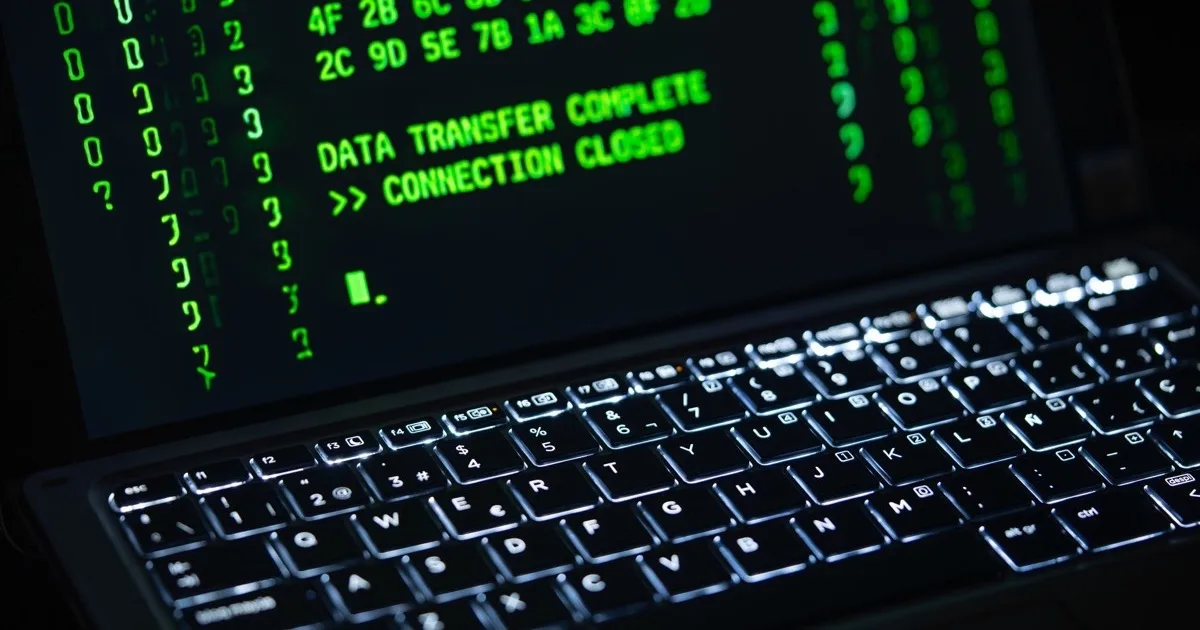
Hollywood sold everyone on the image of a hooded genius breaking through firewalls. Reality is far more boring. Almost every small business ransomware attack starts with one of three mundane things:
- A phishing email. Someone gets a convincing message, clicks a link or opens an attachment, and quietly installs the malware themselves.
- A weak or stolen password. An attacker logs in through remote access using credentials that were guessed, reused, or bought on the dark web.
- An unpatched vulnerability. A piece of software has a known security hole, the fix was available for months, and nobody installed it.
Notice what all three have in common: they’re preventable, and none of them require genius. They require an opening, and most small businesses leave several open. Closing them is the whole game.
The anatomy of an attack, hour by hour
It helps to see how a real incident unfolds, because the timeline reveals where defenses actually work. It often starts days or weeks before the ransom note ever appears. An employee clicks a convincing invoice attachment, quietly installing a foothold — nothing visibly happens, which is the point. Over the following days, the attacker explores: mapping the network, escalating their access, and hunting for the most valuable data and, crucially, the backups. This dwell time is when good monitoring can catch them, spotting the unusual logins and lateral movement before the damage is done. Then comes the staging: the attacker quietly copies your sensitive data out (for the extortion threat) and locates every backup they can reach to destroy or encrypt it, removing your ability to recover. Finally, usually timed for a Friday night or a holiday when no one’s watching, they trigger the encryption all at once and the ransom note appears. By then it’s the endgame — but notice how many earlier moments offered a chance to stop it: the email that should have been filtered or distrusted, the foothold that endpoint protection should have caught, the lateral movement that monitoring should have flagged, and the backups that, kept offline and out of reach, would have made the whole extortion toothless. Ransomware looks like a single catastrophic event, but it’s really a slow-motion process with many points where the right defense breaks the chain.
The layered defense, from most to least important
Security people talk about “defense in depth,” which just means you don’t rely on one wall, you build several, so that if one fails the next one holds. Here’s that defense for ransomware, in priority order.
| Priority | Defense layer | What it stops |
|---|---|---|
| 1 | Tested, offline backups | Turns an attack into a recovery instead of a ransom payment |
| 2 | Multi-factor authentication | Blocks the stolen-password logins most attacks rely on |
| 3 | Patching and updates | Closes the known holes attackers scan for |
| 4 | Email filtering and endpoint protection | Catches malicious messages and isolates infected devices |
| 5 | Trained people | Stops the clicks that start most infections |
Layer 1: Tested, offline backups
This is the foundation, so it goes first. If your data is backed up somewhere ransomware can’t reach, an attack becomes a recovery exercise instead of a catastrophe. Three rules make backups actually work:
- Keep multiple copies, including at least one offline or otherwise isolated from your main network so the ransomware can’t encrypt your backups too.
- Automate them so they happen without anyone remembering.
- Test them regularly. An untested backup is just a hope. We’ve seen too many businesses discover their backups were broken at the worst possible moment. Proper backup and disaster recovery means verifying you can actually restore, not just assuming you can.
Layer 2: Multi-factor authentication (MFA)
MFA means logging in takes more than a password, usually a code from your phone. It’s the single highest-value security setting you can turn on, because it makes a stolen password nearly useless. If an attacker can’t get past the second factor, the password they bought on the dark web is worthless. Turn it on everywhere it’s offered, especially email and remote access.
Layer 3: Patching and updates
Every unpatched system is a door someone already has the key to. When a vendor releases a security update, they’re publicly announcing the vulnerability it fixes, which means attackers know about it too. Prompt, consistent patching closes those doors before anyone walks through. This is exactly the kind of unglamorous, ongoing work that managed IT handles automatically so you never have to think about it.
Layer 4: Email filtering and endpoint protection
Since most attacks arrive by email, good filtering stops a huge share of them before they ever reach an inbox. Pair that with modern endpoint protection, the evolved version of antivirus, that watches for ransomware behavior and shuts it down mid-attack. Together they catch most of what gets past your people.
Layer 5: Your people
Your employees are simultaneously your biggest risk and your best sensor. A staff member trained to pause at a suspicious email is a defense no software can replicate. Short, regular security awareness training, plus the occasional simulated phishing test, turns your team from the weakest link into a genuine layer of protection.

A simple ransomware readiness checklist
Run through this list. Every “no” is a gap worth closing this month.
- We have automated backups, including at least one offline or isolated copy
- We have actually tested a full restore in the last 90 days
- Multi-factor authentication is on for email and remote access
- Software and operating systems are patched on a regular schedule
- We use email filtering to block phishing and malicious attachments
- Endpoint protection is installed and active on every device
- Staff have had security awareness training in the last year
- We have a written plan for who does what if we get hit
That last one matters more than people expect. Panic is the attacker’s friend.
Should you ever pay the ransom?
When the note appears demanding payment, the instinct to just pay and make it stop is overwhelming — so it’s worth thinking through the answer before you’re staring at a countdown timer. Law enforcement and security professionals strongly advise against paying, for several concrete reasons. First, paying funds a criminal enterprise and marks you as a business willing to pay, which paints a target on your back for the next attack — a meaningful share of businesses that pay get hit again. Second, there’s no guarantee it works: you’re trusting criminals to hand over a working decryption key, and many businesses that pay still don’t recover all their data, because the decryptor is buggy or the attacker simply takes the money and vanishes. Third, with the modern “steal-then-encrypt” tactic, paying to decrypt your files does nothing to guarantee the attacker actually deletes the copy they stole — you may pay and still get extorted later. The only thing that genuinely takes payment off the table as your sole option is a clean, tested backup the attackers couldn’t reach. That’s why every layer in this playbook ultimately points back to the same foundation: when you can restore on your own, the ransom note becomes a threat you can refuse rather than a bill you’re forced to pay.
What to do if you’re hit right now
If the worst happens, move fast and in this order:
- Isolate it. Disconnect the affected machines from the network and the internet immediately to stop the spread. Pull the network cable, turn off Wi-Fi. Don’t shut the machine down if you can avoid it, as that can destroy useful evidence.
- Don’t pay yet, and don’t panic. Paying should never be your reflex. Call in professional help first.
- Call your IT and security provider. This is what an incident response plan is for. Experienced hands can identify the strain, assess the damage, and start recovery.
- Report it. Notify law enforcement. For ransomware, the FBI’s Internet Crime Complaint Center (IC3) is the right place, and reporting helps everyone.
- Restore from backup. This is the moment all that backup discipline pays off. Clean the affected systems and restore from a known-good copy.
- Figure out how they got in, and close it. Recovery isn’t done until the original opening is shut, or you’ll just get hit again.
The bottom line
Ransomware feels terrifying because it’s sudden and total. But strip away the drama and it’s remarkably preventable. The attacks rely on the same handful of openings, phishing, weak passwords, missing patches, and the same single failure: no clean backup to fall back on.
Close those openings, keep a tested backup the attackers can’t touch, and you turn a business-ending event into a bad afternoon. That’s the whole goal.
If you’re not confident your backups would actually save you, or you’re not sure whether MFA and patching are properly handled, that uncertainty is itself the risk. Book a free security assessment and we’ll show you exactly where your gaps are, in plain language, before an attacker finds them first.
Frequently Asked Questions
