
Here’s the core idea before we go any further: zero trust replaces the old assumption that everything inside your network is safe with a simple, stricter rule — never trust, always verify. Every person, every device, every request has to prove itself, every time, no matter where it’s coming from. It sounds harsh, but it’s a direct response to how modern breaches actually happen. Let’s unpack what that means, why the old model collapsed, and how a small business can actually put zero trust into practice without a million-dollar budget.
The model that used to work (and why it stopped)
For decades, network security worked like a medieval castle. You built a strong wall around your network — firewalls, a guarded perimeter — and you focused everything on keeping attackers outside. The assumption was straightforward: anyone inside the walls was trusted. Once you were on the corporate network, you could move around fairly freely, reaching servers, files, and applications, because being inside was treated as proof you belonged.
This “castle-and-moat” approach made sense when work happened in one building, on company-owned computers, connected to one network. The trusted inside and the dangerous outside were clearly separated.
Then everything changed. Employees started working from home and coffee shops. Data moved to cloud apps that live on the internet, not in your building. People started checking email on personal phones. Vendors and contractors needed access. The neat line between “inside” and “outside” didn’t just blur — it dissolved entirely. There’s no longer a single wall to defend, because your people and data are everywhere.
And here’s the fatal flaw the old model always had: once an attacker got past the wall — through one phished password, one infected laptop — they were treated as trusted. They could move sideways through the network almost unchallenged, because the whole design assumed insiders were safe. Most major breaches follow exactly this pattern: a single foothold, then quiet lateral movement to the valuable data. The castle’s weakness was that it had strong walls and no interior locks.
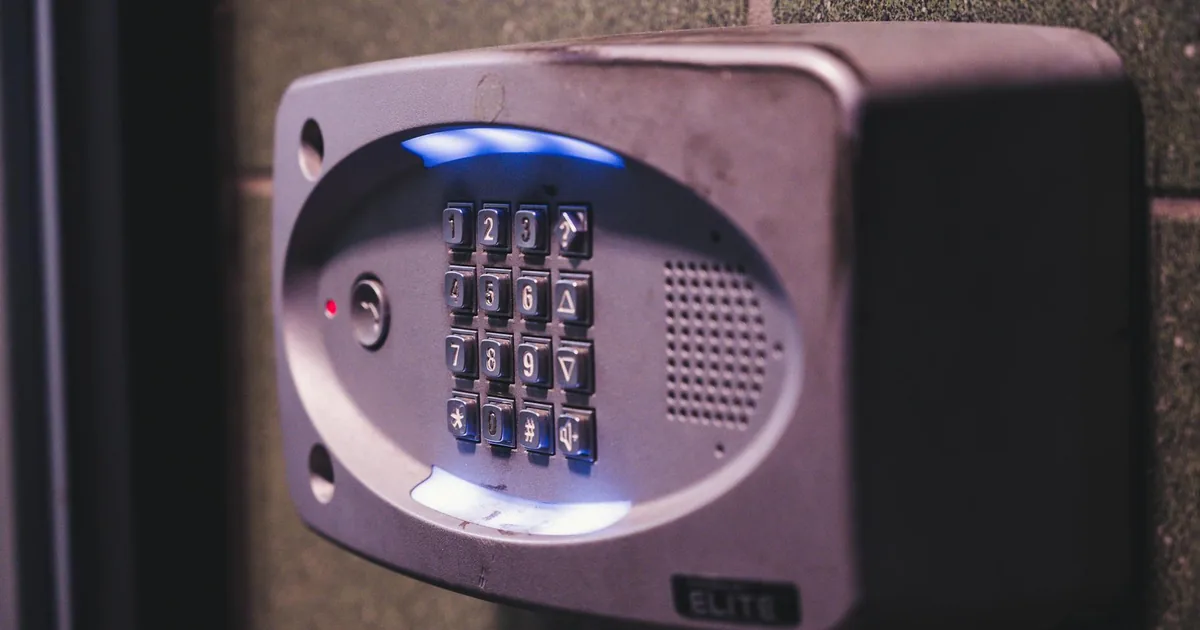
“Never trust, always verify” — what it really means
Zero trust flips the assumption. Instead of “trust everyone inside, distrust everyone outside,” it says: trust no one and nothing automatically — verify every single request. Location stops being a free pass. A request from a laptop sitting in your office gets the same scrutiny as one from a device on the other side of the world, because the office network is no longer treated as inherently safe.
In practice, every access request gets evaluated against a set of questions, every time:
- Who is making this request? Verified identity, confirmed with MFA — not just a password.
- What device are they on? Is it known, managed, and healthy, or an unknown personal device that could be compromised?
- What are they trying to reach? Does their role actually require access to this specific resource?
- Does anything look off? An unusual location, an odd time, a strange pattern that suggests a stolen account?
Only when the answers check out does access get granted — and only to the specific thing being requested, not the whole network. That’s the heart of zero trust: continuous, contextual verification instead of one-time, location-based trust.
The pillars of a zero trust approach
Zero trust isn’t a single switch; it’s several capabilities working together. The concept is formalized by the U.S. National Institute of Standards and Technology in NIST SP 800-207, the definitive zero trust architecture standard — but you don’t need to read a government document to benefit from it. Here are the pillars in plain English, and the good news is that small businesses can build them incrementally.
| Pillar | What it does | Where to start |
|---|---|---|
| Identity | Verifies who is really making each request | Turn on MFA everywhere |
| Least privilege | Limits each account to only what it needs | Trim over-broad access |
| Device health | Checks the device is managed and safe | Enroll company devices |
| Segmentation | Stops a breach from spreading | Separate guest and sensitive systems |
| Monitoring | Watches for unusual activity continuously | Log and review sign-ins |
Identity is the new perimeter
When the network boundary disappears, identity becomes the thing you defend. This is why zero trust starts here. Strong identity means multi-factor authentication on every account, strong unique passwords managed properly, and policies that watch for risky sign-ins. If you can be confident the person logging in is really who they claim to be, you’ve solved the biggest piece of the puzzle. Identity is where most attacks begin and where zero trust does most of its work.
Least privilege access
This principle is deceptively powerful: give people access to exactly what their job requires, and nothing more. The accountant doesn’t need access to the source code. The marketing intern doesn’t need the customer financial records. By default, most businesses are far too generous — everyone can reach almost everything, which means one compromised account exposes the entire business. Least privilege shrinks the blast radius of any breach. If an attacker takes over a limited account, they can only reach the limited things that account could touch.
Device health and management
A verified user on a compromised device is still a threat. Zero trust checks the device too: is it managed by the company, is it running current software and security tools, is it encrypted? An unmanaged, out-of-date personal laptop might be allowed limited, read-only access, while a healthy managed device gets full access. The device becomes part of the trust decision, not an afterthought.
Network segmentation
Remember the castle with no interior locks? Segmentation adds those locks. Instead of one flat network where everything can talk to everything, you divide it into zones, so a breach in one area can’t automatically spread to the rest. If ransomware lands on a reception desk computer, segmentation can stop it from reaching your servers. This is one of the most effective ways to contain damage when — not if — something gets through.
Continuous monitoring
Zero trust assumes a breach is always possible, so you watch constantly. Logging and monitoring across identities, devices, and network traffic let you spot the unusual login, the strange data transfer, the account suddenly behaving differently. Verification isn’t a one-time gate at login; it’s an ongoing process, because a session that started safe can turn hostile if an account is hijacked midway.

Zero trust for a small business, step by step
This is the part where a lot of articles lose people, because zero trust sounds like an enterprise mega-project. It doesn’t have to be. You don’t flip a switch and become “zero trust” overnight — you make steady, prioritized improvements. Here’s a realistic order for a smaller organization.
- Lock down identity first. Turn on MFA everywhere, starting with email and admin accounts. This alone moves you a long way toward zero trust and stops most attacks.
- Apply least privilege. Review who has access to what and trim it back to what each role actually needs. Pay special attention to administrator accounts and former employees.
- Manage your devices. Get company devices under management so you can verify their health and enforce encryption and updates. Decide how personal devices are allowed to connect.
- Segment your network. Separate guest Wi-Fi from business systems, and isolate sensitive systems so a breach in one place can’t reach everything.
- Turn on monitoring. Make sure logins, admin changes, and unusual activity are being logged and actually reviewed, so you’d notice an intruder.
Notice that many of these aren’t new purchases — they’re better use of tools you may already own. Microsoft 365 Business Premium, for example, includes conditional access, device management, and identity protection that map directly onto zero trust principles. The work is in configuring and combining them with intent.
A scenario that shows the difference
Imagine an employee’s password gets phished at two different companies. At the first, built on the old castle model, that password lets the attacker onto the network, and because everything inside is trusted, they roam freely — reaching the file server, the customer database, the backups — and quietly exfiltrate data over several weeks. One stolen password, total access.
At the second company, built on zero trust, the same phished password gets the attacker to the first gate and no further. MFA challenges the login from an unrecognized device and blocks it. Even if they’d somehow gotten in, least privilege would limit them to one person’s narrow set of resources, segmentation would stop them reaching the servers, and monitoring would flag the strange login for review. The same mistake that was catastrophic at the first company is a non-event at the second.
That’s zero trust earning its keep. It doesn’t assume your defenses are perfect or that no password will ever leak. It assumes the opposite — that something will get through — and builds the business so that one failure doesn’t become a disaster.
How it connects to everything else
Zero trust isn’t a separate product line; it’s the philosophy that ties your other security investments together. It builds directly on strong network security, it depends on the identity controls we covered in our MFA guide, and it’s reinforced by the kind of layered defense we describe in our cybersecurity services. If you’ve read our other posts and wondered how all the individual pieces — MFA, segmentation, least privilege, monitoring — fit into one coherent strategy, zero trust is the answer. It’s the frame that organizes them.
For a small business, the practical path is usually to work with a provider who can assess where you stand today and build the zero trust pieces in the right order, using tools you may already be paying for. You don’t need an enterprise budget. You need a plan and steady execution.
The bottom line
Zero trust isn’t a buzzword to be afraid of — it’s the security world catching up to reality. The perimeter is gone, work happens everywhere, and pretending the inside of your network is automatically safe is how breaches turn into catastrophes. “Never trust, always verify” simply means making every access request prove itself, every time, so that one stolen password or one infected laptop can’t bring the whole business down.
You don’t have to get there in one leap. If you’d like to know where your business stands on the road to zero trust and which steps would give you the most protection for the least effort, reach out for a free assessment. We’ll show you what’s already working, what’s exposed, and the smartest order to fix it.
Frequently Asked Questions