Backup and recovery
A Backup Restore Test Before Tax Season
Green backup jobs are not a restore. We ran one on purpose, before January, and wrote down what actually came back.
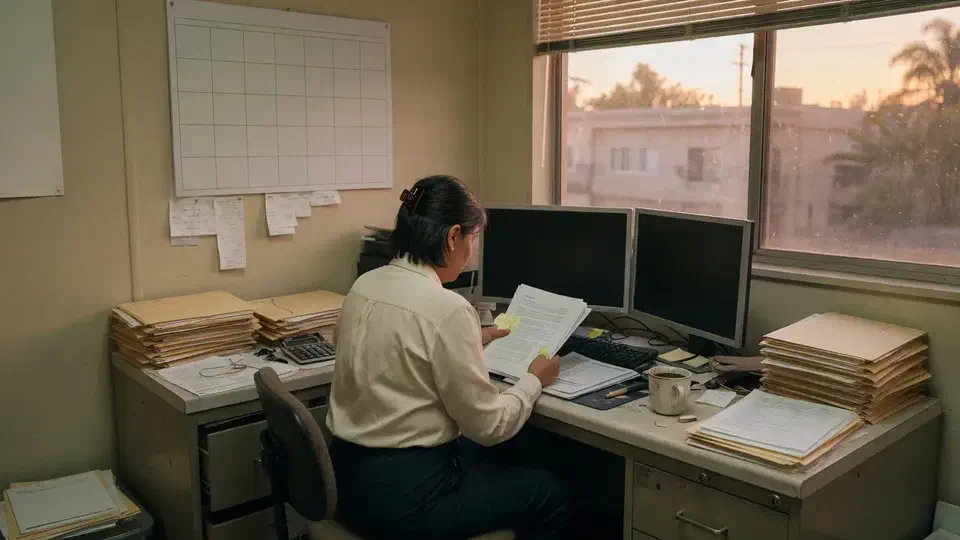
- IndustryCPA firm
- WhereSF Valley
- Timeline3 weeks
- EngagementRestore test
Meet the client
A CPA firm that could not name the last restore
Firm name, staff names, tax-software brand, and mailbox addresses are withheld at the client's request. The engagement type, method, and constraints are real.
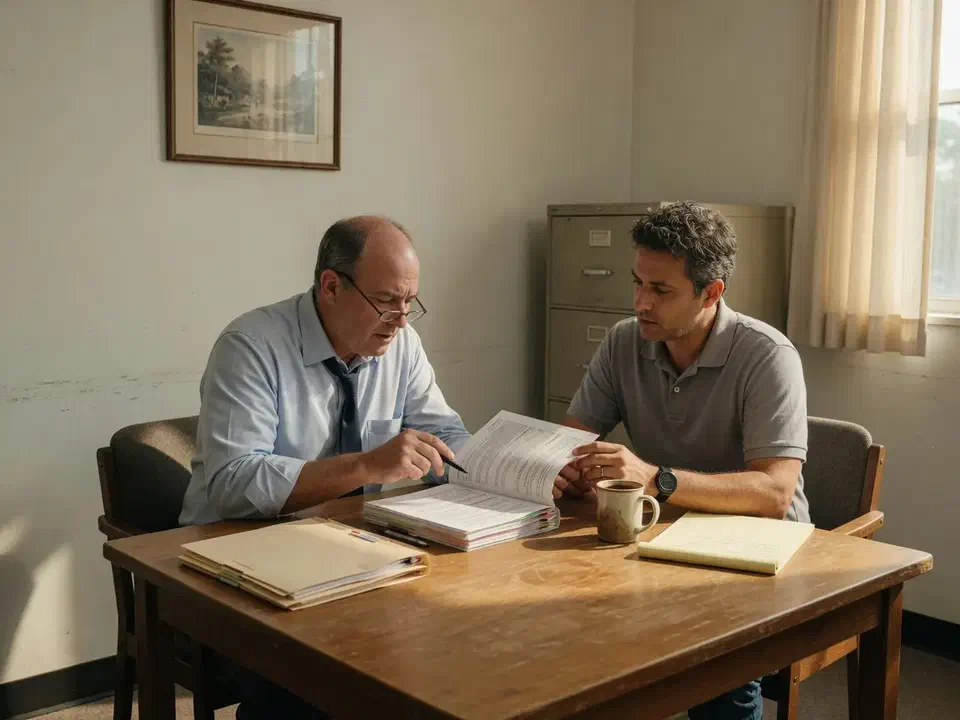
A regional CPA firm in the San Fernando Valley asked Secure Techies to prove the backup before tax season, not after a delete. Jobs had been completing. Nobody could name a restore. We inventoried what had to come back, restored a shared mailbox and a file library to a test location, timed it, and left a written RPO plus a calendar for the next drill.
Primary goals
What success had to look like
Prove the copy exists
Leadership needed a restore they had watched, not a screenshot of a green job.
Find what the product missed
Intake mail, tax-year shares, and OneDrive had to be in the policy, or named as accepted risk.
Leave a repeatable drill
The next test had to live on a calendar with an owner, before January, not as a wish.
The challenge
The jobs were green. The proof was not.
The firm was not starting from zero. A backup product was licensed. Recycle bins existed in Microsoft 365. What they lacked was a restore anyone had run on purpose this year.
- 01
Tax season does not wait for a failed restore
Busy season is when the firm can least afford to discover that last night's copy is a hope. The test had to happen in the fall.
- 02
Shared mailboxes sat outside the policy
Client intake and a billing box were where work actually landed. The last restore conversation had used one partner's mailbox.
- 03
The same admin could wipe the copy
Backup sat behind the same Global Admin used for daily mail. A compromised tenant admin was also a compromised backup admin.
- 04
Retention was being treated as backup
Partners thought Microsoft 'kept everything.' Recycle-bin windows and a retention label are not an isolated restore copy.
How we worked
Inventory first, then one restore you can time
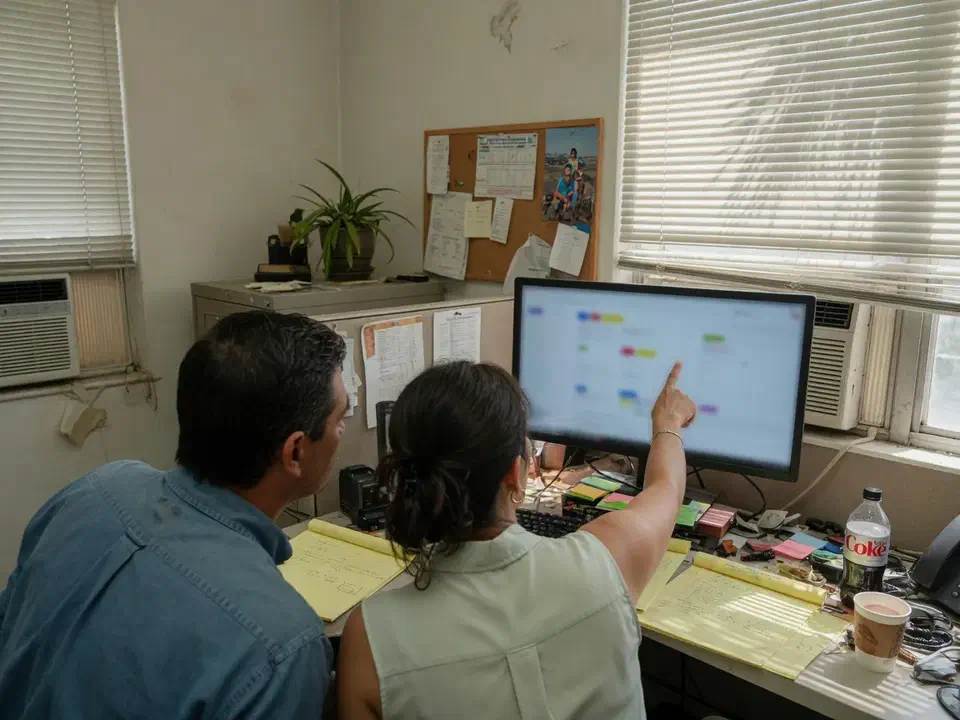
We treated this as a drill, not a disaster. Scope was written down before anyone clicked Restore. Production stayed untouched.
- 01
Name what must come back
A half-day workshop listed mailboxes, shares, and tax-year libraries the firm could not rebuild from last week's email. Out of scope: a full ransomware tabletop and any claim of zero data loss.
- 02
Compare the product to the list
We opened the backup console and checked protection units against the workshop list. Gaps were written down before the restore, not after it failed.
- 03
Restore without overwriting production
One shared mailbox restored to a Recovered Items folder, and one SharePoint library restored to a new site URL. We timed it and recorded who had to approve it.
- 04
Write the RPO and the next date
Partners got a one-sentence recovery objective they could say out loud, plus a calendar invite for the next drill.
What we examined
Five checks, one restore packet
The restore was the headline. The workstreams were how we knew the headline was not theater.
Mailbox coverage
User mailboxes, shared intake and billing boxes, and whether archives were in the policy.
Files and SharePoint
Tax-year libraries, the 'current returns' site, and OneDrive accounts that actually held work.
Microsoft 365 native undo
Recycle bins, recoverable items, and retention, so nobody confused a dumpster with a backup product.
Who can delete the copy
Backup admin roles versus daily Global Admin, and whether a single stolen account could wipe both.
On-prem leftovers
A small file share and the closet UPS. If it still held tax PDFs, it needed a job and a test too.
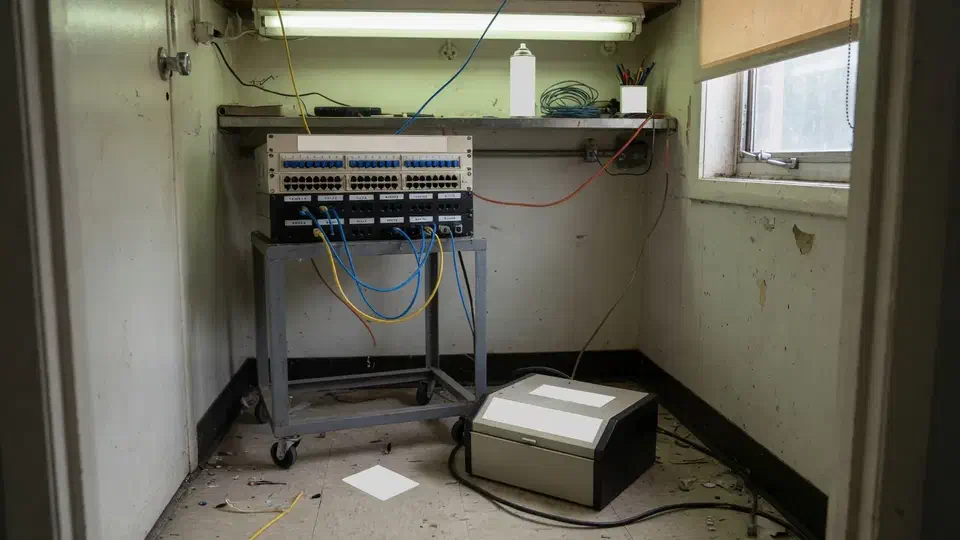
The jobs were green. The intake mailbox was not in the product.
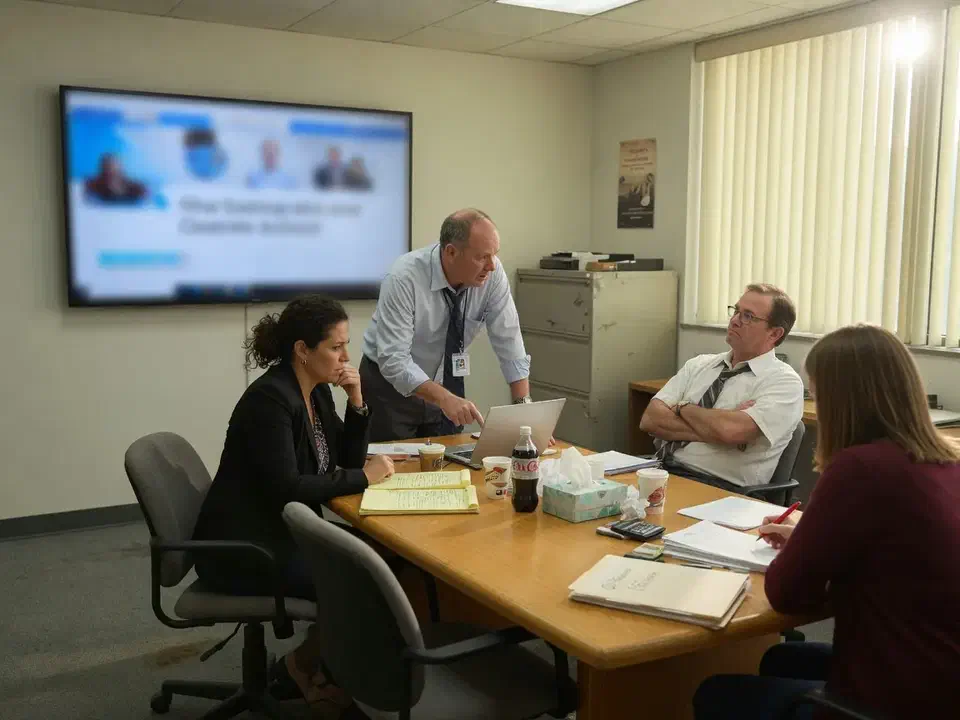
The jobs were green. Nobody in the room could name the last time a mailbox or a library had come back from the copy.
That is the usual starting point for a backup restore test. A regional CPA firm in the San Fernando Valley called Secure Techies in the fall because tax season does not wait for a failed restore. They had a product. They had recycle bins. They did not have a drill.
This case study records what we inventoried, what we restored to a test place, how long it took, and what the green jobs had been hiding. Client identifiers stay out. The method does not.
Why they called
The firm sits in the same risk class as other accounting offices we support: client tax files, seasonal staff, an intake mailbox that never sleeps in March, and a small partnership that cannot lose a week. The IRS recordkeeping page is not a backup policy. It is a reminder that some records have to exist for years. A recycle bin measured in days does not meet that job.
CISA’s ransomware guide keeps landing on the same point: backups you can restore, including a copy the attacker cannot encrypt. OneDrive sync is how a bad laptop becomes a bad cloud. The partners had read a version of that sentence on an insurance form. They had not watched a restore.
Two facts forced the date:
- Busy season was twelve weeks out. Risky change after January was off the table.
- The last documented restore, if it existed, lived in someone’s memory of “the old vendor.”
We had no leftover diagrams. We treated the console as untrusted until it proved a file.
What this engagement was, and was not
Secure Techies sells backup and disaster recovery as copies, jobs, and drills. We do not issue a continuity certification. We do not pretend a three-week test is a full business continuity program.
We wrote that limit into the statement of work. The partners wanted a restore they had seen, not a binder they would not open.
Out of scope on purpose:
- A live ransomware recovery
- A tabletop of every disaster scenario
- Re-platforming the tax application
- Claiming zero data loss for the whole tenant
In scope:
- What the backup product actually protected
- Microsoft 365 native undo versus a real copy
- One shared mailbox restore to a test location
- One SharePoint library restore to a test location
- Who could delete the backups
- A written RPO and a next-drill date
Microsoft documents Microsoft 365 Backup as a first-party restore product for Exchange, OneDrive, and SharePoint. This firm already paid for a copy. The question was whether the copy covered the work, and whether anyone had used it.
How we ran the backup restore test
Week 1: inventory
The first half-day was a list, not a click. We named mailboxes the firm could not rebuild, the current-returns library, prior-year archives, and the leftover file share in the closet. Operations walked us through intake. The office manager walked us through who still stored returns on a desktop.
That list prevented the usual failure: restoring the wrong mailbox and calling it a pass.
We also asked the partners, before they saw the console, what they thought was protected. Most named “email” and “the server.” Almost nobody named the shared intake box or the OneDrive folder a senior manager used as a working directory.
Seasonal staff made the list longer than a 22-person headcount. Prep season brings contract preparers who land mail and working files in accounts that look temporary and are not. Those mailboxes were either in the policy or they were a hole. We wrote each one down. The tax application itself stayed out of scope on purpose. It is a vendor-hosted product. We do not restore a software vendor’s cloud. We restore the mail and libraries the firm actually owns.
Week 2: the restore day
We did not restore in place. Microsoft’s restore guidance is explicit about destinations. Exchange and OneDrive can land in a new folder (Recovered Items plus a timestamp) instead of overwriting live items. SharePoint can restore to a new site URL instead of rolling the production site back. We used those non-destructive options so a drill could not wreck current returns.
Two objects:
| Object | Why this one | Where it landed |
|---|---|---|
| Shared intake mailbox | Client mail and organizer PDFs land here | New Recovered Items folder in that mailbox, not an in-place overwrite |
| Current-returns SharePoint library | This year’s work, not the archive dump | New site URL, not a rollback of the live library |
A partner sat with us. We picked a known organizer message from the fall and a known client folder by name, not “whatever is at the top of the list.” We started a clock when the restore job was approved in the backup console. We stopped it when that partner could open both items in the recovered location and say, out loud, that they were the right ones.
We compared what came back to what the live mailbox and library still showed. The point was not a marketing percentage. The point was whether the copy had the work, and whether anyone in the room knew which console to open. The time went in the packet. A six-hour restore is still a plan. A restore nobody has tried is a rumor.
NIST SP 800-34 is the old contingency-planning paper and it is still right: know what you must get back, and in what order. We did not write a federal plan. We wrote two objects and a sentence the partners could say in a partners’ meeting.
Week 3: readout
The readout was a partners’ meeting, not a PDF drop. We put the coverage list, the clock, and the missing objects on one page. Insurance answers got rewritten from that page the same week: what is copied, when it was last restored, who can delete the copy. Memory left the form.
What the green jobs hid
We are not going to invent a “recovery time improved 47 percent” slide. The useful story is the pattern, which is common in firms this size.
The product was not watching the work. User mailboxes were in the policy. The intake shared mailbox was not. Billing was not. A restore of the managing partner’s mailbox would have passed a demo and failed March.
OneDrive was informal. A manager’s personal-looking OneDrive held current work because “it was faster than the library.” That account was not in the backup policy. Recycle bin would have helped for a few days. It would not have helped after a bad empty.
Native undo was being sold as backup. Exchange has a Recoverable Items folder. SharePoint has first- and second-stage recycle bins. Those are useful. They are not an isolated copy. Someone in the room thought Microsoft kept mail for a year because “we have retention.” We wrote the actual windows next to the product retention so the two sentences could not be confused. Dumpster diving is not a product. The same walkthrough lives in the Microsoft 365 backup guide.
The same key opened mail and the backup. Daily Global Admin could change backup policy and delete restore points. CISA Cross-Sector Cybersecurity Performance Goals put tested backups next to identity for a reason. A stolen admin is also a stolen undo button if you never split the role.
The closet still mattered. A small file share held prior-year PDFs “until we finish the move.” It had a job. It did not have a restore anyone could describe. The UPS on the floor had never been tested either. That was a side note, not the headline, and we wrote it down anyway.
Prior-year libraries lived on a different SharePoint site. Partners talked about “the archive” as if it were one library. It was a second site the backup policy had never listed. A drill of current returns would have passed and left last year’s work as a hope.
Chat versus files
Teams files live in SharePoint. If the library is in the policy, the files are in the policy. Teams chats are a different store. We asked the partners, in writing, whether lost chat would stop a filing. They said no. Lost current-returns files would. The packet records that decision so nobody later claims “everything in Teams” was covered.
None of this required a nation-state. It required a drill that treated a 22-person CPA firm like a business that holds other people’s tax files.
What we changed after the test
The restore itself does not “back up” a firm. Closing the gaps does.
Same week:
- Intake and billing mailboxes added to the backup policy
- The manager’s working OneDrive added, then a plan to move that work into the library
- Backup admin given to a separate role. Daily Global Admin lost the right to delete restore points without a second person
- Next drill booked on the shared calendar before January
Thirty-day items:
- Confirm prior-year libraries and archives are in policy or named as accepted risk
- Finish moving the leftover file share or give it a tested job with an owner
- Write the one-sentence RPO into the insurance folder next to last year’s answers
We pointed the partners at the backup retention calculator for the on-prem leftover, and at the cost of IT downtime so a “we will do it after April” conversation had a number attached. The FTC small-business cybersecurity pages say the same thing in owner language: you still own the data you hold.
What the packet contained
A useful restore packet is short enough to read in a partners’ meeting.
- One-page summary. What we restored, how long it took, what was missing from the policy, and the RPO sentence.
- Coverage list. Mailboxes, libraries, OneDrive accounts, and the file share, each marked in policy / added / accepted.
- Restore runbook. Which console, which test location, who approves, who watches the clock.
- Next date. A calendar item with a name on it, not a bullet in a PDF.
We kept screenshots in an appendix and adjectives out of the summary. Insurers want both. Partners only have time for the first.
What we verified before we called it done
The drill used the same definition of done the partners would have to repeat to an insurer.
| Gate | What “done” meant here |
|---|---|
| Inventory | User mailboxes, intake and billing, current-returns library, informal OneDrive, prior-year site, leftover file share |
| Destination | Exchange to a Recovered Items folder, SharePoint to a new site URL, not an in-place overwrite |
| Clock | Start at approve, stop when a named partner opened a known message and a known folder |
| Admin split | Daily Global Admin could not delete restore points alone |
| Next drill | Calendar invite before January, with an owner |
What they had that they did not have on day one:
- Proof two objects would come back, with a time attached
- Intake and billing in the policy
- A written RPO sentence a partner could say out loud
- A next date that was not a wish
What they still did not have, and should not claim:
- A ransomware recovery
- Forever retention on every Teams chat
- A substitute for the next calendar drill
Lessons we would repeat
Do not restore the easy mailbox. If the drill uses the owner’s inbox, you will miss the box that prints money.
Do not restore in place. A Recovered Items folder or a new site URL is a drill. A rollback of production is an incident.
Write the non-goals down. If you do not say “this is not a ransomware recovery,” someone will read the packet as if it were.
Split the admin. A backup the same Global Admin can wipe is a second copy with one lock.
Put the next drill on a calendar. Managed help desk can own the invite. A PDF will not.
Ask what they think is protected before you open the console. The gap between “email and the server” and the shared intake box is usually the whole project.
Restore something a partner can recognize by name. A random folder proves the button works. A known organizer message proves the copy has the work.
Planning your own restore test
If your insurance form, your partners, or last year’s scare has you asking whether the copy works, start with two objects and a test location. Bring the backup console, the list of shared mailboxes, and whoever actually runs intake. We will tell you what belongs in a three-week drill and what belongs in a later continuity conversation.
Secure Techies works from Canoga Park with firms across Los Angeles and Southern California. Schedule a consultation if you want the same kind of timed restore this client left with.
For a different kind of project record, see the IT risk assessment we ran for a financial firm that could name products but not residual risk.
The outcome
A timed restore, and a shorter list of holes
- A shared mailbox restored to a Recovered Items folder and a SharePoint library restored to a new site URL, with a clock on the work
- Intake and billing mailboxes added to the backup policy after the inventory showed they were missing
- A one-sentence RPO the partners could repeat: last night's mail and the current-returns library back the same business day
- Backup admin split from daily Global Admin so one stolen account could not delete the copy
- A written note of what the product still did not cover, including chat, so nobody claimed otherwise
- The next restore drill on a calendar before January, with a named owner
- Clear statement of what this was not: not a ransomware recovery, not a continuity certification
Technologies and frameworks
Related services
Work that sits next to this project
More projects
Other case studies
 Wiping Jobsite Devices the Day a Crew Left
 Microsoft 365 Backup When Retention Was Not Enough
Questions
Frequently asked questions
What is a backup restore test?
Does Microsoft 365 already back up our mail and files?
What should an accounting firm restore in a drill?
How long does a restore test take?
Is a restore test the same as a disaster recovery plan?
Will you recover us if ransomware hits during tax season?
Need a restore you have actually watched?
Secure Techies runs backup restore tests for Southern California firms that cannot discover a hole in March. Start with a conversation in Canoga Park.