Co-managed IT
Co-Managed IT After the Internal Admin Left
A coordinator who knew the floor, and a help desk that could take a ticket. Documentation started the week the admin's account was revoked.
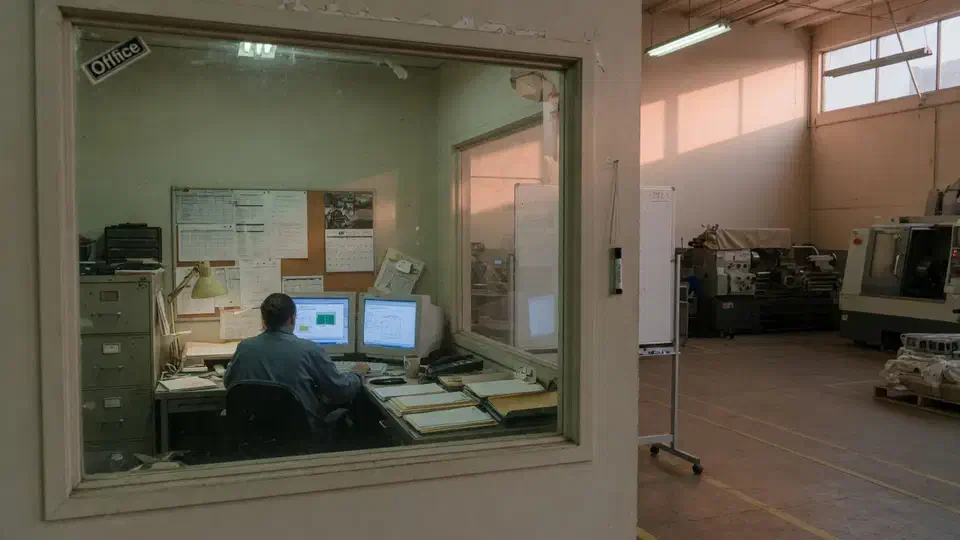
- IndustryManufacturing
- WhereSF Valley
- Timeline6 weeks
- EngagementCo-managed IT
Meet the client
A plant that kept a coordinator and needed a help desk
Company name, staff names, ERP brand, and plant address are withheld at the client's request. The engagement type, method, and constraints are real.
A San Fernando Valley manufacturer asked Secure Techies for co-managed IT after their only internal admin left with almost no documentation. They kept a plant coordinator. We took Microsoft 365, help desk, backups, and the office network. We wrote an IT/OT line in the statement of work: we do not reprogram PLCs. Six weeks later they had an inventory, a restore test, revoked leftover admin, and a ticket path that did not depend on one person's phone.
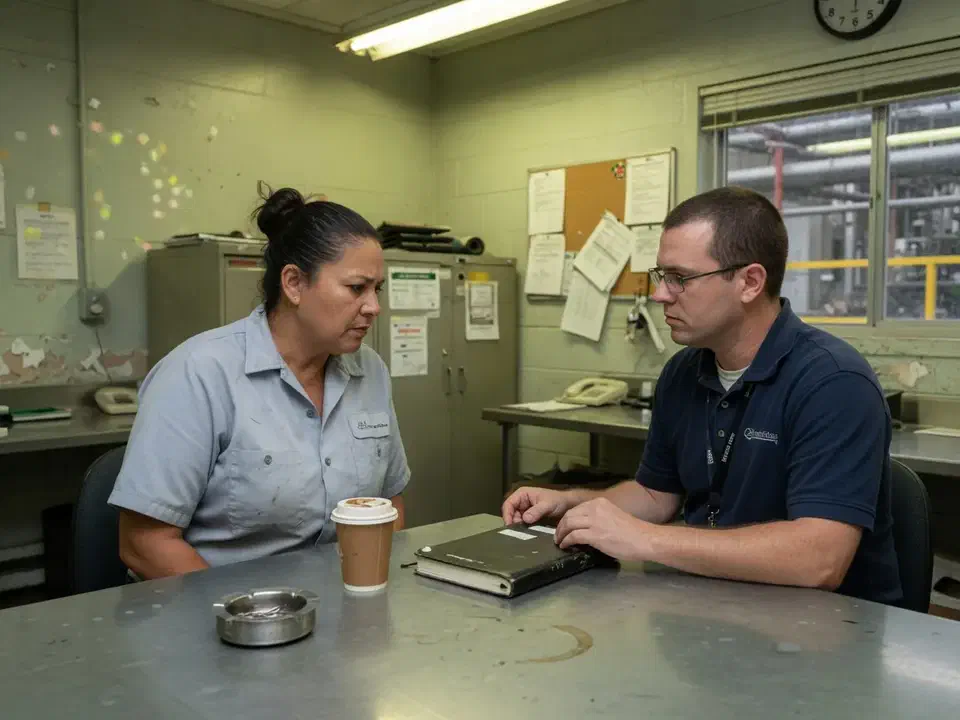
Primary goals
What success had to look like
Keep the coordinator
The plant did not want to fire institutional knowledge. Co-managed meant they kept a person. We filled the gaps.
Take the tickets
ERP users, printers, and Microsoft 365 could not wait on a hiring search.
Draw the OT line
Business IT is our work. Controls stay with the controls vendor unless a later SOW says otherwise.
The challenge
One person had been the entire IT department
The plant was not starting from zero. ERP ran. Mail ran. A controls vendor owned the floor. What died with the admin was documentation, after-hours coverage, and anyone who could revoke an account.
- 01
The admin left with the map
Passwords lived in a notebook. The Microsoft 365 tenant had leftover Global Admin. Nobody could name the last restore.
- 02
Hiring would take a quarter
A replacement admin was a search, not a Tuesday. Production and shipping still needed a help desk this week.
- 03
OT and IT had been one hallway
Office Wi-Fi and a couple of OEM PCs sat closer to the floor than anyone wanted to admit. We were not going to 'fix' that by touching a PLC.
- 04
Vendors still had leftover access
The prior MSP, a copier cloud, and a freelancer still had logins. Offboarding the admin did not offboard them.
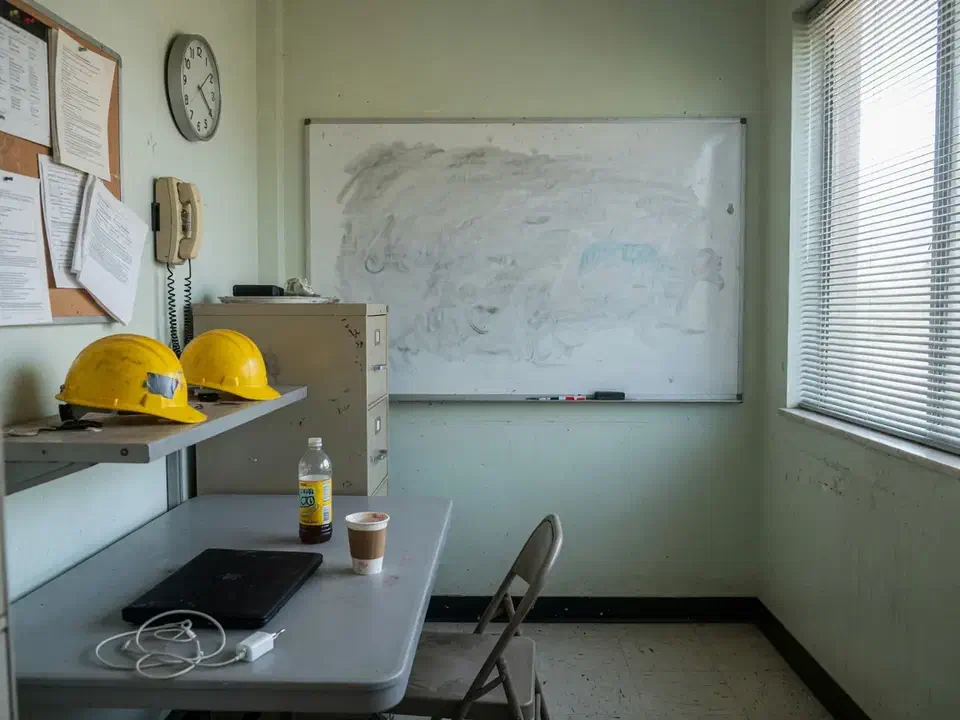
How we worked
Revoke, inventory, then take tickets
We treated this as a standup, not a full MSP replacement. The coordinator stayed. Scope was written down before we took a single ticket.
- 01
Revoke and freeze
Block the departed admin, revoke sessions, rotate what the notebook held. CIS Access Control Management is not optional because the person was liked.
- 02
Inventory what we will touch
Microsoft 365, office network, backups, endpoints, vendors. Floor controls listed as out of scope with the vendor's name next to them.
- 03
Stand up the help desk
Ticket path, after-hours, who approves a change that could affect a shift. The coordinator is still the plant voice.
- 04
Prove a restore and a diagram
One mailbox and one file share restored to a test place. A closet diagram that matches the rack. A 30-day list of leftover vendor access.
What we examined
Six workstreams, one RACI
Co-managed fails when nobody knows who owns a ticket. We wrote a RACI on a page, not a 40-page governance binder.
Identity and offboarding
Entra roles, leftover Global Admin, vendor guests, the notebook. Same-day revoke for the leaver.
Microsoft 365
Licenses, MFA, shared mailboxes, who is allowed to be admin.
Help desk
ERP users, printers, shipping desk. Application bugs stay with the ERP vendor.
Backups
What is copied, who can delete it, a restore test on the calendar.
Office network
Firewall, Wi-Fi, the closet. Floor segmentation noted, not casually changed during a shift.
IT/OT line
Written: we do not reprogram PLCs. OEM PCs on the LAN get listed and isolated if we cannot harden them.
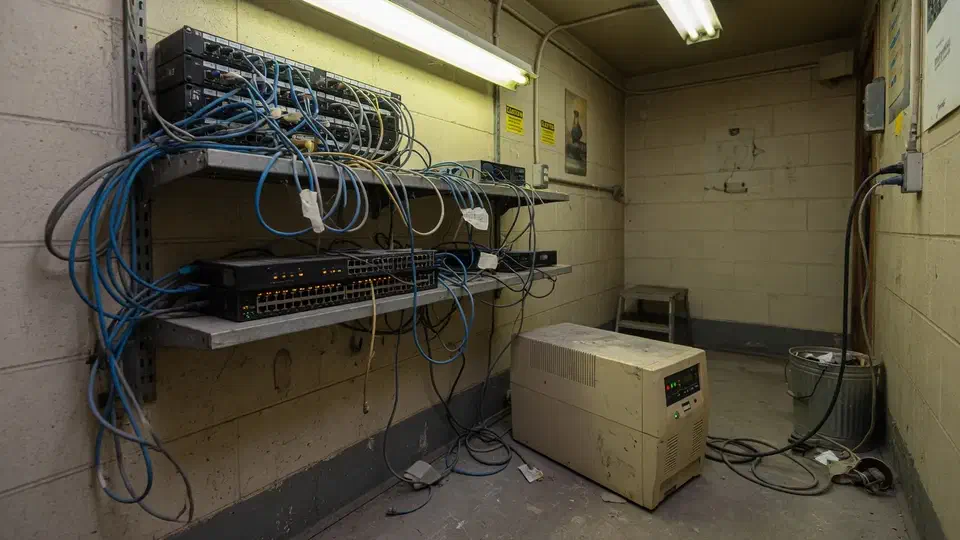
The floor had a controls vendor. The office had a dead admin account and a password notebook.
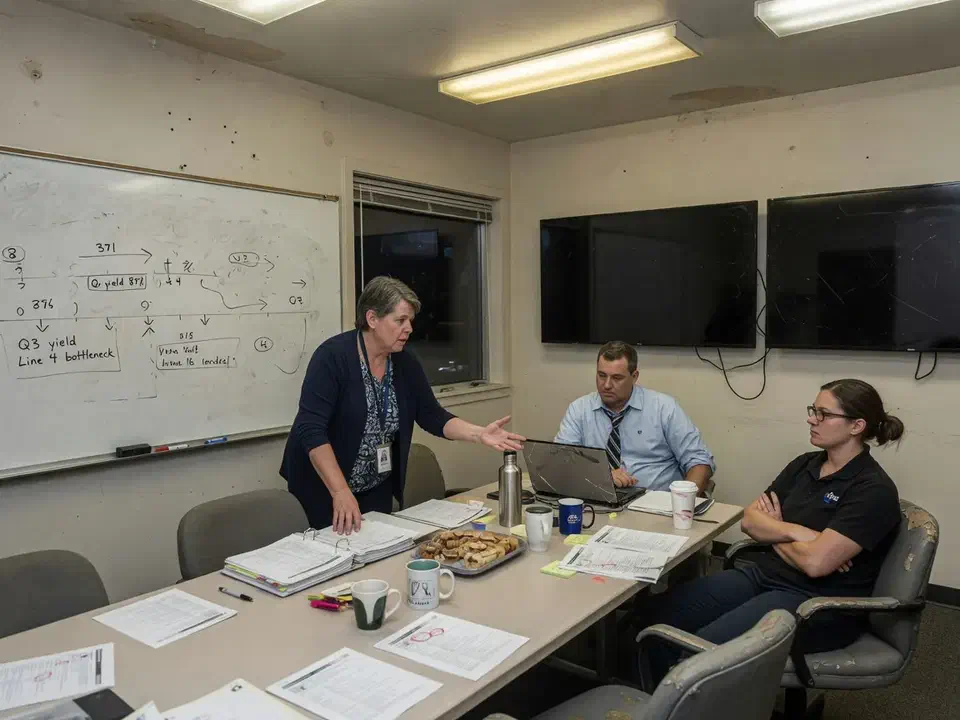
The only IT admin gave notice. The password notebook was real. The plant coordinator knew the floor and did not want to become the help desk.
That is the usual starting point for co-managed IT. A San Fernando Valley manufacturer called Secure Techies because hiring a replacement would take a quarter and shipping still needed printers on Tuesday. They were not asking us to own the plant. They were asking us to take the tickets, the tenant, and the backups, and to stay off the PLCs.
This case study records the revoke, the inventory, the RACI, and the line we wrote about OT. Client identifiers stay out. The method does not.
Why they called
A small manufacturer is an office and a floor that share a building and should not share a network. ERP users, a shipping desk, and Microsoft 365 live on one side. Controls live on the other, with a vendor who already had a name.
The admin had been the bridge. When that person left, the bridge was a notebook and a cell number nobody was allowed to call after Friday.
CIS treats account revocation as Access Control Management. NIST SP 800-53 says the same thing as AC-2. A friendly goodbye is not a control. Microsoft documents the order in Revoke user access: disable, revoke sessions, deal with devices.
Two facts set the date:
- The last day was already on the calendar.
- Production change windows are not “whenever IT feels like it.”
We had no leftover diagrams. We treated the notebook as hostile until every secret in it was rotated.
What this engagement was, and was not
Secure Techies sells managed help desk and Microsoft 365 as operations. Co-managed means we sit next to someone you still employ. Fully managed means we are the department. This plant chose the first.
We wrote that in the statement of work. We also wrote the OT line the manufacturing page already uses: we do not casually reprogram PLCs. We isolate, document, and coordinate with the controls vendor.
Out of scope on purpose:
- Replacing the coordinator
- Owning the controls network
- A full MSP bake-off against a vendor they did not have
- A certification or a NIST seal
In scope:
- Revoke of the leaver
- Inventory of business systems
- Help desk for office and shipping
- Microsoft 365 admin
- Backup restore test
- Office network diagram
- A one-page RACI
- A written IT/OT boundary
CISA’s small and medium business pages and the FTC cybersecurity guidance do not care that you used to have an admin. Headcount of IT staff is not a control.
How we stood it up in six weeks
Week 1: revoke and the notebook
Same-day work followed the employee offboarding list: block sign-in, revoke sessions, reset, dump inbox rules, pull groups. Then the notebook. Every shared password, registrar login, and vendor portal in that book was rotated or killed.
We did not convert the mailbox on day one. Counsel had not been asked. The coordinator got access. License reclaim waited.
Leftover Global Admin was the ugly find. Two accounts. One was the leaver. One was a personal Microsoft account that had been “temporary” in 2022 and still received MFA prompts on someone’s phone. Both lost the role. Daily mail and privileged admin are not the same job. We left two people who are not the shipping desk with the role, MFA on, and a note that a personal Microsoft account is never “temporary” once it can reset the tenant.
Weeks 2 and 3: inventory and the line
We listed what we would touch: Microsoft 365, office firewall, backups, endpoints, the copier cloud, the prior MSP leftover, the freelancer who still had a guest.
We listed what we would not touch: PLCs, the controls VLAN if we could identify it, OEM PCs that belonged to a machine vendor. Those got a name and a “do not patch during a shift” note. Isolation, if needed, waited on a production window and the controls vendor.
NIST CSF 2.0 is a vocabulary, not a license. We used Identify and Protect in plain English: what we have, who can change it, what we will not change without a written plan.
The coordinator stayed the plant voice. Tickets that sounded like “the line is down” did not become our Windows patches. They became a call to the controls vendor and a note in the ticket so nobody “helpfully” rebooted a cell.
Weeks 4 to 6: tickets, restore, RACI
Help desk opened for ERP users, printers, and mail. Application bugs stayed with the ERP vendor. We said that twice, because plants will ask the new IT company to fix a bill-of-materials screen.
We restored one shared mailbox and one file share to a test location. The method matches the backup restore test write-up: test place, clock, who approved. Green jobs were not the proof.
The RACI fit on a page:
| Work | Coordinator | Secure Techies | Other vendor |
|---|---|---|---|
| Floor / PLC | Escalate | Out of scope | Controls vendor |
| ERP application | User voice | Environment only | ERP vendor |
| Microsoft 365 | Approves guests | Admin | |
| Help desk | Plant context | Owns the ticket | |
| Backups | Knows the RPO | Jobs and drills | |
| Change during a shift | Must approve | Will not proceed alone |
That page is the product. A 40-page governance PDF is how co-managed dies.
What we found when the notebook opened
The tenant had two Global Admins too many. One was the leaver. One was a leftover personal account. Microsoft 365 does not need a committee of owners. It needs two people who are not the same as daily email.
Vendors outlived the admin. Copier cloud, old MSP, a freelancer guest. Offboarding one human does not offboard the grants. We used the same habit as vendor risk: list who can see the tenant, then cut.
Backup existed. Proof did not. Jobs were green. The last restore was a story. We ran one.
The closet and the floor were friendlier than anyone wanted. A couple of OEM PCs sat on office DHCP. We did not yank them during a shift. We labeled them and put isolation on the 30-day list with the controls vendor in the room.
The firewall still had an any-any leftover. Someone had opened it “so the copier could scan” and never closed it. That is how a plant office becomes a path onto something it should not see. We wrote the rule down, named an owner, and scheduled the change for a window the coordinator would approve. We did not “clean it up” at 2 p.m. on a production day.
After-hours was a cell phone. That is not a help desk. It is a favor. We put hours and escalation in writing.
None of this required a plant-floor specialist. It required a standup that did not pretend we were one.
What the first week of tickets looked like
The first tickets were boring, which is the point of a help desk.
A shipping label printer. An ERP user locked out after MFA. A shared mailbox that had been the admin’s unofficial intake. We closed those. We did not “while we are here” reboot a cell PC.
One ticket sounded like a line-down. It was a scanner on office Wi-Fi that had wandered. We put the scanner back on the office SSID and wrote a note: scanners are business IT, the cell PC next to them is not. That sentence is how you keep co-managed from becoming accidental OT.
Change windows were written next to the production calendar. Patch Tuesday for office PCs is not patch Tuesday for anything that could stop a shift. If a change might, the coordinator had to say yes. If they said no, we waited. Heroic after-hours work that stops a Monday line is not a favor.
Microsoft 365 licenses were a mess of departed seasonal staff. We cleaned what we could prove. We did not delete mailboxes to “save money” on day four. That lesson is in the offboarding study for a reason.
The first after-hours call was a shipping printer, not a line-down. Someone still reached for the old admin’s cell, got voicemail, and then used the number we had put on the break-room sheet. That is the whole product. If the sheet is not on the wall, co-managed is a slide.
What the packet contained
- Revoke record. What we disabled, what we rotated, what we left on hold.
- Inventory. Business systems we own, OT we do not, vendors in the middle.
- RACI. One page. Names, not departments.
- Restore notes. What came back, how long, who watched.
- 30-day list. OEM PCs, leftover guests, a firewall rule that still said any-any.
We pointed leadership at how to switch IT providers only to say this was not that project. They were not leaving a vendor. They were adding a desk. The switching providers study is the other shape.
What we verified before we called the standup done
A help desk logo is not a standup. These were:
| Gate | What “done” meant here |
|---|---|
| Revoke | Leaver blocked, sessions revoked, notebook secrets rotated |
| Identity | Leftover personal Global Admin removed. Two people who are not daily email |
| Scope | Business systems listed. PLCs and OEM cell PCs listed as out of scope |
| Tickets | Real printer, MFA, and mailbox tickets closed on the new path |
| Restore | One mailbox and one file share restored without overwriting production |
| RACI | One page the coordinator, plant lead, and our desk would sign |
What they had that they did not have on day one:
- A ticket path that was not a personal cell
- A map of what we touch and what the controls vendor owns
- Proof of a restore
- A 30-day list for leftover guests, OEM PCs, and an any-any leftover
What they still did not have, and should not claim:
- A replacement for the coordinator
- Ownership of the floor
- A certification
Lessons we would repeat
Write the OT line on day one. If you do not, someone will ask you to reboot a cell at 2 p.m.
Keep the coordinator if they are good. Co-managed is not a polite word for replacement.
Revoke before you take tickets. A live leaver account is an incident, not a transition.
RACI on one page. If it needs a binder, nobody will use it on a night shift.
Do not patch the floor to look busy. Isolation and a production window beat a heroic reboot.
Name the ERP vendor in the RACI. Plants will ask the new IT company to fix a bill-of-materials screen. If the RACI does not say “environment only,” you will own a product you do not support.
Rotate the notebook the first day. A shared password that outlives the admin is how the next incident starts, not how the last chapter of the story ends.
Planning your own standup
If your only admin is leaving and you still have someone who knows the business, start with revoke and a RACI, not with a hiring panic. Bring the tenant, the notebook, the controls vendor’s name, and the coordinator who will stay. We will tell you what belongs in six weeks and what belongs in a later OT conversation.
Secure Techies works from Canoga Park with plants and offices across Los Angeles and Southern California. Schedule a consultation if you want the same kind of co-managed standup this plant left with.
For a different project record, see a mobile surveillance trailer on a warehouse yard.
The outcome
A help desk, a map, and a line they can point at
- Departed admin blocked, sessions revoked, notebook secrets rotated
- A one-page RACI: coordinator, Secure Techies, ERP vendor, controls vendor
- Help desk taking office and shipping tickets without calling a personal cell
- A restore test of a mailbox and a file share to a test location
- Leftover vendor and guest access listed, then cut
- IT/OT line in the SOW: no PLC work unless a later document says so
- Clear statement of what this was not: not a full outsourcing, not an OT project, not a certification
Technologies and frameworks
Related services
Work that sits next to this project
More projects
Other case studies
 Wiping Jobsite Devices the Day a Crew Left
 Microsoft 365 Backup When Retention Was Not Enough
Questions
Frequently asked questions
What is co-managed IT?
Will you replace our remaining IT person?
Do you run the plant-floor controls?
How fast can you stand up after an admin leaves?
What do you need from us on day one?
Is this the same as switching MSPs?
Need a help desk the week after someone leaves?
Secure Techies stands up co-managed IT for Southern California plants and offices that still have a coordinator and no longer have an admin. Start with a conversation in Canoga Park.