Help desk
Managed Help Desk Coverage When the Office Manager Was IT
She could run payroll and the copier. She should not have been the after-hours password reset.
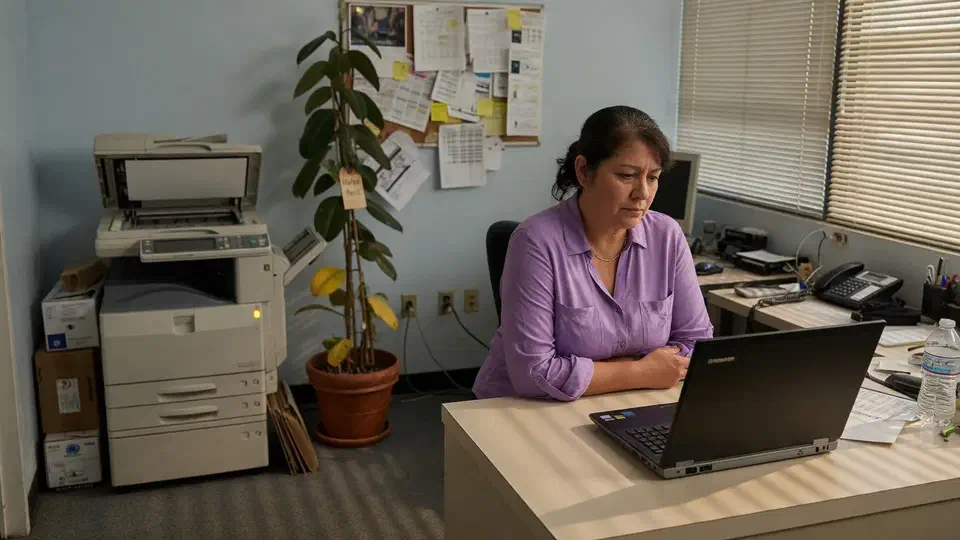
- IndustryProfessional office
- WhereSF Valley
- Timeline4 weeks
- EngagementHelp desk standup
Meet the client
A 22-person office that had an office manager, not an IT department
Firm name and staff names are withheld at the client's request. The engagement type, method, and constraints are real.
A 22-person San Fernando Valley professional office asked Secure Techies for managed help desk coverage after the office manager, who was also Global Admin, said she could not keep being IT. We took tickets, turned on self-service password reset, cleaned shared mail and leftover admin, and left a one-page how-to-get-help. We did not invent a ticket-time percentage or hire her a replacement in-house.
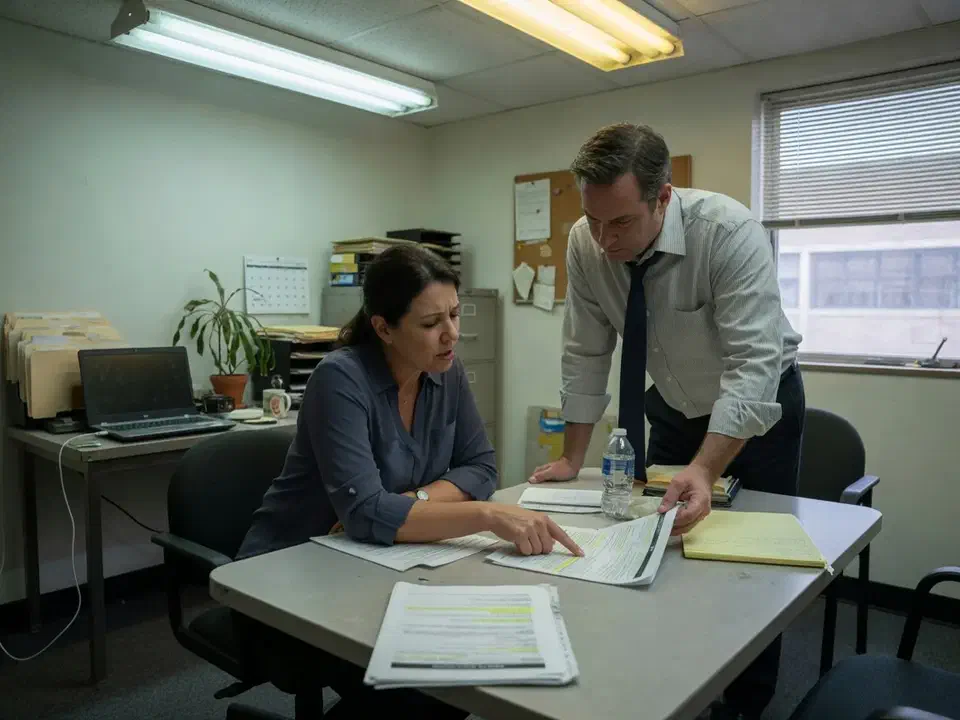
Primary goals
What success had to look like
Take the tickets off her phone
Staff needed a number and a portal that was not a text to the office manager.
Stop the password queue
Most of her 'IT' was resets. Self-service password reset belongs in the tenant, not in her afternoon.
Leave operations as operations
She stayed office manager. We did not make her a coordinator for our tickets.
The challenge
The accidental IT person had a full-time job already
The firm was not starting from zero. Microsoft 365 was daily work. A copier vendor existed. What they lacked was a desk that answered when she was in a benefits meeting.
- 01
Global Admin sat on one person
The office manager held Global Admin, the copier login, and the internet bill. Vacation meant the queue waited.
- 02
Password resets were the job
Staff texted her. She reset from the admin center on her phone. Self-service password reset was off.
- 03
Shared mail was a shared password
Recruiting and info@ used a licensed mailbox two people signed into. Microsoft documents a real shared mailbox for that.
- 04
Onboarding was a Friday scramble
New hires waited on a license, a laptop, and whoever remembered the distribution list.

How we worked
Four weeks to a desk staff would actually use
We treated this as a help desk standup, not a rip-and-replace of every vendor, and not a promise that tickets would vanish.
- 01
Map who actually does IT
Global Admin, vendors, printers, internet, the phone that got the 7:45 a.m. texts. Out of scope: rewriting their line-of-business app.
- 02
Stand up the ticket path
Portal, phone, email. Office manager off the after-hours list. We take P1. She keeps operations.
- 03
Fix the work that creates tickets
SSPR, MFA on leftover boxes, a real shared mailbox, day-one licenses, same-day offboarding.
- 04
Write how to get help
One page on the wall and in onboarding. First month of tickets reviewed with her, not dumped on her.
What we examined
What we took, and what we left with her
Help desk is not 'we answer the phone.' It is identity, mail, onboarding, and a closet someone can describe.
Ticket path
Phone, email, portal. Priority by business impact, not who texts first.
Identity and SSPR
Self-service password reset on. Global Admin no longer a single phone.
Shared mail and licenses
Info and recruiting as shared mailboxes. Sign-in blocked on the mailbox itself.
Joiners and leavers
Day-one account. Last-day revoke. Not a Friday text.
Closet and vendors
Who to call for internet, copier, and the switch. We sit on the call.
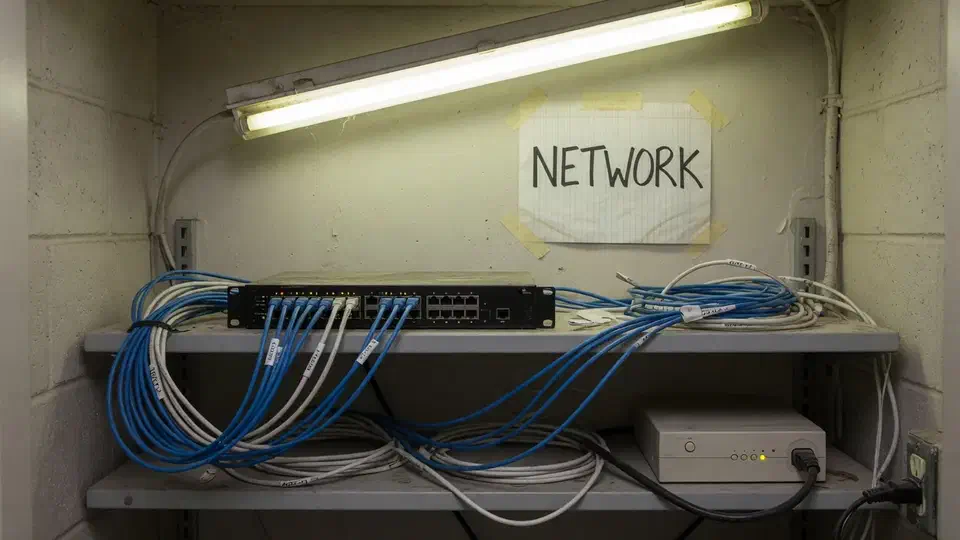
The ticket path had been a text message to one person's phone.
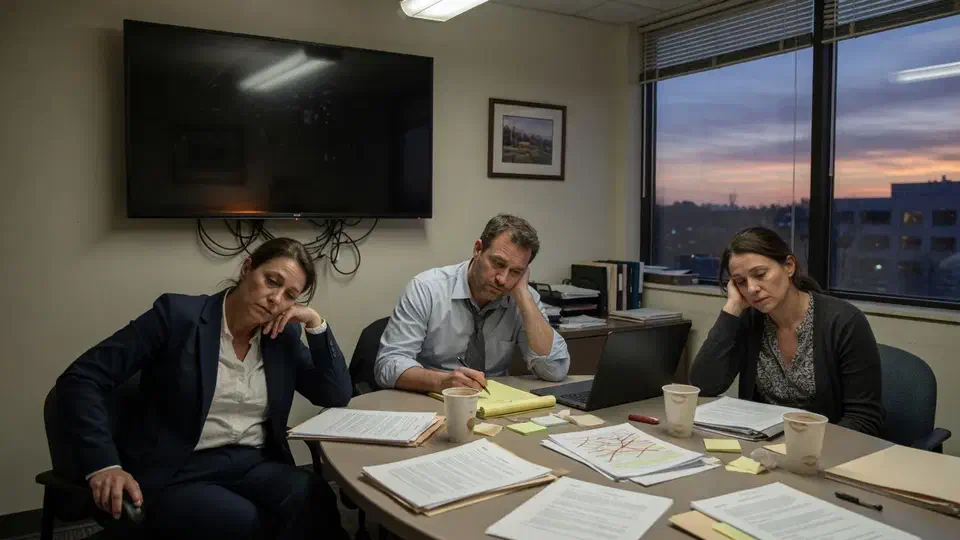
The office manager was Global Admin, the copier login, and the 7:45 a.m. password text. She asked for a desk that was not her.
That is the usual starting point for managed help desk coverage at a small business that has outgrown “ask the office manager.” A 22-person San Fernando Valley professional office called Secure Techies after she said, in a partners’ meeting, that she could run payroll or she could be IT, not both. They ship client work. They did not want to hire a junior technician to sit in a spare cubicle.
This case study records the four-week standup: the ticket path, self-service password reset, the fake shared mailbox, leftover admin, and the one-page how-to-get-help. Company identifiers stay out. The method does not. We will not invent a percentage of tickets that got “faster.”
Why they called
Offices this size do not fail because they lack a help desk product. They fail because the product is one person’s cell phone. CISA’s small and medium business pages keep repeating the same owner problem: you still own access, even if nobody’s title says IT. The FTC small-business cybersecurity guidance says it in plainer language. Headcount is not a control.
Two facts set the month:
- She held Global Admin. If she was in a benefits meeting, nobody else could reset a mailbox.
- Self-service password reset was off. Microsoft documents how SSPR works as the way users unblock themselves without an administrator. The tenant had never turned it on.
Staff already knew the pattern. New hire on a Monday: laptop from a box, license added when she had time, distribution list forgotten until someone missed a meeting. Leaver on a Friday: mailbox left open “in case they send a file.” The copier jammed during proposals. The internet bill was in her name. After hours, a lockout waited until she saw the text.
They had looked at hiring. One in-house person still takes vacation, still cannot cover 2 a.m., and still is a single point of failure. Our outsourced IT and 24/7 IT support guides are the longer version of that math. This page is what the standup actually did.
What this engagement was, and was not
Secure Techies sells managed help desk as a desk plus the Microsoft 365 work that creates the tickets. It is not a promise that printers will never jam. It is not an in-house hire we pretend to be.
We wrote the non-goals down before we took Global Admin.
Out of scope on purpose:
- Replacing their line-of-business app
- A full firewall redesign (the closet was documented, not rebuilt)
- A cybersecurity “score” we would invent
- Making the office manager our on-site coordinator
In scope:
- Ticket path: phone, email, portal
- Identity: SSPR, MFA gaps, who holds admin
- Shared mail and licenses
- Joiners and leavers
- Vendor list and when we sit on the call
- A one-page how to get help
Microsoft is explicit that administrator roles should be least-privilege, and that Global Admin should be rare. She was the only one. That is a staffing problem dressed up as a tenant setting.
How we stood up coverage
Week 1: inventory and Global Admin
The first half-day was not a scan. We sat with her and listed every thing people already treated as “IT”:
- Who is Global Admin, and who thinks they are
- The copier vendor, the internet account, the phone system
- Shared mailboxes that were actually licensed users
- The laptop closet, which was a shelf
- After-hours: who gets the text
We created our own admin with a named Secure Techies account, MFA on, and we did not keep using her login. Daily tickets do not need Global Admin. Password resets and license assignment use lesser roles. We scheduled the cutover of her Global Admin for week two, after a second partner account existed so nobody could lock the tenant. Microsoft recommends as few Global Admins as possible, and more than one so a reset is possible. We followed that. We did not leave her as the break-glass forever. She kept a User Administrator role so she could still see who had a license. She did not keep the keys to the tenant.
We also pulled 30 days of the informal queue: her texts and the “can you look at this” emails. Most of it was passwords, licenses, and “Outlook looks weird.” That is help desk. That is not a reason to buy a new firewall. We also counted unused Microsoft 365 licenses sitting on people who had left. Those seats were still billed. Offboarding is a help desk ticket. An unused license is a monthly reminder that the ticket never ran.
Weeks 2-3: tickets, SSPR, shared mail
The portal went live. Staff got a 15-minute briefing: here is the number, here is the portal, stop texting the office manager unless the building is on fire. After-hours is the same number. 24/7 coverage on this plan is real technicians, not an answering service that calls her in the morning.
SSPR: we enabled it for all users, required registration at sign-in, and sat with the people who skip prompts until they finished. Microsoft lets you require one method or two. We required two so a stolen phone is not the only gate. Authenticator plus a phone number, or Authenticator plus email, depending on the person. CIS Access Control Management is the same idea in control language: who can reset, who is admin, and whether leftover access is still live. We still reset the ones who had not registered yet. The point is the queue shrinks, not that it hits zero on day one.
Shared mail: recruiting@ and info@ were licensed mailboxes with a password on a sticky note. Microsoft documents how to create a shared mailbox: Full Access plus Send As, sign-in blocked on the mailbox itself. We converted them. We did not leave a human identity as a group inbox.
Joiners: Microsoft’s add users and assign licenses flow is the day-one ticket. HR sends a start date. We create the account, license, groups, and laptop before the person sits down. Leavers follow the same offboarding checklist we use elsewhere: block sign-in, revoke sessions, check inbox rules. Do not delete the mailbox on day one.
Week 4: the one-pager and the first month
We taped a one-page “how to get help” at the copier and put it in onboarding. It names the portal, the phone, what is P1 (office down, nobody can sign in), and what can wait until morning. It says she is office manager. She is not the desk.
We reviewed the first month of tickets with her, not as a dump of work, as a proof that the queue had moved. Password tickets were already going through SSPR for the people who had registered. Printer and “where is the SharePoint link” tickets stayed. That is honest. A desk does not make files find themselves.
The closet got a photo and a vendor list. Internet, copier, switch. We sit on those calls. We did not rebuild the network in this SOW.
What the office actually showed
The help desk was a phone number that was also payroll. When she was in a meeting, the queue was a stack of sticky notes. That is not coverage. That is a person being kind.
SSPR was off. Every forgotten password was an admin action. Microsoft built the portal so that is not required. Nobody had turned it on.
Global Admin was one personal account. Microsoft’s admin-role guidance is to keep that circle small and to have a spare. They had one, and it was her.
Group inboxes were people. A licensed mailbox with a shared password is not a shared mailbox. It is a credential you cannot rotate without a meeting.
Onboarding had no owner except her calendar. Microsoft’s add-user flow is twenty minutes if licenses exist. It was slipping to the next day because she was doing three other jobs.
The closet was undocumented, not catastrophic. A modest switch, a copier VLAN that was really a guest password, an ISP gateway. Enough to list. Not enough to pretend this was a network project.
None of this required a six-person IT department. It required a desk, and the tenant work a desk should have done years ago.
What we would not do
We would not claim tickets fell 47 percent. The useful story is who owns them, and whether SSPR is on.
We would not fire her into a “site coordinator” role so we could still ping her for every printer. She stayed office manager. We ping her when a joiner is starting, which is her job.
We would not sell a full co-managed model. There was no internal admin to co-manage. That is a different case study.
We would not skip after-hours because “they are nine to five.” An 8 a.m. lockout is an after-hours problem if she is still commuting.
We would not hold the standup hostage for a larger cybersecurity SKU. MFA gaps and offboarding were in this job because they are help desk. A later assessment is a later conversation.
Managed IT versus break-fix is the commercial version of that limit. This office did not want a truck roll invoice every time Outlook searched forever.
What the packet contained
- Ticket path. Portal, phone, email, what is P1.
- Identity notes. SSPR on, who holds admin, MFA leftover boxes.
- Mail. Shared mailboxes vs licensed users, licenses in use.
- Joiner and leaver. The ticket body HR already fills.
- Vendor list. Internet, copier, closet photo.
- How to get help. One page, copier and onboarding.
The packet is short enough that a new hire can read it. It is specific enough that our night technician is not guessing the copier vendor.
What we verified before we called it live
A portal with nobody briefed is still her phone.
| Gate | What “done” meant here |
|---|---|
| Ticket path | Staff used portal or phone for a real issue, not a test |
| SSPR | On, registration required, she is not the reset button |
| Admin | Second Global Admin, her daily work on a lesser role |
| Shared mail | Recruiting and info@ converted, sign-in blocked |
| Joiners | Next new hire had a license before day one |
| Briefing | Fifteen minutes with the people who actually get stuck |
The first month was the real close. We did not declare victory at the readout and disappear. The first real ticket was a lockout at 7:50 a.m. before a client meeting. It went to the portal, not her phone. That is the proof. Password tickets that still came to her after that got a polite redirect to the portal, once. After that, the number was us.
What they had that they did not have on day one:
- A desk that is not the office manager
- SSPR
- Shared mail that is actually shared mail
- A joiner ticket
- A vendor list
- After-hours that does not wait for her commute
What they still did not have, and should not claim:
- Zero tickets
- An in-house technician
- A rebuilt network
- A substitute for unique passwords and MFA
Lessons we would repeat
Take Global Admin off the office manager. Least privilege is not a slogan. It is how her vacation stops being an outage.
Turn on SSPR before you brag about a help desk. A desk that resets every password by hand is a more expensive version of her phone.
Convert the fake shared mailbox. A licensed user with a sticky-note password is an account you will forget to offboard.
Brief the humans. A portal nobody heard about is still a text to the office manager.
Keep her in operations. If you turn the office manager into your dispatcher, you did not take the desk. You added a step.
Write the after-hours path. 8 a.m. meetings do not care that the lockout happened at 7:40.
Planning managed help desk coverage
If your office manager is still Global Admin, start with a standup, not a six-person department. Bring whoever actually gets the 7:45 a.m. texts, a list of vendors, and Global Admin. We will tell you what belongs in four weeks and what belongs in a later cybersecurity or network conversation.
Secure Techies works from Canoga Park with small businesses across Los Angeles and Southern California. Schedule a consultation if you want the same kind of desk this client left with.
For a different project record, see dark web credentials we could actually reset.
The outcome
She went back to running the office
- Staff call or portal instead of texting the office manager
- Self-service password reset on and registered
- Global Admin no longer a single personal account
- Recruiting and info@ converted to shared mailboxes
- Joiner and leaver as a ticket, not a Friday scramble
- Vendor list for internet, copier, and the closet
- No invented '47 percent faster tickets' graphic
Technologies and frameworks
Related services
Work that sits next to this project
More projects
Other case studies
 Wiping Jobsite Devices the Day a Crew Left
 Microsoft 365 Backup When Retention Was Not Enough
Questions
Frequently asked questions
What is managed help desk coverage for a small office?
Did the office manager leave?
Is this the same as co-managed IT?
Do you only work business hours?
Will tickets drop to zero?
Do we have to buy a full cybersecurity package first?
Is your office manager still the help desk?
Secure Techies runs managed help desk coverage for Southern California small offices that have outgrown one person's phone. Start with a conversation in Canoga Park.