Network security
Guest Wi-Fi That Stopped at the Register
A second SSID is not a wall. We proved isolation from a table, then wrote the deny rule so it stayed that way.
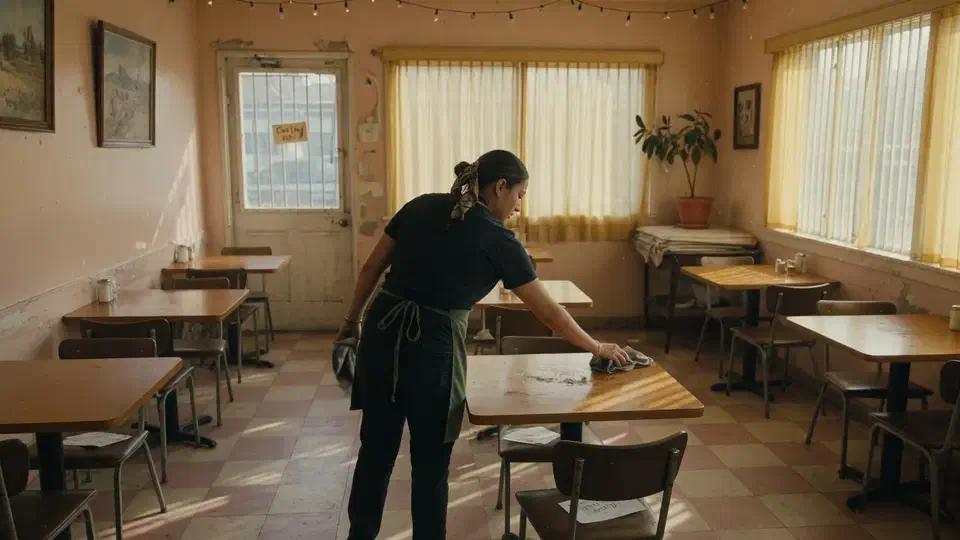
- IndustryRestaurant
- WhereLos Angeles
- Timeline2 weeks
- EngagementGuest Wi-Fi
Meet the client
A restaurant whose guest network could see the register
Restaurant name, POS brand, and staff names are withheld at the client's request. The engagement type, method, and constraints are real.
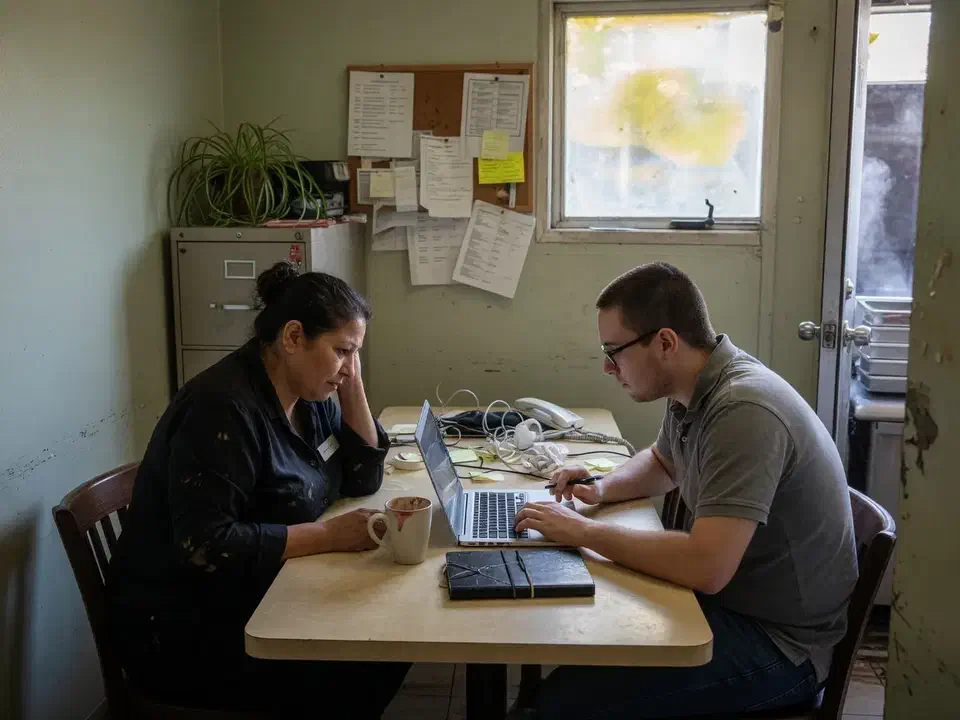
An independent Los Angeles restaurant asked Secure Techies to fix guest Wi-Fi after a processor questionnaire asked how the payment network was separated. A guest phone on the dining-room SSID could reach the register subnet. We built a guest VLAN, denied LAN, turned on client isolation, moved cameras off guest, rotated the passphrase, and tested from a table before Saturday night.
Primary goals
What success had to look like
Stop guest traffic at the internet
Visitors needed the web. They did not need the POS, the office PC, or the camera recorder.
Prove it from a table
A second SSID was already on the wall. We needed a join test that failed to reach the register.
Do it between services
The work had to finish on a Monday-Tuesday close window. Saturday night was not a change window.
The challenge
The guest name and the staff LAN were the same place
The restaurant already advertised free Wi-Fi. The mesh kit had a Guest SSID. Both names still bridged onto one subnet next to the terminals.
- 01
A dining-room phone could scan the POS
We joined as a guest and reached the register's management page. That is not hospitality. That is a flat LAN with a friendly name.
- 02
Cameras lived on Guest
The back-alley camera had been parked on guest 'because it was isolated.' Isolation was then punched open so the NVR could see it.
- 03
The password was a mural
The passphrase had been on a board for three years. Staff used guest because it was easier than the staff SSID.
- 04
The processor had started asking
A questionnaire wanted segmentation language. The owner needed an honest answer, not a logo.
How we worked
Join first, then build the wall
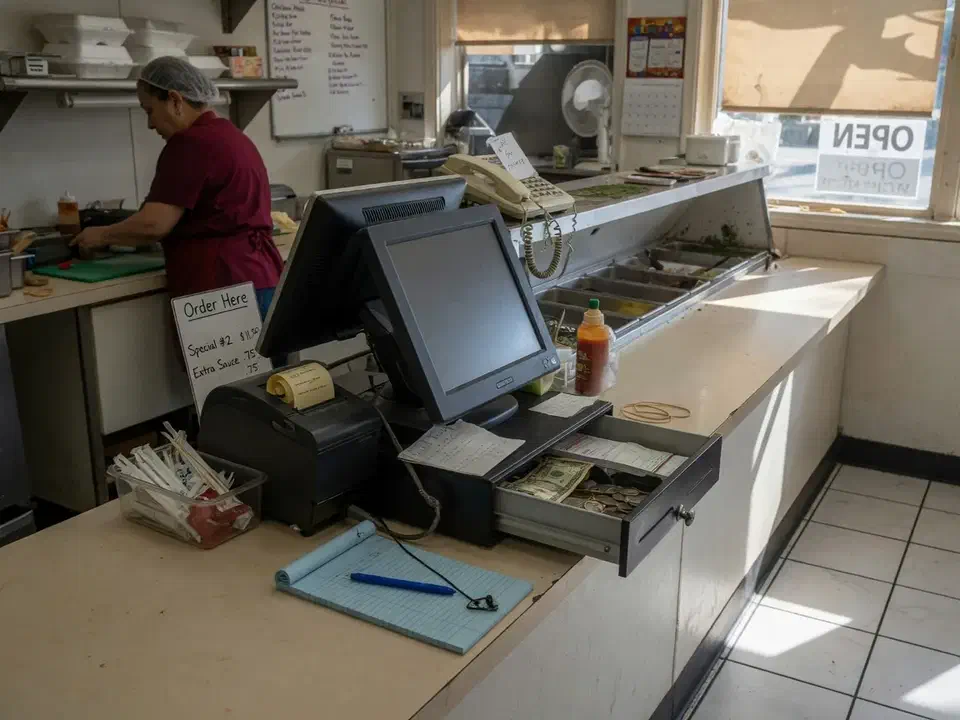
We treated this as a network job with a test, not a new mesh kit. Scope was written down before any VLAN. We are not a QSA and did not sell a PCI seal.
- 01
Join as a guest
From a dining-room table we noted the guest IP, pinged the POS subnet, and tried two guest phones against each other. The results were the statement of work.
- 02
Build the guest VLAN
New subnet. New DHCP on the firewall. Guest SSID mapped to that VLAN on every access point. Same name so Saturday guests did not notice.
- 03
Deny LAN, isolate clients
Firewall: guest to LAN deny. Guest to WAN allow. Client isolation on. Cameras and printers moved off guest.
- 04
Test again, then write it
Same table, same phone. Guest could not reach the register. Two guest phones could not ping each other. Staff SSID still reached the printer.
What we examined
Five checks, one dining-room test
The VLAN was the headline. The workstreams were how we knew Saturday night would still print tickets.
SSID to VLAN map
Every access point used the same guest name, key, and VLAN. Roaming could not dump a phone onto staff.
Firewall deny
Guest to LAN deny, logged for a week so we could see what we broke (usually a camera).
Client isolation
Guest phones could not talk to each other on the same SSID.
POS and office stay off guest
Terminals, the office PC, and the printer stayed on staff. IoT got its own VLAN, not the visitor path.
Passphrase and staff habit
New key, no board in the dining room. Staff told to use the staff SSID only.
The password on the specials board was three years old. Isolation was never on.
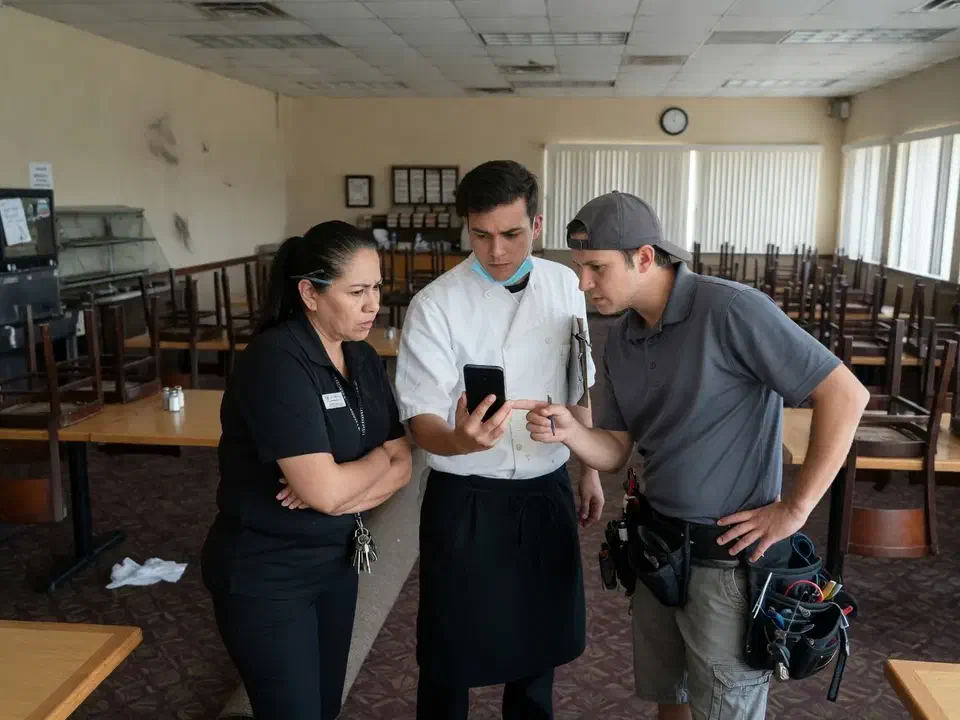
A guest phone at a two-top could open the register’s management page. The SSID said Guest. The subnet said otherwise.
That is the usual starting point for guest Wi-Fi isolation. An independent hospitality restaurant in Los Angeles called Secure Techies after a processor packet asked how the payment network was separated. They had a mesh kit and a password on a board. They did not have a wall.
This case study records the join test, the VLAN, the deny rule, and the second test from the same table. Client identifiers stay out. The method does not.
Why they called
A restaurant is two businesses in one room: people on phones, and a terminal that takes cards. CISA’s guidance is plain: implement a guest Wi-Fi network that is separate from the main network, using multiple SSIDs or other isolation so organizational information is not on the visitor path.
The owner thought they had already done that. The kit offered a Guest toggle. We joined from a table and landed in the same range as the POS. The mesh was handing out DHCP for both names. The firewall never saw two networks. A friendly SSID is a label. The subnet is the design.
The PCI DSS standard expects the cardholder environment to be segmented from networks that do not need card data. We are not the QSA. We are the people who still find a terminal and a guest SSID on one flat LAN.
Two facts set the calendar:
- Saturday night is not a change window.
- The processor’s questions were not going to get easier.
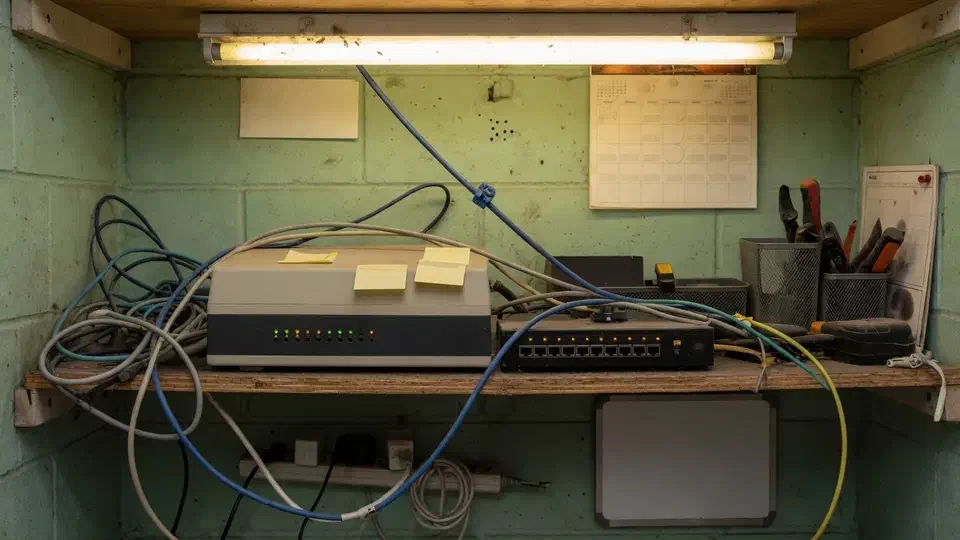
We had no leftover diagram. The closet told the truth: one consumer-grade router, a switch, and a password that had not rotated since the last remodel.
What this engagement was, and was not
Secure Techies sells network security as design, firewall, and wireless that you can test. We do not issue PCI attestations. We do not replace Toast, Square, or whoever runs the POS application.
We wrote that limit into the statement of work. The owner wanted an honest answer for the questionnaire and a dining room that still printed tickets.
Out of scope on purpose:
- A PCI ROC or SAQ filled out as if we were the assessor
- A new POS vendor
- Replacing every access point if the current ones could take a VLAN
- Enrolling guest phones in anything
In scope:
- A join test we would write down
- Guest VLAN and firewall deny
- Client isolation
- Moving cameras and the leftover TV off guest
- A new passphrase and a staff rule
- A second test from the same table
CIS puts the device and design work under Network Infrastructure Management: know the gear, configure it on purpose. Guest Wi-Fi is one of those configurations.
How we isolated guest Wi-Fi
Monday: the join test
We sat where a guest sits. We joined the Guest SSID. We wrote down the IP.
It was the same range as a terminal. We opened the printer. We reached a camera. We reached the register’s management page on HTTP, which is how this page opens. Two guest phones could ping each other. Client isolation was off.
That page of notes was the scope. Nobody argued with a screenshot from their own dining room. The mesh “Guest” toggle had never created a second network. It had created a second name for the first one.
NIST’s SP 800-153 is the older, still-cited WLAN paper CISA points at. You do not need every federal checkbox. You do need a written design: which SSID is trusted, which is not, and what each one can reach.
Tuesday: the wall
The firewall already supported VLANs. We did not forklift it. We created a guest VLAN, a new subnet, and DHCP on the firewall, not on a random access point.
Every AP mapped the existing Guest name to that VLAN. Same name, new key, same VLAN. Roaming could not dump someone onto staff.
Firewall rule: guest to LAN, deny. Guest to WAN, allow, with a bandwidth cap so one visitor could not wreck a Saturday. Client isolation on. Cisco Meraki documents the same idea in wireless client isolation and in their guest versus internal write-up. This site was not Meraki. The idea does not care about the logo.
Cameras moved to a small IoT VLAN. The “smart” TV that had been on guest went with them. The POS and the office PC never moved. They were already on the staff path. We just stopped inviting strangers onto it.
The Wi-Fi Alliance publishes WPA3 as the current encryption generation. We enabled WPA3/WPA2 on guest and staff. We did not leave the network open “because guests complain.”
What the first deny rule broke
The first hour after deny-LAN is when honesty shows up.
The back-alley camera went dark. That was expected. It had been on guest. We put it on IoT and allowed only NVR traffic.
A manager’s personal laptop lost the shared drive. That laptop had been on guest because the password was on the board. We moved it to staff and took the board down.
The POS printed. A test card sale went through. Those two facts were the leave-behind. We do not change guest Wi-Fi and walk out before a ticket prints.
Staff were told, once, in the walk-in: work devices use the staff SSID. Guest is for people we do not manage. The new passphrase lives with the manager, not on a mural.
What we did not rip out
The access points could take a VLAN tag. Replacing them would have felt like progress and would have burned the week. We replaced the ISP gateway only because it sat in front of the real firewall, did NAT for everything, and could not pass VLANs without turning guest back into a bridge. The capable firewall stayed. The consumer box in front of it left. That is a different sentence than “we sold a new wireless system.”
Bandwidth caps are not security. We set one anyway. One visitor streaming a game should not stall a kitchen display. Inbound connections from the internet to guest IPs were already off. We left them off.
We did not put a captive portal on this site. The owner did not want an email harvest. A rotated passphrase plus isolation was the control. A portal is a later conversation if they want logs of who joined.
What we told the processor
The questionnaire wanted a paragraph. We gave them facts:
- Guest traffic sits on its own VLAN
- A firewall deny stops guest from the LAN that holds terminals
- Client isolation is on
- Staff and POS do not use the guest SSID
- We tested from the dining room on [date in the packet]
We did not let the owner write “we are PCI compliant” in that box. Isolation is a control. Compliance is an assessor’s sentence. The PCI DSS page on our site is the longer map. This project was one wall.
If the processor later wants a QSA, the one-page design is what that person should start from. It is not a substitute for their work.
The second dining-room test
After the dust settled we sat at the same table.
| Check | Result we required |
|---|---|
| Guest IP | Not in the staff or POS range |
| Guest to POS | Fail |
| Guest to office PC / printer | Fail |
| Two guest phones | Cannot ping each other |
| Staff SSID to printer | Still works |
| Camera app | Works because we moved cameras, not because we punched a hole |
If any of the first four had failed, we were not finished. They did not fail.
The packet that left with the owner was short on purpose:
- Before/after join notes. IPs, what a guest could reach, what they could not after.
- One-page design. SSIDs, VLANs, firewall rules, who owns the passphrase, rotation date.
- IoT list. Cameras and the TV, and the only flows they are allowed.
- Saturday runbook. If guest dies during service, who to call, and what not to “fix” by bridging VLANs or parking a camera back on guest.
The Saturday page is one paragraph. Call us. Do not plug the mesh back into the staff switch. Do not write the passphrase on the specials board. A well-meaning closer will do both of those things if you do not say them.
The FTC small-business cybersecurity pages keep repeating the same idea in owner language: lock down the network you actually run. A mesh kit with a friendly name is not that.
We pointed the owner at the public guest Wi-Fi security guide for the same checklist, and at PCI DSS so they could see what a real assessment still expects. Isolation is a control. It is not a certificate.
Zero trust at this size is not a platform. It is “do not trust a device because it is in the dining room.”
What we verified before Saturday
A VLAN with no second join test is still a story.
| Gate | What “done” meant here |
|---|---|
| Guest IP | Different subnet from POS and staff |
| Guest to POS / printer / office PC | Fail from a dining-room phone |
| Guest to guest | Client isolation on. Two phones cannot ping each other |
| Staff path | Printer and a test card sale still work |
| Cameras | On IoT, talking only to the NVR, not parked on guest |
| Name | Same guest SSID. New key. No password on the wall |
What they had that they did not have on day one:
- A deny-LAN rule the owner could see
- A dining-room test written down
- Cameras off the visitor path
- A paragraph for the processor that did not say “PCI compliant”
What they still did not have, and should not claim:
- A QSA letter
- A new POS vendor
- A captive-portal marketing list
Lessons we would repeat
Join before you redesign. The owner’s story and the subnet are often different people.
Keep the guest name. Changing the SSID on a Friday is how you spend Saturday explaining Wi-Fi instead of plating.
Do not park cameras on guest. You will either break video or break isolation.
Take the password off the wall. Otherwise your own staff will undo the design.
Print a ticket before you leave. A VLAN that breaks the POS is not a successful security project.
Write the deny rule where the owner can see it. If the only proof is a vendor checkbox labeled Guest, the next manager will turn it off to fix a camera. The firewall rule is the design. The SSID name is hospitality. If those two sentences ever disagree later, believe the firewall rule on the device we left behind.
Planning your own guest isolation
If a processor, an insurer, or your own gut is asking whether a stranger in the dining room can see a register, start with a join test. Bring the firewall admin and whoever owns the POS. We will tell you what belongs in a two-week window and what belongs in a later QSA conversation.
Secure Techies works from Canoga Park with restaurants and venues across Los Angeles and Southern California. Schedule a consultation if you want the same kind of dining-room proof this owner left with.
For a different project record, see Microsoft Intune without recalling every laptop.
The outcome
Guest traffic stopped at the internet
- Guest VLAN with a deny-LAN rule the owner could see in the firewall
- Client isolation on the guest SSID
- Cameras and the leftover 'smart' TV moved off guest
- Dining-room join test that could not reach the POS or the office PC
- Staff back on the staff SSID
- A one-page design: SSIDs, VLANs, who owns the passphrase, rotation date
- Clear statement of what this was not: not a QSA assessment, not a new POS vendor
Technologies and frameworks
Related services
Work that sits next to this project
More projects
Other case studies
 Wiping Jobsite Devices the Day a Crew Left
 Microsoft 365 Backup When Retention Was Not Enough
Questions
Frequently asked questions
What is guest Wi-Fi isolation?
Is a second SSID enough?
Are you a PCI QSA?
Will this take the dining room down?
Should staff use guest Wi-Fi?
Do cameras belong on guest Wi-Fi?
Need guest Wi-Fi that cannot see the register?
Secure Techies isolates guest networks for Southern California restaurants and venues. Start with a conversation in Canoga Park.