Managed IT transition
Switching IT Providers Without a Weekend Outage
The old vendor was still on the hook until monitoring, backups, and the help desk were proven. That is how you switch IT providers without betting Monday on hope.

- IndustryConstruction
- WhereSF Valley
- Timeline5 weeks
- EngagementMSP transition
Meet the client
A contractor whose IT vendor had become a single point of failure
Firm name, staff names, and identifying hostnames are withheld at the client's request. The engagement type, method, and constraints are real.
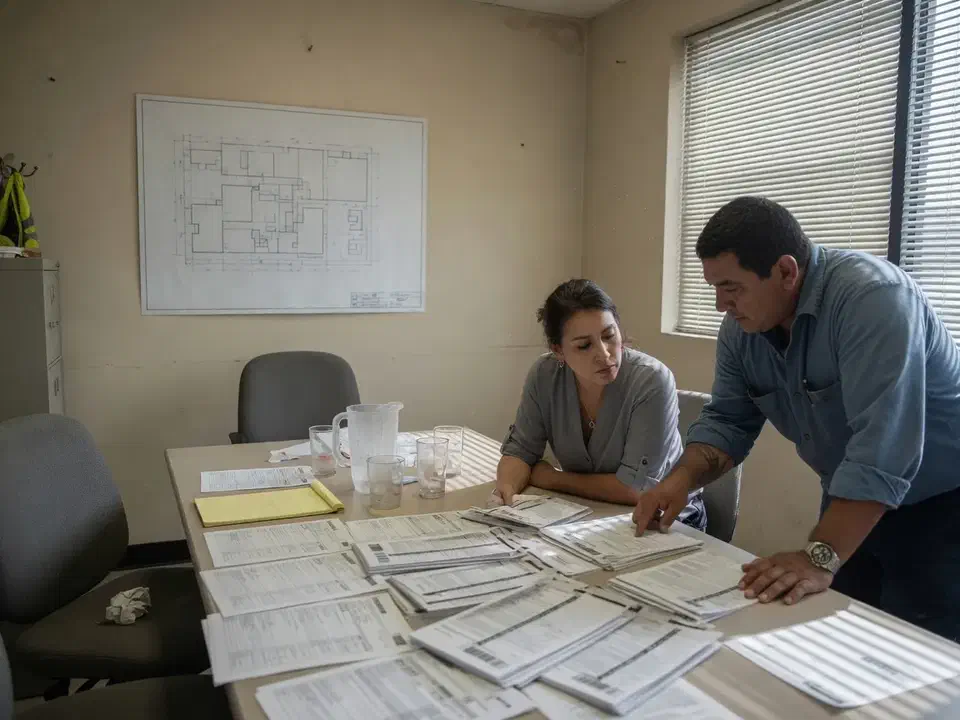
A San Fernando Valley general contractor asked Secure Techies to take over managed IT after a monthly retainer that behaved like break-fix. We ran a five-week parallel handoff: inventory first, tools beside the old stack, a documented restore test, then release. There was no planned weekend outage.
Primary goals
What success had to look like
No Friday leap
The old vendor stayed responsible until monitoring, backups, and the ticket path were proven. A hard cutover was not on the table.
Know what they actually owned
Headquarters plus four jobsites. Users, devices, the Microsoft 365 tenant, the closet, and the field tablets had to land in one inventory.
Leave with a help desk, not a hope
Staff needed a number and a portal that worked on a Tuesday, and the outgoing partner access had to come off after release, not before.
The challenge
What made the switch feel risky
They were not afraid of a better help desk. They were afraid of a weekend where drawings, payroll, and Procore all failed because someone cancelled too early.
- 01
The outgoing shop was a person, not a bench
Tickets aged. Documentation lived in that person's head. Notice was 30 days, which is enough time if you start discovery immediately and not enough if you wait for a zip file that never arrives.
- 02
Admin access was not theirs to lose
Microsoft 365 still had the old partner's delegated admin. The firewall login was a shared password. The backup console used a personal email. Losing any of those mid-move would have looked like an outage.
- 03
The field was invisible
HQ laptops were easy to count. Jobsite tablets and trailer routers were not. Shared 'site iPad' logins were still how supers opened drawings.
- 04
Backup jobs were green. Proof was not.
Nightly jobs completed. Nobody could name the last successful restore. That is a hope, not a control.

How we worked
A parallel handoff, not a Friday cutover
We treated the switch as a project with owners and a written definition of done. The old vendor stayed paid until that list was green.
- 01
Kickoff and access request
Day one we sent the outgoing vendor a written list: inventory, admin credentials, backup product and retention, license list, ISP and SaaS contacts. We copied the client so stalling was visible.
- 02
Discovery while they were still on the hook
We built our own inventory from the tenant, the closet, and the field. We did not wait for a complete packet. Opacity is one reason people leave.
- 03
Deploy beside the old stack
Monitoring, endpoint agents, and backup alignment went in while the old tools still ran. We did not rip antivirus on a Thursday because a sales deck said 'day one security.'
- 04
Acceptance, then release
Help desk live, restore documented, partner roles staged for removal the day after cancel, not the day before. Then they gave notice with a date, not a hope.
What we examined
What we actually took over
A construction MSP transition is not only Outlook. The office and the jobsites had to land in the same plan.
Microsoft 365 identity and partner access
Global admin in the client's hands. New least-privilege access for us. Outgoing GDAP and partner roles scheduled for removal after release.
Endpoints and monitoring
HQ desktops, PM laptops, and the devices we could reach on the jobsites. Agents beside the old stack until we trusted ours.
Backup and a restore test
Confirm the product, retention, and who paid for it. Restore a real file and a mailbox, write the date down.
Network and the closet
Firewall admin, VPN leftovers, ISP contacts, the unlabeled patch panel. The diagram and the rack disagreed.
Jobsite devices and trailers
Tablets, trailer routers, shared logins. Unique accounts and a wipe path when a crew rolled off.
Runbook and ticket path
How to open a ticket, who is on call, what is in the monthly plan. Staff heard it twice: kickoff note and go-live note.
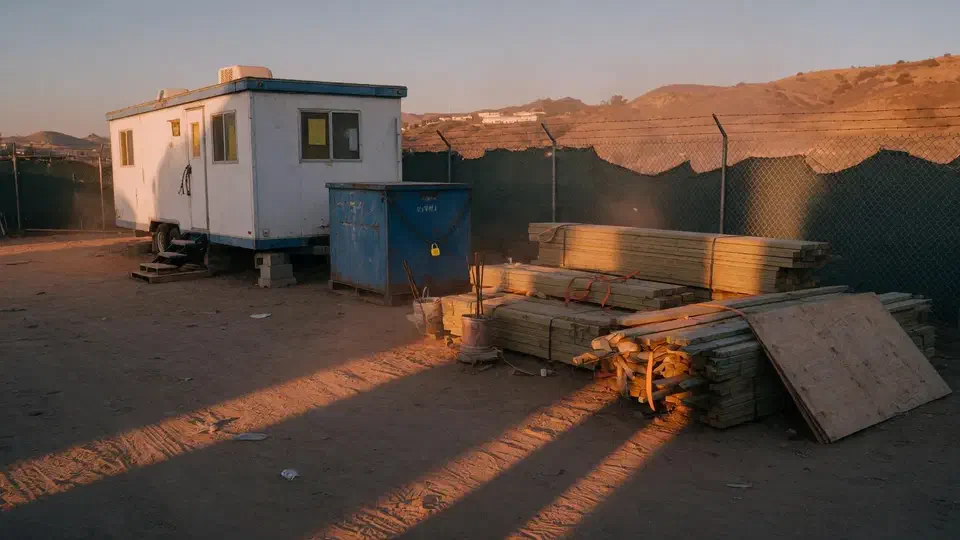
The office was one network. The jobsites were four more, and nobody had written that down.
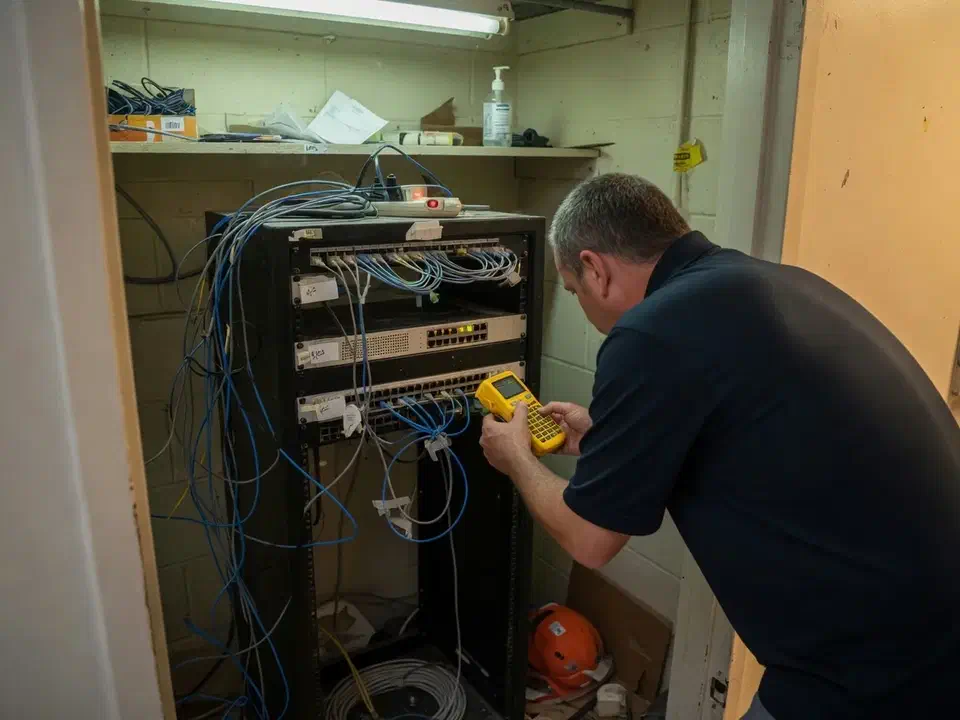
They did not call because a single ticket went badly. They called because the monthly retainer had become a person they could not reach, and they were tired of treating every outage as a surprise.
That is the usual starting point when a company wants to switch IT providers. A San Fernando Valley construction contractor, one headquarters and four active jobsites, came to Secure Techies after a year of slow tickets and a retainer that behaved like break-fix. They were new to us. We had no leftover diagrams and no reason to trust the last vendor’s zip file.
This case study records how we took the environment over in five weeks without a planned weekend outage. Client identifiers stay out. The method does not.
Why they wanted a new provider
The firm is the same shape as other contractors we support: estimators and accounting in a Valley office, supers in trailers, Procore and drawings that have to open when the cell signal is ugly. The National Association of Home Builders has been blunt with members that construction firms now hold client and project data that is worth stealing, not just lumber that is worth walking (NAHB on data privacy and cybersecurity). Headcount does not change that.
What they had was a monthly invoice and a phone number. What they did not have was an inventory, a restore they could prove, or a Microsoft 365 tenant they fully controlled. The FTC’s small-business guidance is plain on this point: you cannot delegate ownership of your own systems just because you pay a vendor (FTC small-business cybersecurity).
Three things forced the issue:
- A superintendent sat in a trailer for half a morning because the shared tablet password had changed and nobody at the old shop answered.
- The controller asked for the last backup restore date and got a screenshot of green jobs instead.
- Notice on the old agreement was 30 days. They wanted to use those days, not waste them waiting for a packet.
What we refused to do
Secure Techies sells managed help desk and infrastructure as an ongoing plan. A takeover is a project with a start and an acceptance list. It is not a logo swap on Friday.
We wrote the non-goals into the statement of work.
Out of scope on purpose:
- A hard cutover (“they are gone Friday, you are live Monday”)
- Ripping the old antivirus or backup before replacements were proven
- Pretending we would become the Procore administrator of record
- A same-week hardware refresh stacked on top of discovery
In scope:
- Inventory of users, devices, tenant, network, backups, and vendors
- Parallel deploy of monitoring and endpoint tools
- A restore test with a date
- Help desk go-live and a staff note
- Offboarding the outgoing partner after release
If you want the longer playbook this job followed, it is the same sequence as our how to switch IT providers guide. This page is the project record.
How the overlap actually worked
The golden rule is overlap. The new team documents and deploys while the old team is still contractually responsible. Only after the new stack is live do you release the old relationship.
Week 1: access and inventory
Day one we sent the outgoing vendor a written request and copied the client: asset list, admin credentials and MFA recovery, backup product and retention, license list, ISP and SaaS contacts, any scripts or group policies. CIS Control 1 is not a slogan. You cannot protect or take over what you have not listed (CIS inventory and control of enterprise assets). CISA’s Cybersecurity Performance Goals say the same in government language: keep a living inventory of the assets that matter (CISA CPG 2.0).
We did not wait for a complete reply. Week 1 we walked the closet, exported the tenant, sat with operations, and drove two jobsites. The packet that eventually arrived was late and thin. Our inventory was already better.
NIST CSF 2.0 puts that work under Identify, specifically asset management. It is a public framework, not a license, and it is the right vocabulary for “what do you actually have” (NIST Cybersecurity Framework).
Weeks 2 and 3: tools beside the old stack
Monitoring agents and the new help desk path went in while the old vendor could still be called. We did not disable their tools to look busy.
Backup was the stubborn item. Jobs completed to a cloud target the controller paid for and the old vendor had configured years earlier. We confirmed retention, who owned the console, and whether the outgoing shop’s personal email was still the only recovery path. Then we restored a project folder and a mailbox into a safe location and wrote the date down. CISA’s #StopRansomware guidance is explicit: maintain backups and regularly test them. A green job history is not that test (CISA StopRansomware Guide).
Microsoft 365 was the other stubborn item. The client did not hold a Global Admin they could use without calling the old shop. The outgoing partner still had delegated admin. Microsoft documents how a customer removes those roles from Settings, Partner relationships. Removing roles is not the same as deleting the reseller relationship, and the order matters (manage Microsoft 365 partner relationships). For granular delegated admin, the customer can end the relationship from the same page (customer-led GDAP termination). We staged that work for the day after cancel, not the week of discovery.
Weeks 4 and 5: acceptance, then release
Staff opened real tickets. We fixed a printer and a Procore login the way the new path said they should. The restore write-up sat in the runbook. The acceptance list went green:
- Inventory complete enough to operate (HQ plus the four jobsites)
- Client-held Global Admin, MFA on, our access least-privilege
- Monitoring live and alerting to us
- Restore tested
- Ticket path used
- Old vendor accounts scheduled for disablement after release
Then they sent notice with a date. Two more weeks of paid overlap after monitoring was live. Cheaper than a weekend outage.
What the outgoing vendor would not hand over
You own your environment. Ask in writing anyway.
What arrived: a spreadsheet of HQ PCs, a few firewall screenshots, a license list that was eight months old.
What did not arrive: jobsite tablets, trailer router admin, the backup console recovery, MFA methods for shared mailboxes, the domain registrar login.
We rebuilt the gaps from the tenant, vendor reset paths, and standing in the trailer. That is slower than a clean packet and still faster than staying. Opacity is one reason they left. It should not become a permanent tax on the next relationship.
If the incoming provider cannot build that inventory without the old vendor’s blessing, they are not ready to be the incoming provider.
What we verified before they cancelled
The blog checklist and this job used the same definition of done.
| Gate | What “done” meant here |
|---|---|
| Inventory | Users, HQ devices, jobsite tablets we could reach, tenant, closet, ISPs, Procore/Autodesk as vendors |
| Identity | Client Global Admin, MFA on privileged roles, outgoing partner roles staged, not yet yanked |
| Monitoring | Agents on the fleet we could see, alerts to our desk |
| Backup | Product, retention, owner, one file restore, one mailbox restore |
| Help desk | Portal plus phone, two real tickets closed |
| Field | Trailer connectivity contacts, unique logins started, wipe path written |
We did not invent a device count we could not defend. Four jobsites plus HQ is the scope. Some tablets only showed up when a super brought them to the office. That is construction. The inventory is a living list, which is what CIS and CISA both ask for.
For the longer hygiene that sits under a takeover, the backup and disaster recovery service is the same idea as the restore gate we used before they cancelled.
The office and the jobsites
A contractor is two businesses sharing a logo. Headquarters has Microsoft 365, payroll, and the closet. The field has a trailer, a weak signal, and a tablet that still said “site iPad.”
Most MSPs only staff the first business. That is how this client ended up with a retainer that could reset Outlook and could not tell you which trailer router was on which lot.
We did not turn this engagement into a camera project. Yard cameras were a later conversation. The transition itself had to put unique logins, MFA, and a wipe path on the field devices, and it had to name the ISPs. If the incoming provider only counts Outlook seats, the jobsites stay the old vendor’s leftover mess.
Network security after the handoff started with the closet: unused VPN profiles, an any-any leftover, a registrar login that had been a personal email. None of that required a forklift. It required someone who would stand in the rack and write.
What changed in the first month
The transition does not “secure” a contractor. Closing the leftover items does.
By the cancel date they had a help desk staff actually used, a restore with a date, and a tenant they controlled. The first 30 days after release were cleanup: finish unique logins on the last tablets, disable the outgoing partner roles, put the registrar on a company card, schedule the next restore on a calendar.
Secure Techies stayed on under the monthly managed help desk and cybersecurity plan. That follow-on work is a separate engagement. This page is about the switch.
What they had that they did not have on day one:
- One inventory both the controller and the PM would sign
- A ticket path that was not a personal cell
- Proof of a restore
- A runbook the next engineer could pick up
What they still did not have, and should not claim:
- A zero-finding environment
- A Procore administration contract
- A substitute for showing up when a trailer is offline
What a buyer should copy
Overlap is the whole trick. If the new provider wants the old one gone before monitoring is live, you are buying a weekend.
Ask in writing. Rebuild anyway. The packet will be late. Your inventory should not wait on it.
Restore something real. A screenshot of green jobs is how people get surprised by ransomware.
Hold Global Admin yourself. Partner access is a tool. It is not ownership. Remove the old roles after release, not as a victory lap in week one.
Count the jobsites. If you are a contractor and the incoming scope is only the office, you are switching half a company.
Planning your own switch
If you are leaving a weak or merely mediocre IT vendor, start with a written transition plan and a date you will not cancel before. Bring the old contract, whoever holds the tenant, and a list of sites, not just seats. We will tell you what belongs in a two-week overlap and what belongs in five.
Secure Techies works from Canoga Park with firms across Los Angeles and Southern California. Schedule a consultation if you want the same kind of parallel handoff this client used.
For a different kind of project record, see the Microsoft 365 email migration or the IT risk assessment.
The outcome
What they had on the day they cancelled
- A written inventory of HQ users, devices, the Microsoft 365 tenant, the closet, and the four active jobsites.
- Monitoring and a help desk path that staff had already used on real tickets.
- A restore test with a date, a file, and a mailbox, not a green job history.
- Client-held Global Admin, with our access least-privilege and the outgoing partner staged for removal after release.
- No planned Friday cutover and no invented uptime percentage.
- A runbook the next engineer could pick up without a tour of someone's head.
Technologies and frameworks
Related services
Work that sits next to this project
Managed help desk
The ticket path that has to work on Tuesday, not just in the sales deck.
IT infrastructure
The closet, the tenant, and the field gear that a transition has to actually take over.
Backup and disaster recovery
Jobs that complete are not a restore. We test one before the old vendor is released.
More projects
Other case studies
 Wiping Jobsite Devices the Day a Crew Left
 Microsoft 365 Backup When Retention Was Not Enough
Questions
Frequently asked questions
Will we have downtime if we switch IT providers?
How long does an MSP transition take?
What if the old provider will not hand over passwords?
When do we cancel the old contract?
Does a construction company switch differently than an office firm?
Do you replace Procore or Autodesk during a switch?
Leaving a weak IT vendor?
Secure Techies runs parallel MSP transitions for Southern California firms that want a help desk, not a Friday leap. Start with a conversation in Canoga Park.