Contractors and builders
Construction IT Services
Construction companies run an office and a moving set of jobsites. Secure Techies supports both: Microsoft 365, field devices, and rapidly deployable site surveillance.
Why this industry is different
The office is not the only network
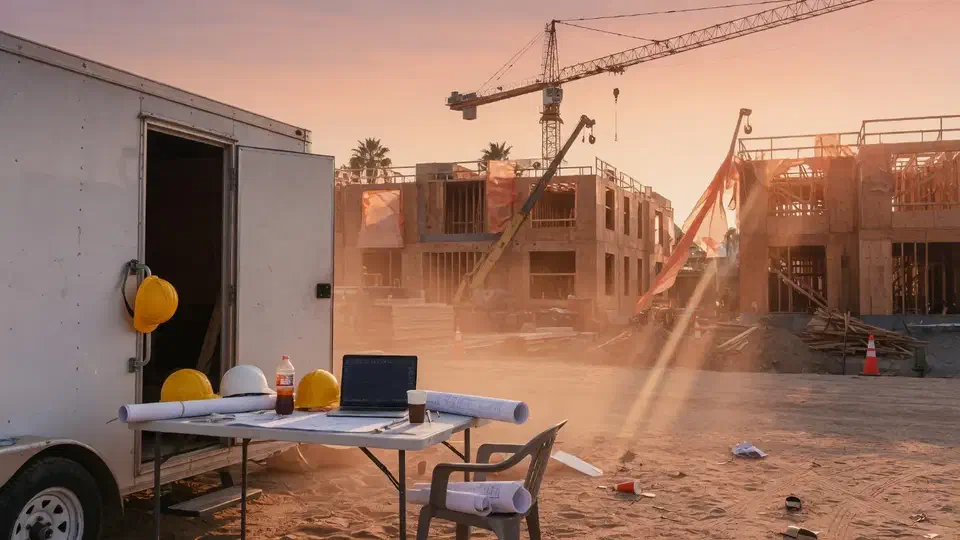
Crews need drawings, RFIs, and timekeeping from a trailer with weak cell service. Thieves need twenty minutes with a dark lot.
- 01
Shared tablets and leftover logins
Project access changes every month. Unmanaged devices are how Procore and email get compromised.
- 02
Multi-site chaos
Each job invents its own Wi-Fi, printer, and file habit. Standardization is how you scale without hiring another coordinator.
- 03
Jobsite theft
Copper, tools, and equipment walk. See our notes on [construction site security in Los Angeles](/blog/construction-site-security-los-angeles/).
What is in the plan
Everything we do for contractors
Office IT plus the field layer most MSPs skip. Grouped the way a GC actually runs a job.
Office and headquarters
- Microsoft 365 and help deskPMs, accounting, and estimators get the same ticket standard as any professional firm.
- BackupsOffice files, Microsoft 365, and the shared project data you cannot rebuild from memory.
- Vendor coordinationProcore, Autodesk, and accounting software — we own the environment, they own the app.
- On-site across SoCalHardware and trailer drops across Los Angeles, the Valley, and nearby counties.
Jobsites and field
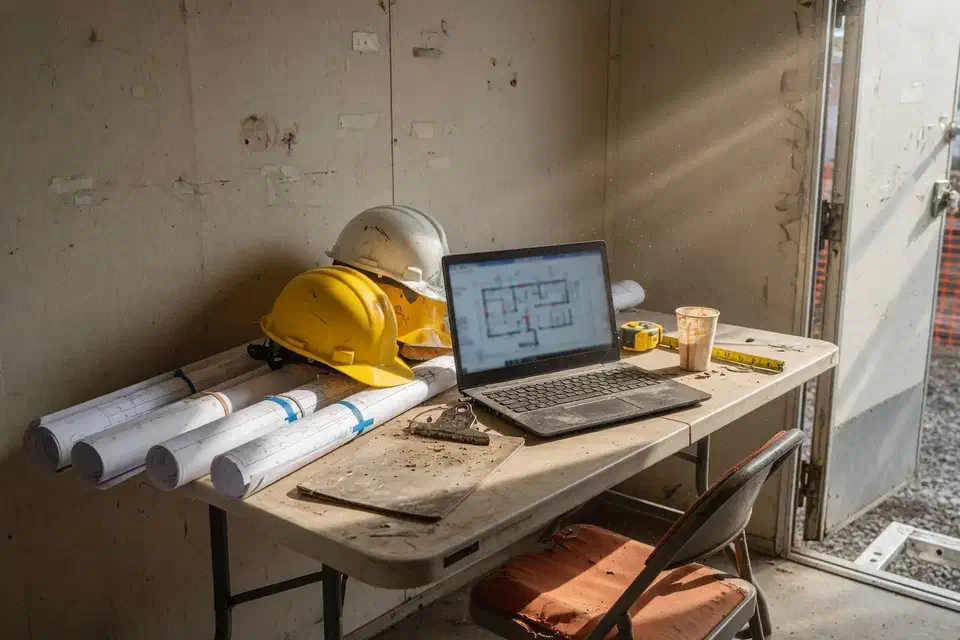
- Jobsite connectivityTrailer internet, failover where it is worth it, and access to drawings when cell service is ugly.
- Field device managementTablets and phones with unique logins, MFA, and a wipe when a crew rolls off.
- Project onboarding and offboardingStand up access at groundbreaking. Shut it down at punch list.
- Multi-site standardsFive jobs should not mean five different consumer routers and password schemes.
Site security
- Mobile CCTV trailersSolar, rapidly deployable cameras for lots, conex boxes, and after-hours sites.
- Email and identity securityShared “site iPad” accounts are how Procore gets compromised. We replace that habit.
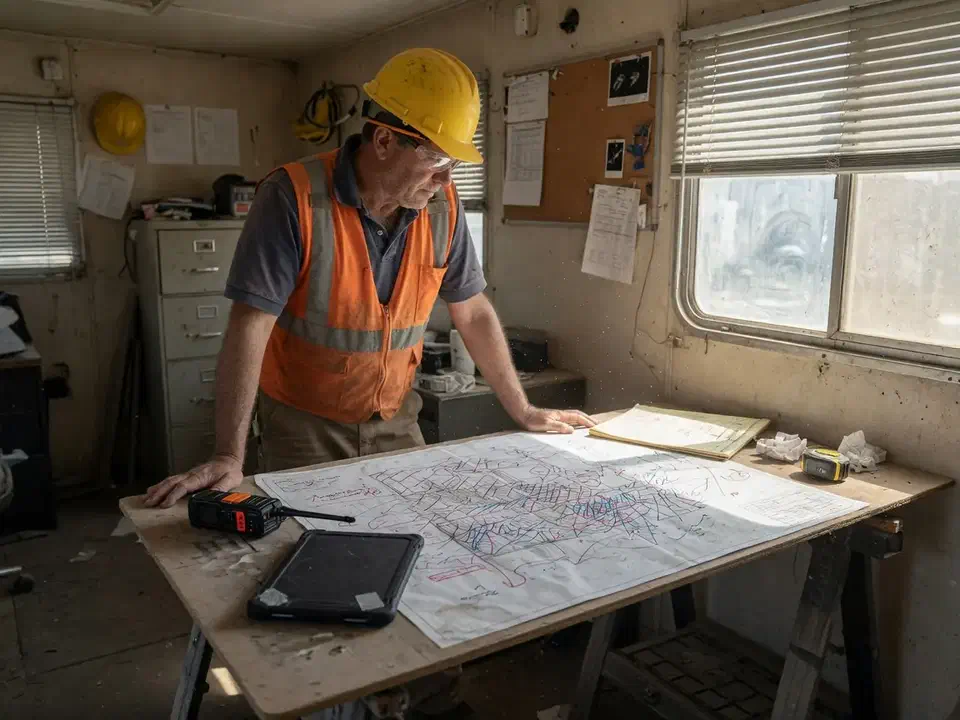
If the trailer cannot reach the drawing set, the crew is guessing.
How the work is packaged
IT and site security for builders
Managed IT for the office, plus the field layer most MSPs skip.

Managed infrastructure
Office servers, cloud, and the laptops that bounce between trailer and HQ.
View service
Managed help desk
Support for PMs, accounting, and field supers who cannot wait on hold.
View service
Network security
Firewalls, jobsite connectivity, and remote access that still works off-site.
View service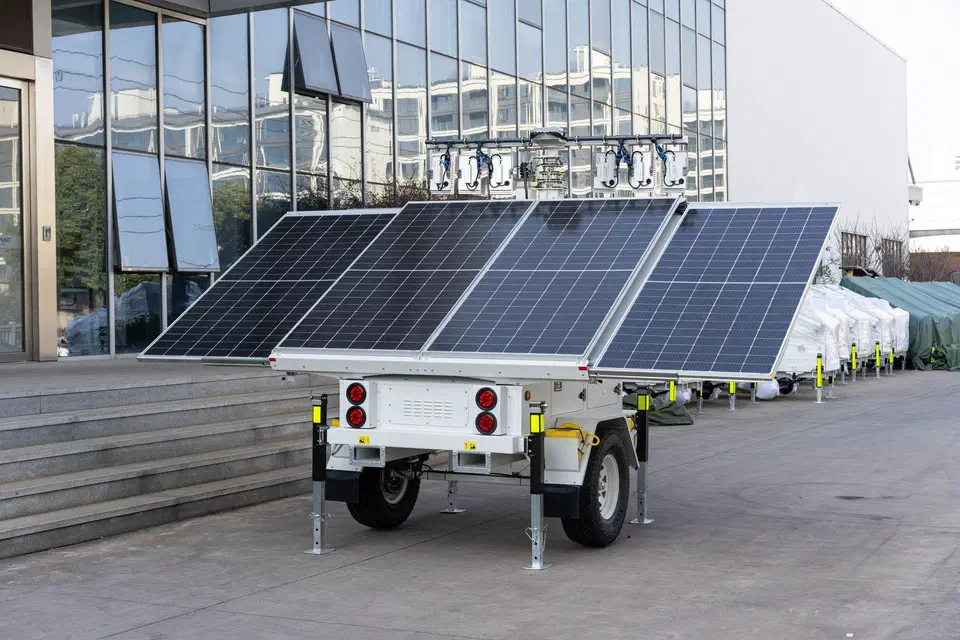
Mobile CCTV trailers
Solar, rapidly deployable surveillance for temporary and high-risk sites.
View serviceField and office tools we support around
We keep identity, devices, and networks ready. Application support stays with Procore, Autodesk, and the rest.
- Microsoft 365
- Procore / Autodesk (environment)
- MDM for tablets
- Jobsite connectivity
- Mobile CCTV trailers
- Project offboarding
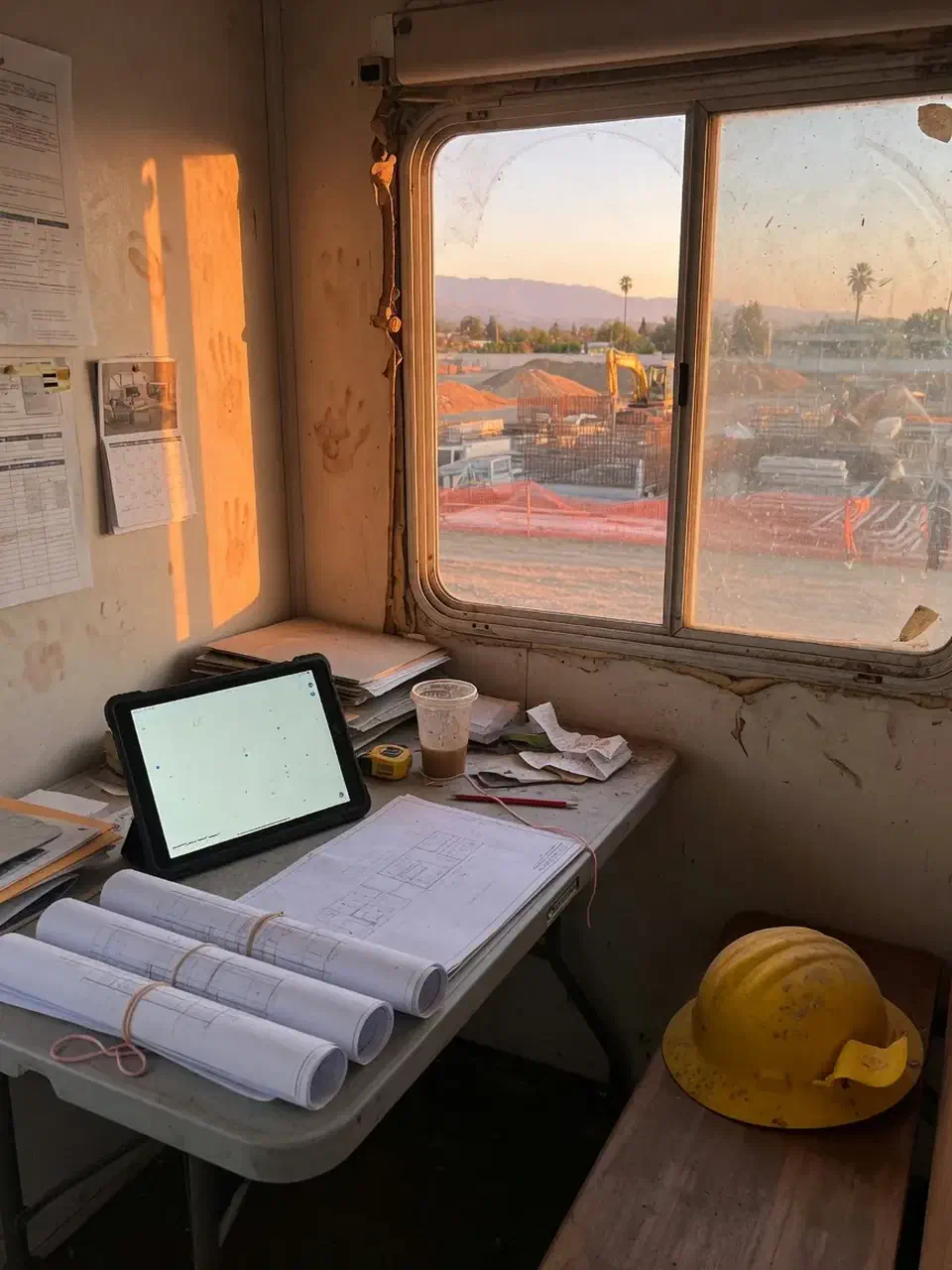
Managed IT for construction companies
Secure Techies provides construction IT services for contractors who need the trailer online and the yard watched. From Canoga Park we run managed help desk, infrastructure, and mobile CCTV trailers as one plan — not two vendors who will not return each other’s calls. For a project record of taking over a contractor from a neglected vendor without a Friday cutover, see switching IT providers without a weekend outage.
A construction company is two businesses sharing a logo. Headquarters has estimators, accounting, and a Procore login. The field has a trailer, a weak cell signal, a tablet that still says “site iPad,” and a lot that goes dark at 6 p.m. Most MSPs only staff the first business. The second is where drawings fail to sync, leftover logins linger after a crew rolls off, and copper walks.
Who we work with
General contractors, trade contractors, and developers with a Southern California office plus active jobsites. Typical size is 10 to 80 people. Plants that need IT/OT boundaries are a better fit for manufacturing. Distribution buildings start at warehousing and logistics. Brokerages that also hold vacant lots often add real estate IT.
What is in the plan
A standard engagement covers three layers:
- The office. Microsoft 365, help desk for PMs and accounting, backups that include mail and shared project data, and vendor coordination when Procore or Autodesk wants to blame “the network.”
- The field. Trailer connectivity, unique logins on tablets and phones, MFA, a wipe when a crew leaves, and the same wireless standard on job five as on job one.
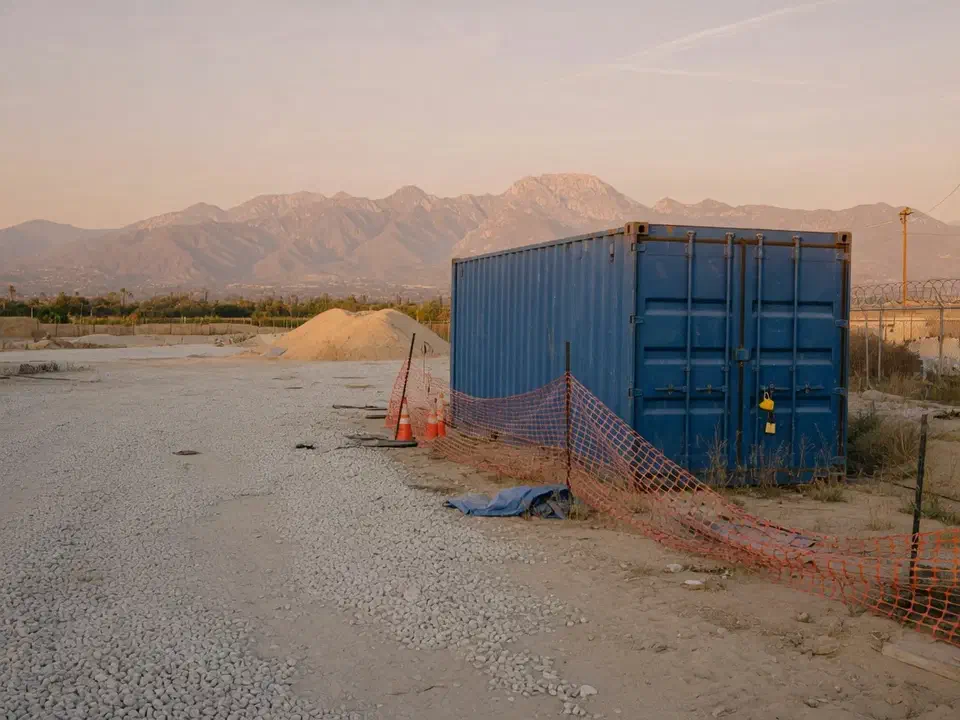
- The yard. Mobile CCTV trailers when the risk is after-hours theft, not just a phishing email. Solar, rapidly deployable, no six-month cabling project.
Projects — a new trailer package, a headquarters move, a major Microsoft 365 cleanup — are quoted separately so the monthly plan stays predictable.
Jobsite connectivity
Trailers sit where the work is, not where the fiber is. We plan for ugly cell service: a primary connection, failover where the job is worth it, and backups that still make sense if the trailer is offline overnight. Superintendents should reach drawings and RFIs without calling the office to “email it again.”
We do not replace Procore or Autodesk. We keep identity, devices, and networks healthy so those tools stay available — and we stay on the call when the vendor needs a counterpart.
Theft is an operations problem
The NICB has documented how rarely stolen construction equipment comes back. Cameras do not replace insurance. They change what happens at 2 a.m. on an empty lot: a live view, a recording, a deterrent sitting where a conex used to be an easy target. More in our notes on construction site security in Los Angeles.
Questions worth asking
- Who answers when a superintendent cannot open drawings from the trailer?
- How do you wipe a tablet the day a crew rolls off?
- When did you last restore project files — not a lab folder?
- Do you deploy cameras, or only talk about physical security?
- Will you show up on a Valley or LA jobsite, or is everything a remote contractor?
If the answers are only about Outlook, keep shopping.
Coverage and cost
Headquarters is in Canoga Park. On-site IT and trailer drops cover Los Angeles, the San Fernando Valley, and nearby Southern California counties. Remote help desk covers the office wherever staff are working.
Pricing depends on office headcount, how many active sites, and whether CCTV is in the same contract. We quote after a free assessment.
Call (818) 450-5384 or contact us.
Related reading
How an engagement starts
How we start with a contractor
Stand access up at groundbreaking. Tear it down at punch list.
- 01
Map office and sites
How many trailers, who has a tablet, where drawings live.
- 02
Standardize access
MFA, unique logins, and a wipe process when a crew rolls off. Project record: [wiping jobsite devices the day a crew left](/case-studies/wiping-jobsite-devices-when-a-crew-left/).
- 03
Watch the yard
Trailers for cameras when the lot is the risk, not just the inbox.
- 04
Stay through the job
Help desk for PMs and accounting. Offboard when the job ends.
Why this team
Why contractors use us
We already sit in professional-services IT. Construction adds mobility and physical security — and we run both.
Office and field in one contract
You should not need one vendor for Outlook and another to watch the conex overnight.
Southern California sites
We know Valley, LA, and OC jobsites. Local dispatch when hardware or a trailer needs a human.
Project lifecycle
Stand up access at groundbreaking, shut it down at punch list. Offboarding is a security control.
Honest scope
We do not claim to be your Procore administrator of record. We keep the environment those tools need.
Construction IT questions
Do you support Procore, Autodesk, or PlanGrid?
Can you put cameras on a temporary site?
How do you secure field phones and tablets?
Do you work with GCs and trade contractors?
Where do you cover jobsites?
Do you handle both the office and the field in one contract?
How much does construction IT support cost?
Is a warehouse the same plan as a jobsite?
Other industries
 Warehousing
 Manufacturing
 Real estate
 Small business
Ready to talk about your IT?
A free assessment from the Canoga Park team. We will tell you what we would fix first.