Nonprofits and associations
Nonprofit IT Services
Donors trust you with more than money. Secure Techies keeps nonprofit systems running and supporter data from becoming the next headline.
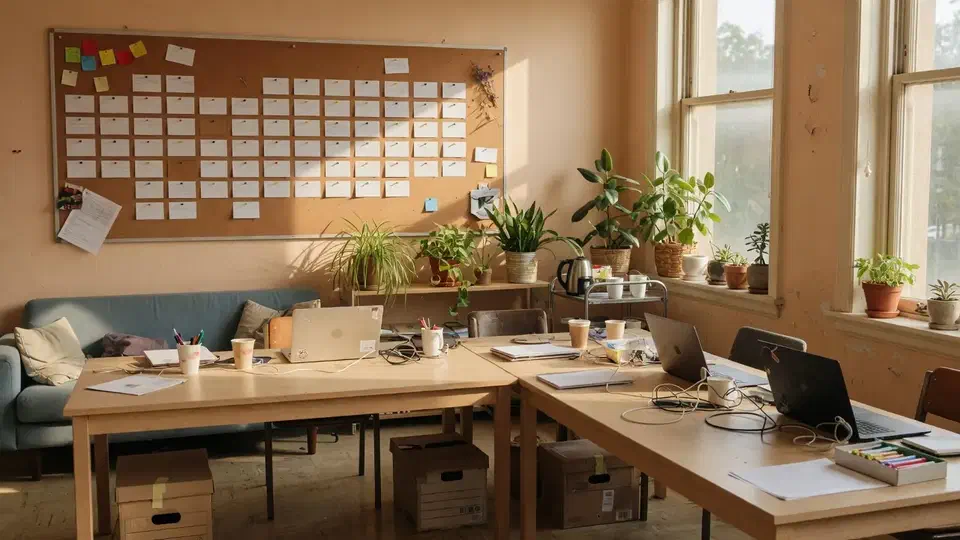
Why this industry is different
Mission work still runs on email and a CRM
A ransomware event does not care that you are a 501(c)(3). Grant reports, donor files, and volunteer lists all have to come back.
- 01
Board laptops and leftover access
Volunteers and departing staff often keep mailbox access. Offboarding is a security control.
- 02
Grant and donor files
Personal data plus payment information. CCPA and donor expectations both apply in California.
- 03
Lean staff
The “IT person” is usually also operations. We take the tickets so programs stay staffed.
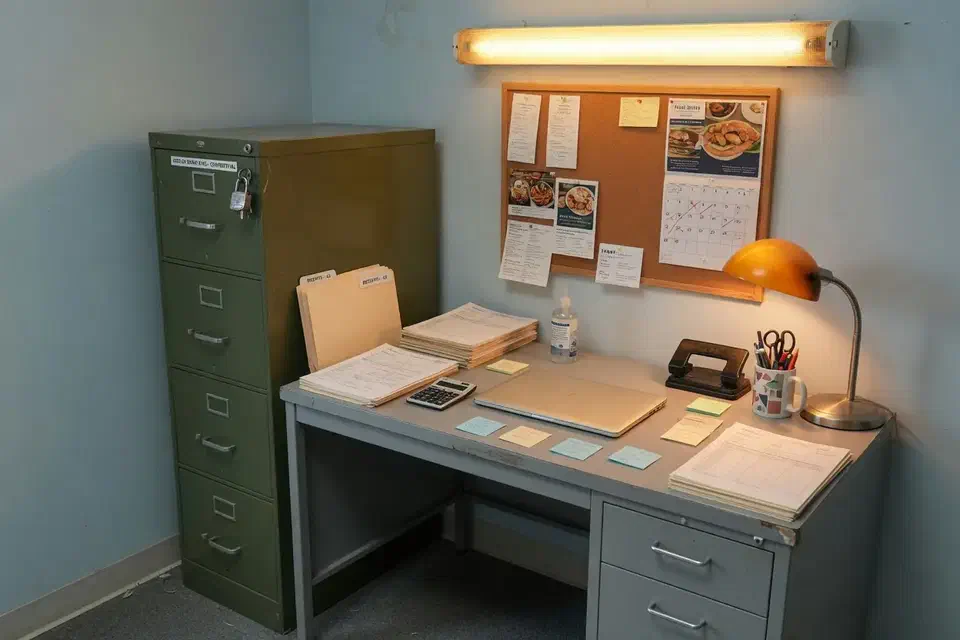
What is in the plan
Everything we do for nonprofits
Donor data, volunteer access, and a help desk that does not eat program time.
People
- Staff and volunteer help deskIncluding the people who only work Tuesdays.
- Volunteer offboardingAccess ends when the shift or term ends.
- Board-ready reportingWe can show backups were tested.
Donor and program data
- Donor-data protectionMFA, least privilege, encryption, and a backup that has been restored.
- Microsoft 365Mail, sharing, and board accounts that should not live forever.
- CRM environmentIdentity and devices around Bloomerang, Salesforce, or similar. App support stays with the vendor.
Right-sized stack
- Website securityWhen the public page is part of fundraising.
- Practical securityNo unused enterprise suite you will never staff.
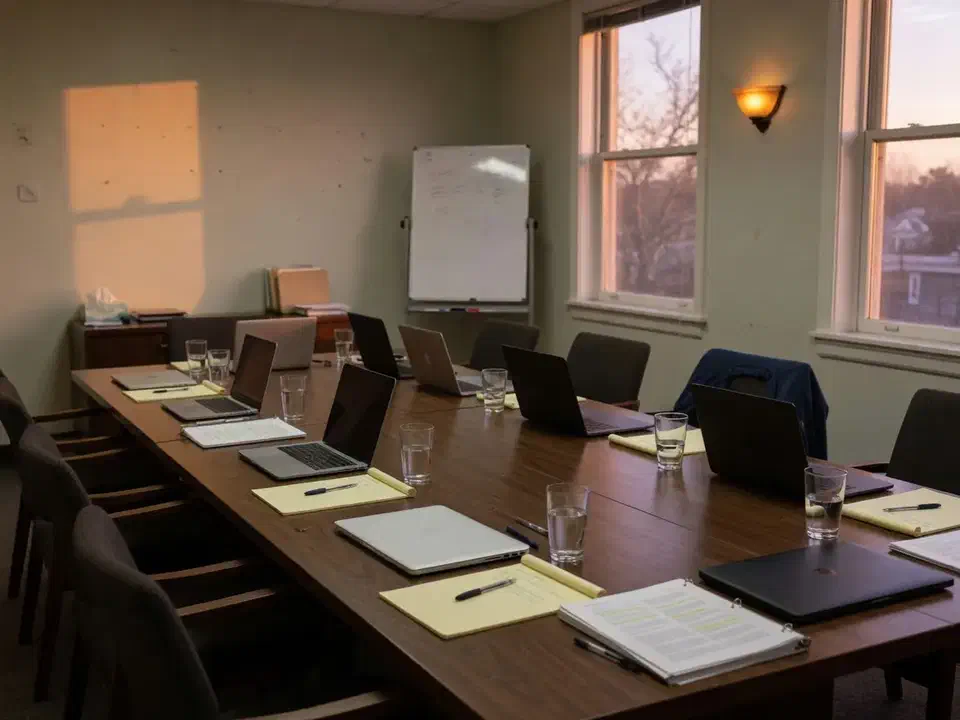
A breach at a nonprofit is not just an IT story. It is a donor-trust story.
How the work is packaged
IT we run for nonprofits
A right-sized plan: Microsoft 365, backups, security, and a help desk — not an enterprise stack you will never use.
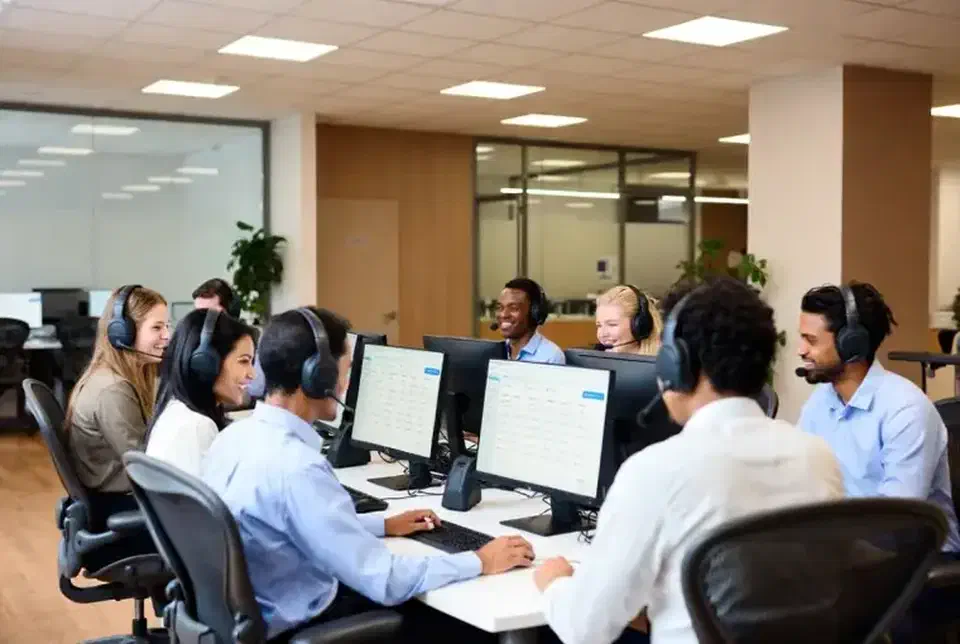
Managed help desk
Support for staff and the people who only work Tuesdays.
View service
Cybersecurity
MFA, email security, and endpoint protection that a small team can live with.
View service
Backup and recovery
Restores for donor systems, files, and Microsoft 365.
View service
Web and digital
Secure sites when the public-facing page is part of fundraising.
View serviceSystems we keep around fundraising
CRM application support stays with the vendor. We keep identity, mail, and backups honest.
- Microsoft 365
- Bloomerang / Salesforce (environment)
- MFA
- Volunteer offboarding
- Donor-file backups
- Website security
Managed IT for nonprofits
Secure Techies provides nonprofit IT services for organizations that need donor-data protection and a help desk without building an internal department.
A ransomware event does not care that you are a 501(c)(3). Grant reports, donor files, and volunteer lists all have to come back. The “IT person” is usually also operations. We take the tickets so programs stay staffed.
Who we work with
Southern California nonprofits, associations, and churches that look like a small professional office plus volunteers. Schools usually start with education IT. Growing offices that happen to have a mission often fit small business IT.
What is included
A standard engagement covers:
- Managed help desk for staff and the people who only work Tuesdays
- Microsoft 365 so board mailboxes do not live forever
- Cybersecurity: MFA, least privilege, encryption, email filtering. See how we rolled out Microsoft 365 MFA at a nonprofit without locking the board out of email.
- Identity and devices around Bloomerang, Salesforce, or similar — application support stays with the vendor
- Volunteer offboarding when the shift or term ends
- Backup and disaster recovery that has been restored, with a sentence the board can hear
- Website security when the public page is part of fundraising
- No unused enterprise suite you will never staff
California nonprofits holding consumer personal information should treat CCPA as real.
Donor data and the board
A breach at a nonprofit is a donor-trust story, not only an IT story. The plan is access control, email security, a backup that has been tested, and reporting a board can understand. We do not sell a stack you will never staff.
Cost
We do not pretend nonprofit IT is free. We scope to what you need this year, which is usually the real savings. Ask during the free assessment.
Call (818) 450-5384 or contact us.
Related reading
How an engagement starts
How we start with a nonprofit
We do not sell you a stack you will never staff.
- 01
See the real budget
What you must protect this year versus what can wait.
- 02
Close leftover access
Boards and volunteers who still have mailboxes.
- 03
Prove the backup
Restore donor data once so the board can hear it happened.
- 04
Quiet operations
Help desk so program staff stay on program work.
Why this team
How we price and staff this work
We do not pretend nonprofit IT is free. We do keep the plan honest about what you need this year.
No unused enterprise suite
If you do not need a SOC overlay, we will not sell you one.
Education overlap
Schools and nonprofits often share a board. See education IT.
Local
Canoga Park team, Southern California on-site.
Clear reporting
Boards want to know backups were tested. We can show that.
Nonprofit IT questions
Do you offer nonprofit discounts?
Can you support Salesforce, Bloomerang, or similar CRMs?
How do you protect donor data?
Do you work with churches and associations?
Where do you provide support?
Can you report to a board that backups were tested?
How much does nonprofit IT support cost?
Do you secure fundraising websites?
Other industries
 Law firms
 Healthcare
 Accounting
 Financial services
Ready to talk about your IT?
A free assessment from the Canoga Park team. We will tell you what we would fix first.