
Everything you need, nothing you don't
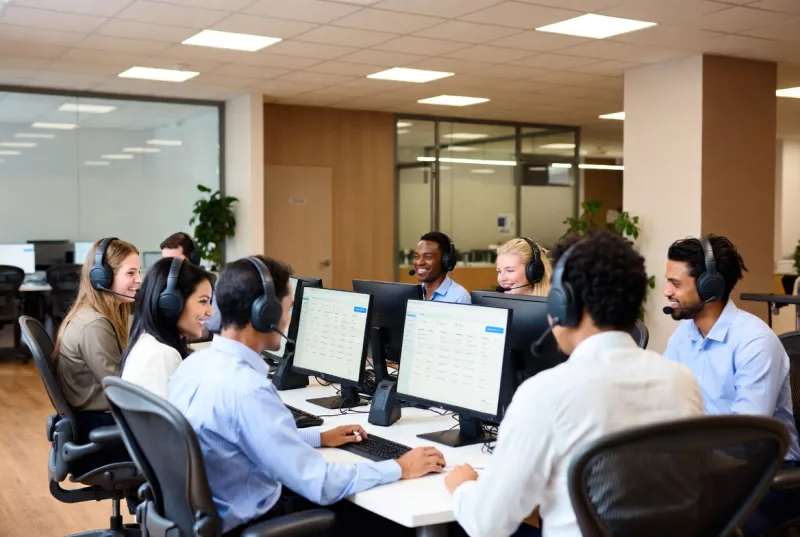
24/7 Remote Support & Ticketing
Your team gets instant access to skilled technicians around the clock. Our streamlined ticketing system ensures every issue is tracked, prioritized, and resolved efficiently — nothing falls through the cracks.
On-Site Support Across SoCal
Some problems demand hands-on attention. Our local technicians provide fast on-site support throughout the greater Los Angeles area — arriving quickly to resolve hardware failures, network issues, and critical problems.
Employee Onboarding & Offboarding
We handle the full IT lifecycle for your employees — accounts, devices, permissions on day one, and secure revocation on their last day. Seamless for HR, secure for your business.
Microsoft 365 & Google Workspace Admin
From mailbox configurations and license management to permissions and security policies — we manage your collaboration platforms so your team always has the tools they need.
What Our Help Desk Covers
When you partner with Secure Techies for managed help desk support, your team gets access to a full-service IT support operation — without the cost of building one in-house. Here’s what’s included:
Desktop & Laptop Support
Your employees’ primary tools should never be the reason work stops:
- Operating system troubleshooting (Windows, macOS)
- Application installation, updates, and configuration
- Performance optimization and diagnostics
- Peripheral setup (monitors, docking stations, accessories)
- Blue screen and crash recovery
Email & Collaboration
We keep your communication tools running smoothly:
- Microsoft 365 mailbox management and troubleshooting
- Google Workspace administration
- Calendar, contacts, and shared mailbox configuration
- Email security and spam filter management
- Teams/Slack/Zoom troubleshooting
Mobile Device Support
Your team works from everywhere — their devices should too:
- iOS and Android device configuration
- Mobile email and app setup
- MDM (Mobile Device Management) enrollment
- Remote wipe capabilities for lost/stolen devices
- BYOD policy implementation
Employee Lifecycle Management
IT shouldn’t slow down HR processes:
- Onboarding — Account creation, device setup, application access, email configuration, and first-day orientation
- Role changes — Permission adjustments, device swaps, and application access updates
- Offboarding — Account deactivation, data backup, device collection, and access revocation
Print & Peripheral Support
The unglamorous but essential stuff:
- Network printer setup and troubleshooting
- Scanner and multifunction device configuration
- Driver management and firmware updates
- Print queue management and optimization
Think of Us as Your IT Department
With Secure Techies, you get a dedicated account manager who understands your business, your environment, and your people. Our team doesn’t just fix problems — we learn your systems, anticipate issues, and become an extension of your organization.
How It Works
Submit a Ticket
Your team contacts us via phone, email, or our support portal. Every request is instantly logged and assigned a priority level based on business impact.
Expert Triage
A qualified technician reviews and begins working on your issue within minutes — not hours. Most problems are resolved remotely in a single session.
Resolution & Follow-Up
We resolve the issue, document the solution, and follow up to make sure everything is working perfectly. If it's a recurring problem, we implement a permanent fix.
Continuous Improvement
Monthly reports highlight ticket trends, response times, and recurring issues — helping us proactively eliminate problems before they affect your team.